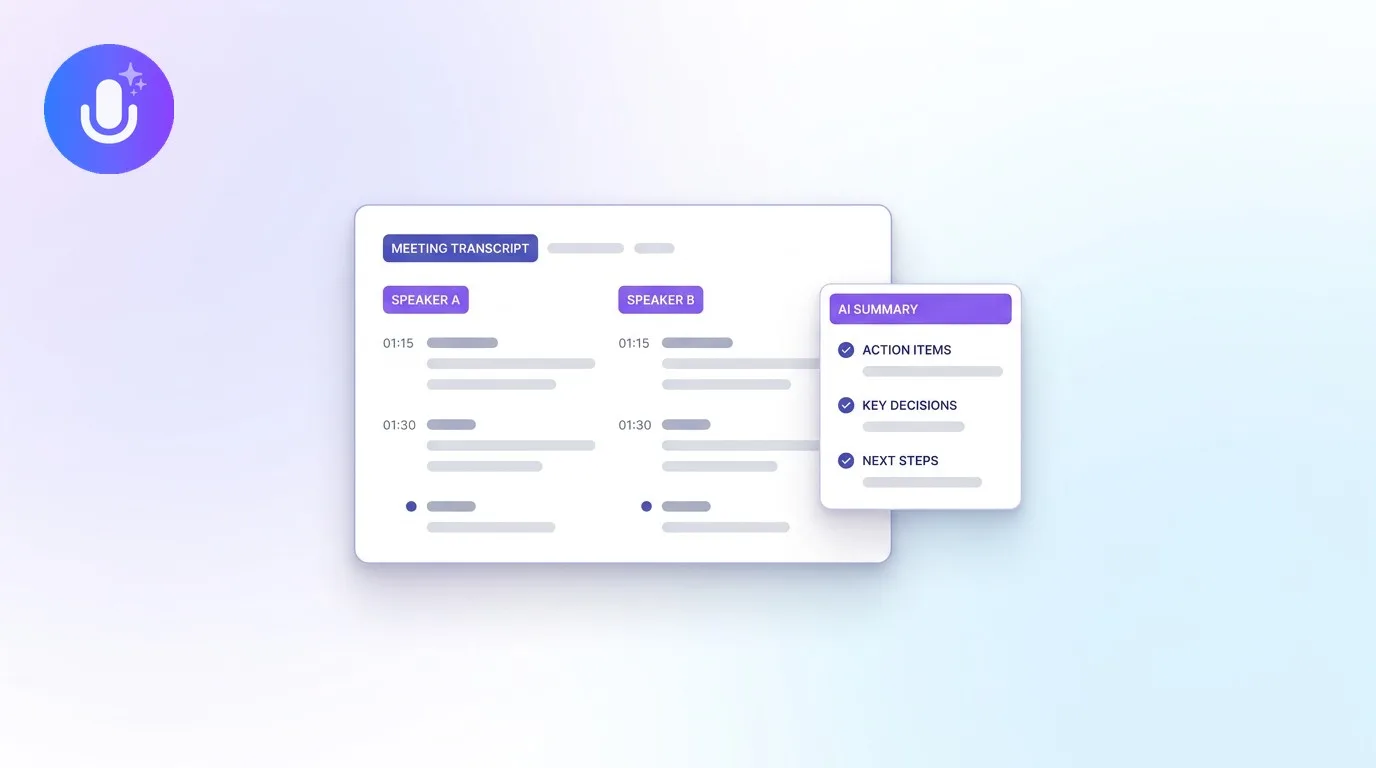
Short answer: Yes, you can use an AI meeting summarizer like CraftNote to capture audio, transcripts, and draft summaries in legal, medical, financial, and executive settings. The rule that keeps you safe: treat every AI-generated summary of a high-stakes meeting as a working draft until a named person has reviewed and approved it. CraftNote provides the capture, transcription, security, and export layer; your organization provides the review and approval process.
← Back to Blog
Can You Use AI Meeting Summaries in Legal and Regulated Meetings?
Legal operations teams, healthcare administrators, finance leaders, and chiefs of staff ask the same question in different words: is it responsible to let an AI tool take the notes when the meeting has consequences? This guide gives a direct answer, a practical review workflow, and an honest list of what CraftNote does and does not do, so you can make the call with full information.
Can AI meeting summaries be used in regulated settings?
Yes, with one condition: the AI output must not be the final record for decisions that carry legal, clinical, or financial weight. AI transcription is accurate enough to be genuinely useful, but no AI system is accurate enough to sign off on a contract clause, a care decision, or a board resolution by itself. The teams that use AI note takers well in regulated environments all follow the same pattern: capture everything with the tool, then route anything consequential through a named human reviewer before it is shared, filed, or acted on.
Recording consent comes first, everywhere. Before any tool enters the room, confirm that recording is permitted under your jurisdiction's consent rules and your own internal policies, and tell participants the meeting is being recorded. For a deeper treatment of the European side, see our GDPR-compliant meeting transcription guide.
When should a human review the AI summary?
Review is mandatory whenever a summary could influence decisions, obligations, or external communications. In practice that means:
- Board or executive decisions and official meeting minutes tied to corporate actions
- Legal advice, contract discussions, or any text that may become legal language
- Medical recommendations, care-plan notes, or clinical decision summaries
- Financial recommendations, audit conclusions, valuations, or regulatory filings
- Disputed statements, contested facts, or unclear speaker attribution
- Any summary shared outside the core project team: external counsel, regulators, payers, or other third parties
- Summaries connected to compliance obligations, deadlines, or contractual notice periods
For everyday internal meetings (standups, project syncs, brainstorms), the AI summary can usually stand on its own. The review requirement scales with the stakes, not with the tool.
What safeguards and export controls exist?
Honesty matters more than a long feature list here, so this table separates what is built into CraftNote from what your organization should handle through its own process. Both columns matter; neither replaces the other.
| Layer | Built into CraftNote | Your organization's process |
|---|---|---|
| Capture | Bot-free recording from the device microphone and system audio; a live transcript while the meeting runs on Mac and web, rolling out on iOS | Confirm recording consent and internal policy alignment before the meeting starts |
| Data protection | Data stored on EU servers in Frankfurt, encrypted with AES-256 in transit and at rest; raw audio automatically deleted after 60 days; meeting data never used to train AI models | Map CraftNote's retention to your own retention schedule; delete notes and audio you no longer need |
| Access | Notes are private by default; share links can be revoked at any time, and per-person email access can be removed individually; team workspaces with owner and member roles are rolling out | Decide who may share externally, and review active share links periodically |
| Export & filing | Export to PDF, Word (DOCX), plain text, or Markdown depending on platform; the original audio file can be downloaded on mobile and web | File the approved version in your document management system, where your audit and retention controls live |
| Review & approval | Full transcript alongside the summary, so a reviewer can check every claim against what was actually said | A named reviewer, an approval record, and a stored final version; CraftNote deliberately stays out of this layer |
How should teams review, approve, and store sensitive summaries?
Teams that handle this well keep the workflow lightweight: five steps, one owner.
- Before the meeting: confirm recording consent and note who the designated reviewer will be: a legal lead for contract matters, a clinical lead for patient-related discussions, a controller for financial meetings, a corporate secretary for board minutes
- During the meeting: record with CraftNote (on Mac and web a live transcript runs as the meeting happens) so participants can focus on the conversation instead of note-taking
- After the meeting: the reviewer checks the AI summary against the transcript: speaker attribution, factual accuracy, ambiguous wording, action owners, and deadlines
- Approval: record who approved the final wording and when, in whatever system your organization already uses for sign-offs
- Filing: export the approved version as PDF or DOCX and store it in your document repository under your retention schedule; revoke any share links that are no longer needed
What else do regulated teams need to know?
A tool you are evaluating for regulated work should be explicit about its limits, so here are ours. CraftNote does not have a built-in approval or sign-off workflow: review status lives in your process, not in the app. It does not keep per-viewer audit logs of who opened a shared note. Share links do not expire automatically; they stay active until you revoke them, so revocation is a habit worth building. And CraftNote does not make you compliant with any specific regulation by itself: GDPR-aligned infrastructure helps, but compliance is a property of your whole process, not of any single tool.
If those gaps are dealbreakers for your use case (for example, if you need per-viewer access logs for a regulator), pair CraftNote with a document management system that provides them, and treat CraftNote as the capture and drafting layer. That is the role it is built for.
Common Questions
Can CraftNote transcripts be used as evidence or official minutes?
Transcripts and summaries are best treated as internal documentation. Whether they can serve as evidence or official minutes depends on your jurisdiction, organizational policy, and applicable legal standards, so consult legal counsel before relying on any transcript as an official record.
Does CraftNote replace professional judgment?
No. AI summaries are documentation and follow-up tools, not substitutes for legal, clinical, or financial expertise. Final decisions in regulated settings always require review by a qualified professional.
Are multilingual transcripts safe to use without review?
Machine translation can shift meaning in ways that matter in legal and clinical contexts. CraftNote transcribes and translates in 100+ languages, but translated content that will be acted on should get a native-language review first.
Where is meeting data stored and who can access it?
Data is stored on EU servers in Frankfurt, encrypted with AES-256 in transit and at rest, and raw audio is automatically deleted after 60 days. Notes are private by default; you control sharing and can revoke any share link or individual access at any time.
Does CraftNote use meeting content to train AI models?
No. Meeting data is never used to train AI models. The full privacy policy describes what happens to your data end to end.
Legal and compliance-minded teams can see how CraftNote fits their workflows on the CraftNote for legal professionals page, and the privacy policy describes what happens to meeting data end to end.
Related reading
Turn this into action with CraftNote
Record meetings and lectures, then get AI transcripts, summaries, and action items.
Try CraftNote free