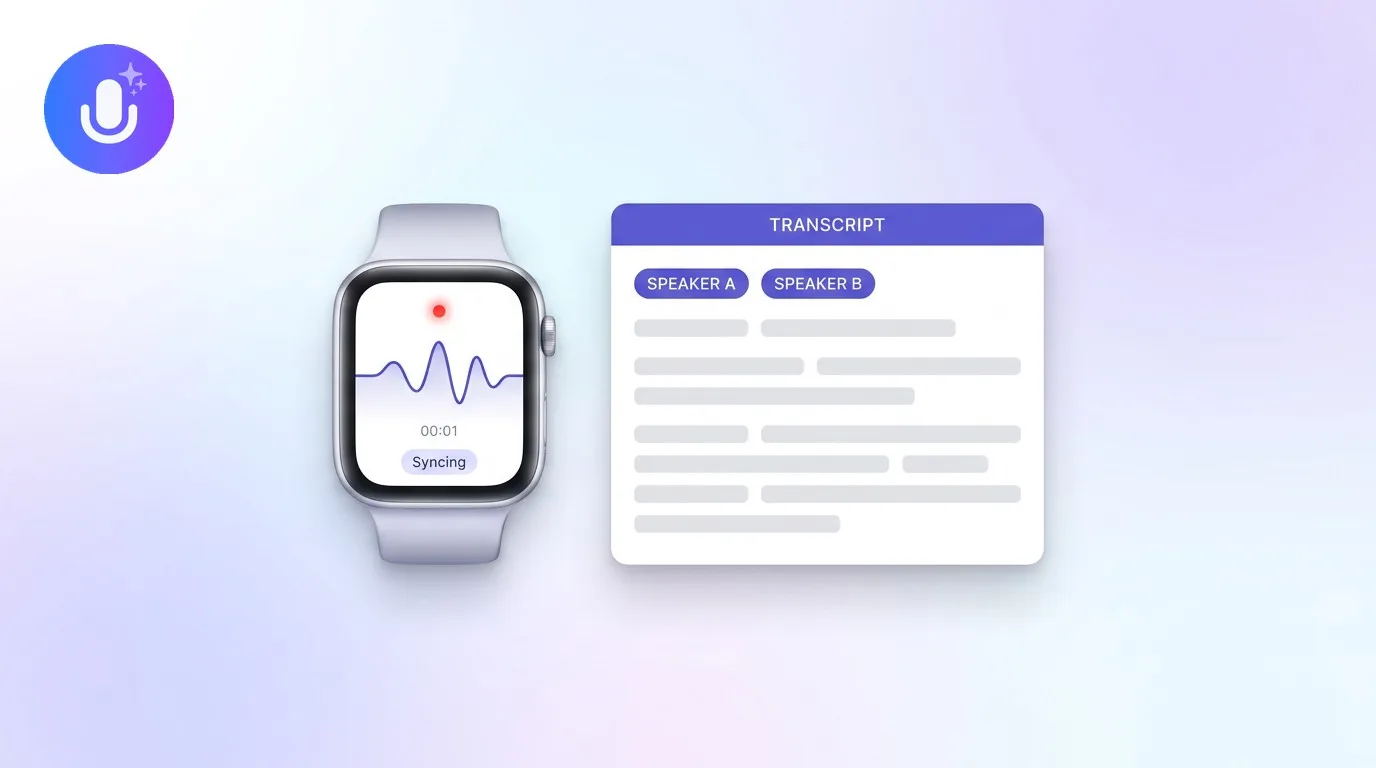
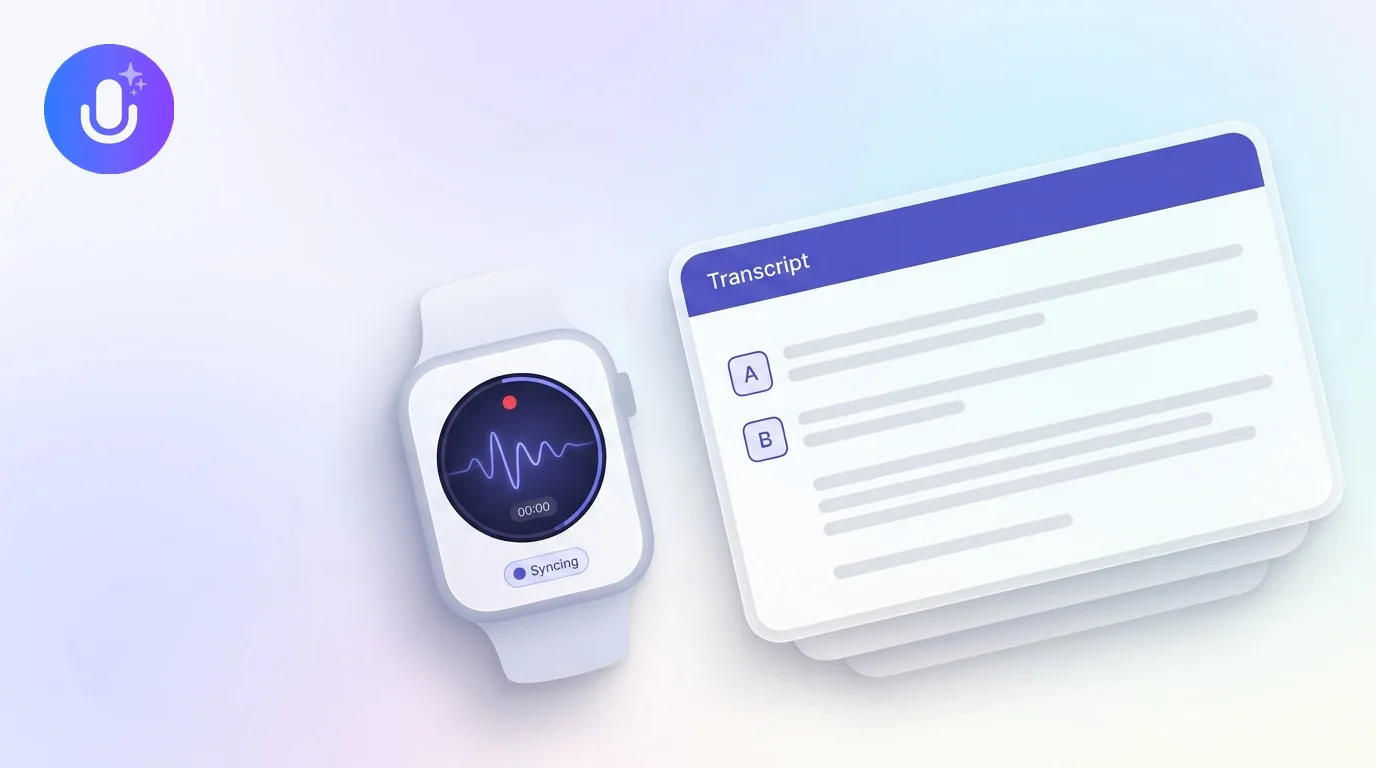
Short answer: CraftNote turns a recorded meeting into a structured summary: key points, decisions, and an interactive action-item checklist, built on transcription that performs strongly across a wide range of audio types. Summary quality tracks recording quality: clear audio with limited crosstalk produces summaries most teams can use with light review, while noisy, jargon-heavy recordings need a closer read.
← Back to Blog
How Well Does CraftNote Summarize Meetings? An Honest Look
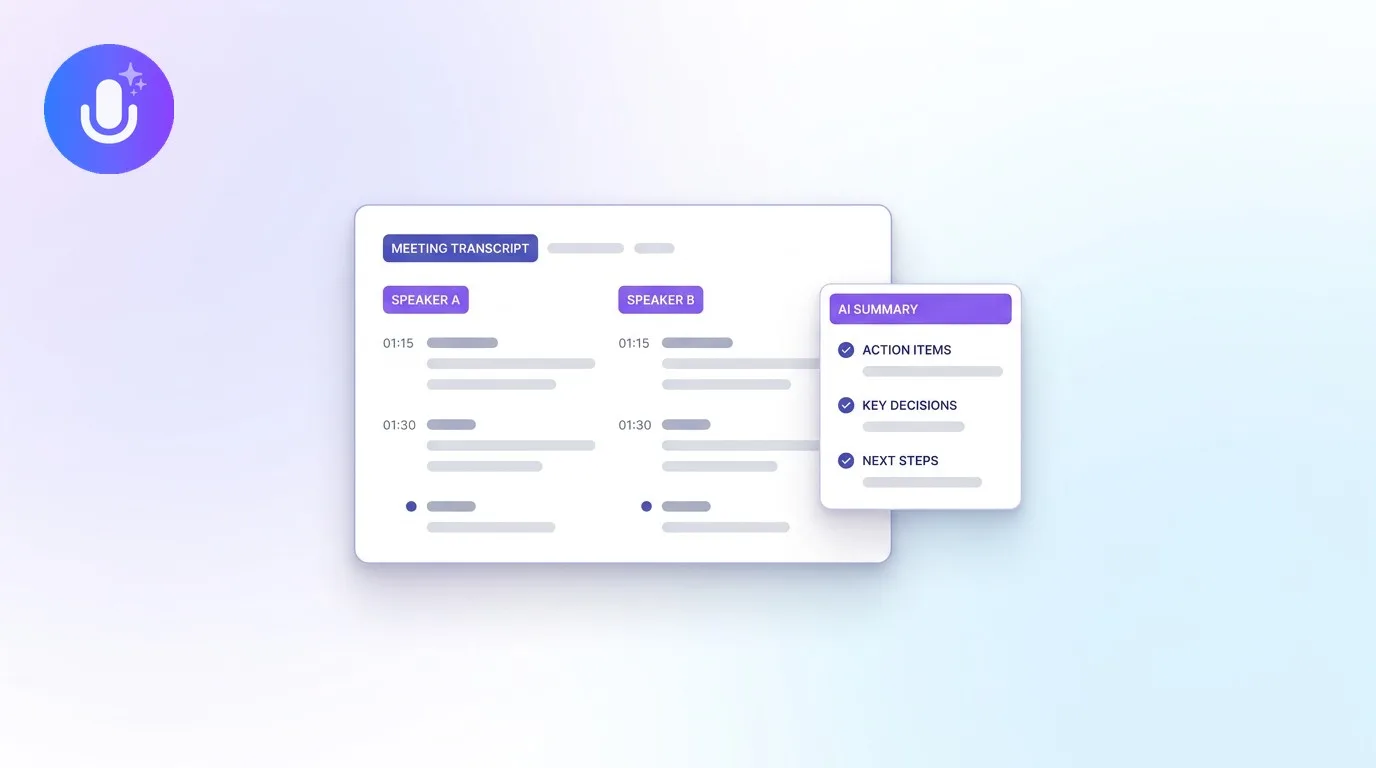
Anyone comparing AI note takers eventually asks the same question: is the summary actually good enough to replace manual notes? This guide answers it factually: what the transcript gets right, what the summary contains, how action items surface, and where the honest limits are.
How accurate is the transcript?
CraftNote's transcription accuracy is strong across a wide range of audio types, approaching human-level transcription. In practice, accuracy depends on the recording itself: clear audio, minimal background noise, and limited speaker overlap produce the best results, while heavy crosstalk, strong accents, or noisy rooms lower any transcription tool's output quality.
When something does need fixing, the iPhone and Android apps include a transcript editor for correcting names, words, and phrasing segment by segment. On the web and Mac apps you can correct speaker names inline. Timestamps are read-only everywhere. Tap one to jump to that moment in the audio.
What does the summary actually include?
A CraftNote summary is a structured document, not a wall of text. Depending on the meeting and the template used, it includes:
- Key discussion points organized by topic
- A concise overview of the meeting outcome
- Action items, including the owners and deadlines mentioned in the conversation, pulled into a checklist
- Decisions made during the meeting, called out clearly
- Custom and auto-applied templates, so a board meeting, a sales call, and a retro each get the right format
Beyond the summary, CraftNote can also generate flashcards, quizzes, and podcast-style audio from the same recording, useful for lectures and training sessions as much as meetings.
How are action items and decisions surfaced?
Action items land in an interactive to-do list, not a static paragraph: each item is a real checkbox you can mark complete, edit, delete, or add to. Decisions are called out in the summary so someone who missed the meeting can see what was agreed without replaying the recording.
One honest limit: the checklist does not have a per-task assignee field. Owners named in the conversation appear in the summary text, but CraftNote is not a task manager: teams that run projects in a dedicated tool copy the action items over, typically via the summary export.
Can you search past meetings and export what you need?
| What you need | What CraftNote offers |
|---|---|
| Find a decision or phrase from a past meeting | Full-text search across note titles, complete transcripts, and summaries, not just titles |
| Ask a question instead of scrolling | Ask AI: chat with a single transcript, or ask questions across your whole meeting archive |
| Share notes with someone who missed the meeting | Share links that are private by default and revocable at any time, plus per-person access control |
| File the notes somewhere else | Export to PDF, Word (DOCX), plain text, or Markdown depending on platform; original audio downloadable on mobile and web |
Imported documents are searchable through their extracted text: once a PDF or Word file is processed into a note, its transcript and summary enter the search index.
Does it work with Zoom, Google Meet, Teams, and Slack?
Yes, and in two different ways. The default is bot-free: CraftNote records from your device's microphone and system audio, so it captures whatever meeting is playing (Zoom, Google Meet, Microsoft Teams, Slack Huddles, or any other platform) without anything joining the call. For teams that prefer it, an optional meeting bot can join Zoom, Teams, and Google Meet calls, and Google and Microsoft calendar sync lets meetings start with context automatically.
What about long meetings, multilingual teams, and mobile access?
- A single recording can run up to five hours on Pro (six on Pro Plus), enough for workshops, depositions, and all-day sessions
- Long audio and video files can be imported for transcription and summarization, alongside PDFs, documents, YouTube videos, and podcasts
- Transcription and translation work in 100+ languages with automatic language detection
- Native apps on iPhone, iPad, Android, Mac, and Windows plus a web app, so you can record on one device and review on another
How is privacy handled?
Meeting data is stored on EU servers in Frankfurt and encrypted with AES-256 in transit and at rest. Raw audio is automatically deleted after 60 days, meeting content is never used to train AI models, and CraftNote does not sell user data. Notes are private by default: nothing is shared until you create a share link, and any link can be revoked. The privacy policy documents the full data lifecycle.
Practical tips for better summaries
- Use a decent microphone and reduce background noise where you can
- Avoid heavy crosstalk during the decisions that matter most
- Fix key names in the transcript (on mobile) before generating follow-ups
- Use templates for recurring meetings so summaries stay consistent week to week
- For high-stakes meetings, pair the summary with a named human review. Here is when that review is required
Common Questions
How well does CraftNote summarize meetings compared to manual notes?
CraftNote captures the full conversation and structures it into key points, decisions, and action items, so nothing said in the meeting is lost to note-taking speed. Manual notes still win for personal shorthand and judgment calls; most teams pair the two, letting CraftNote handle the record while participants stay in the conversation.
Can I edit the transcript if something is wrong?
Yes on iPhone and Android, where a transcript editor lets you correct names, words, and phrasing per segment. On web and Mac you can correct speaker names inline. Timestamps are read-only on every platform.
Does CraftNote work for lectures and interviews, not just meetings?
Yes. The same pipeline handles lectures, interviews, and imported audio, video, PDFs, YouTube videos, and podcasts, with study-oriented outputs like flashcards and quizzes generated from the same recording.
How long can a single recording be?
Up to five hours per recording on Pro and six hours on Pro Plus. Long files can also be imported for transcription and summarization instead of being recorded live.
Is the summary available right after the meeting?
Yes. Once the recording ends, CraftNote transcribes and generates the structured summary, and on Mac and web a live transcript already runs during the meeting itself, so the review can start the moment the call ends.
The fastest way to judge summary quality is to run one real meeting through it: record on Mac, mobile, or the web and compare the summary against what you would have written down. For how CraftNote stacks up against other tools, see the AI meeting assistant comparison.
Related reading
Turn this into action with CraftNote
Record meetings and lectures, then get AI transcripts, summaries, and action items.
Try CraftNote free