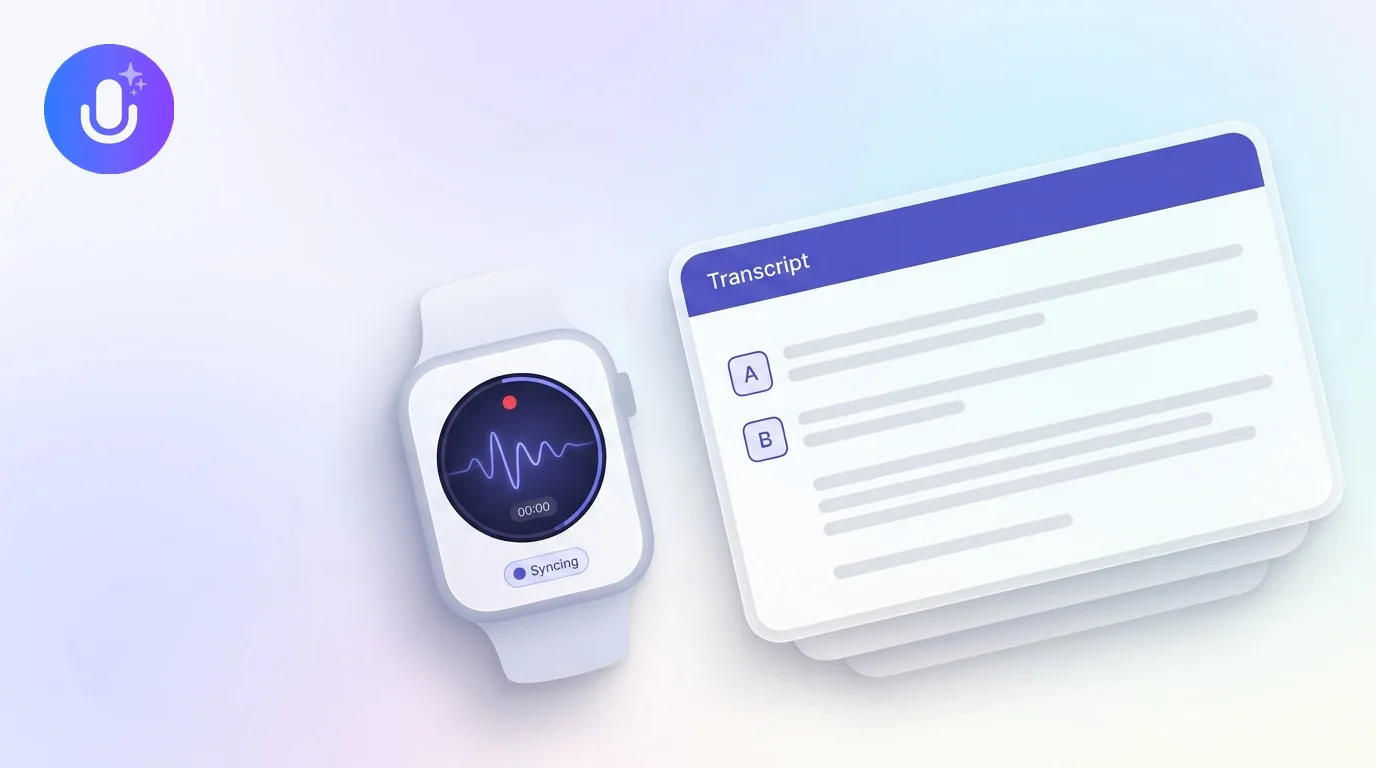
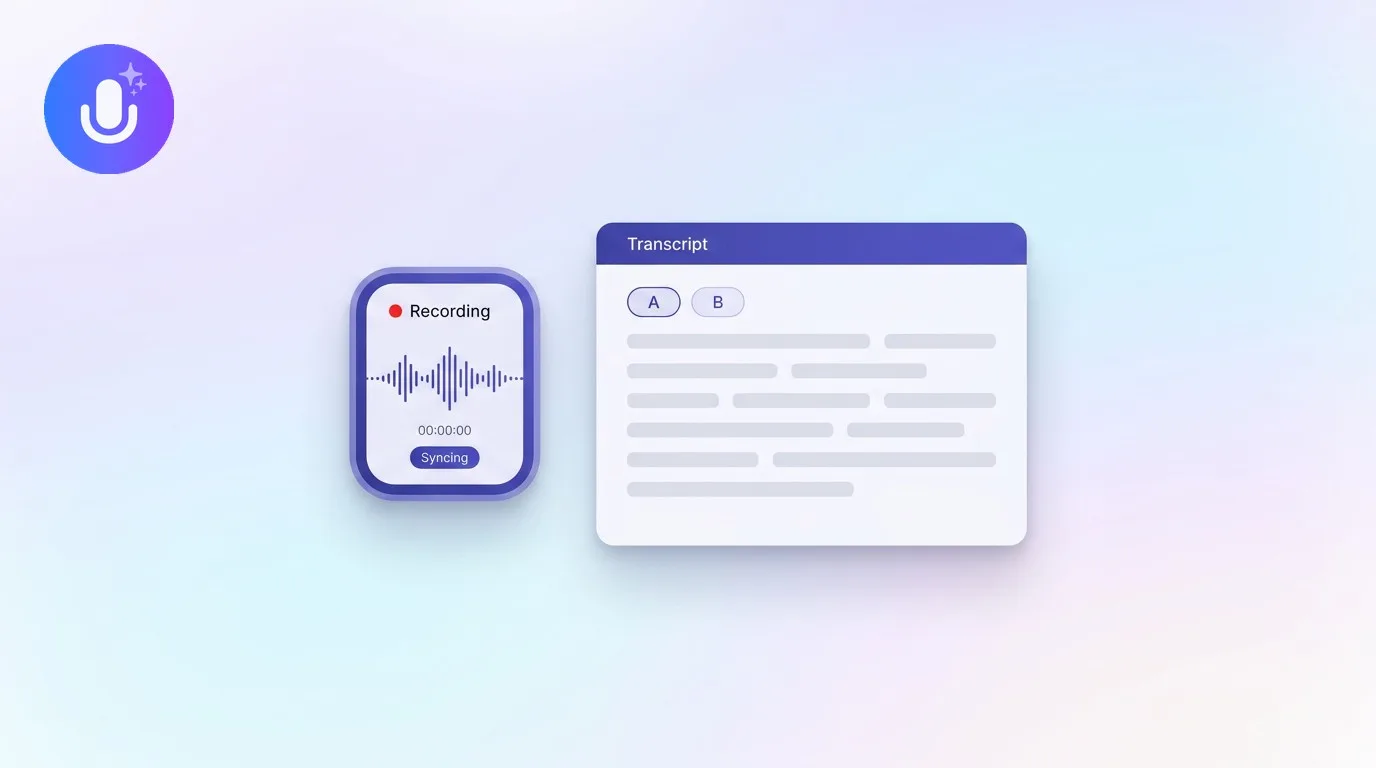
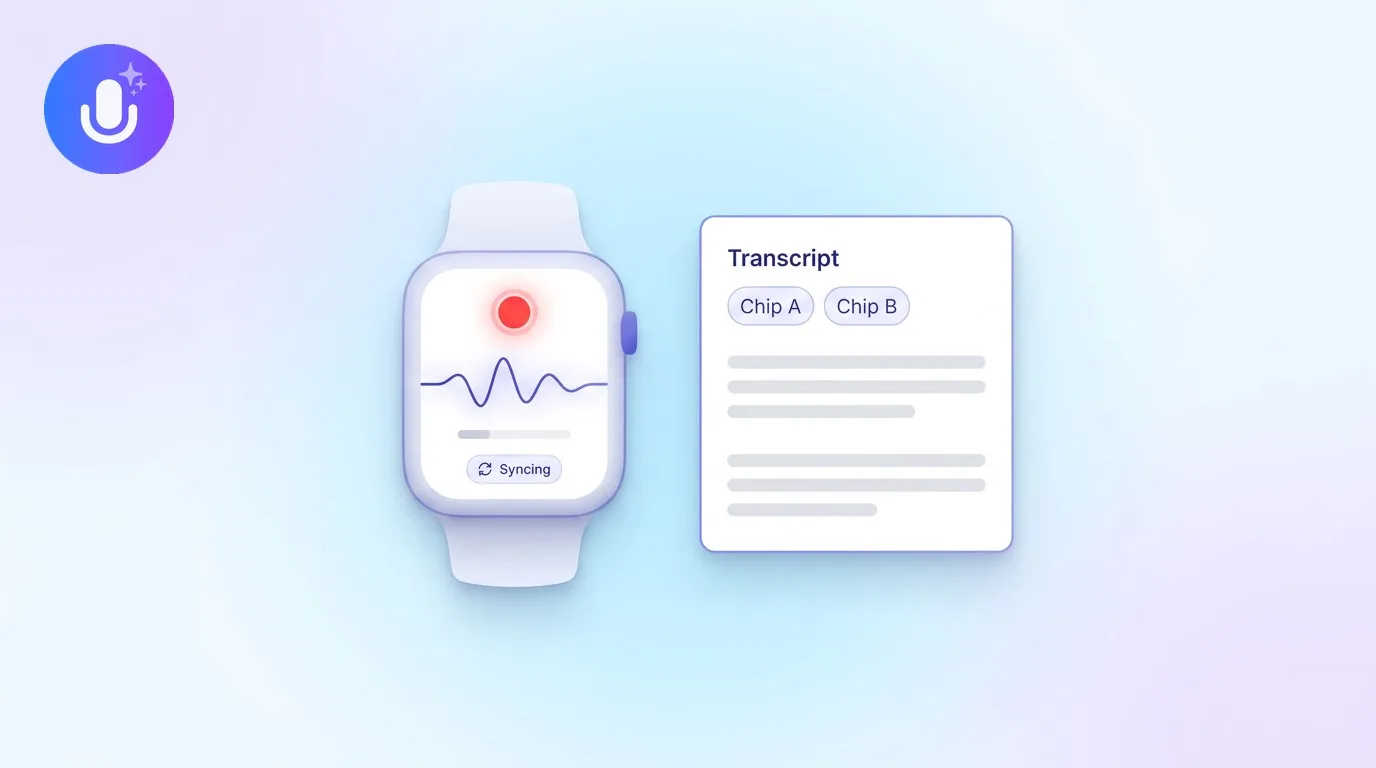
Short answer: With CraftNote you can record straight from your Apple Watch, and the audio turns into a full transcript and AI summary on your phone. Add the complication to your watch face, tap once to start, speak, and stop, and the recording syncs automatically (even from offline) and lands as a complete note. You don't need your iPhone in range to capture.
← Back to Blog
How to Record and Transcribe Meetings From Your Apple Watch (2026)
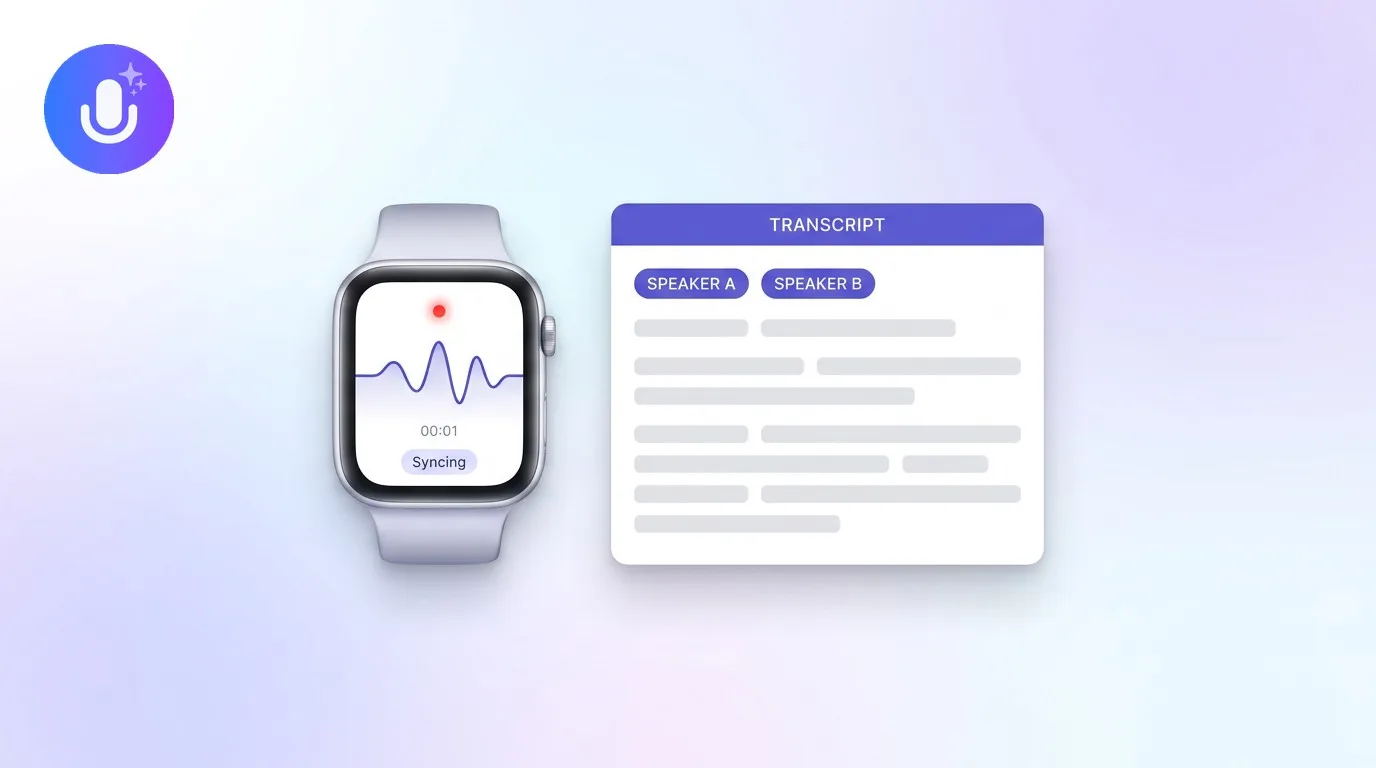
Your Apple Watch is already on your wrist in the moments a phone isn't handy: a hallway follow-up, a walking one-on-one, a thought between meetings. Here’s how to turn those moments into searchable notes with CraftNote: try it free to follow along.
Step 1: Add the complication to your watch face
Set CraftNote as a complication on the watch face you use most. This turns the app into a one-tap record button: tapping the complication opens CraftNote and starts recording immediately, so there's no digging through apps when you only have a few seconds.
Step 2: Tap to record: phone or no phone
Tap to start. CraftNote records locally on the Watch, so it works even when your iPhone isn't nearby and even with no connection at all. You can pause and resume if you get interrupted. The app keeps an eye on your battery: it warns you at 15% and, at 10%, saves what you have and stops safely so a dying watch never costs you the recording.
Step 3: Stop, and let it sync
When you stop, CraftNote queues the recording and transfers it to your phone automatically the moment they're in range, nothing to press, and it retries on its own if the first attempt doesn't go through. Your captures aren't stranded on the Watch.
Step 4: Read the transcript and summary
Once the audio reaches your phone, it becomes a full CraftNote note: an accurate transcript plus an AI summary with the key points and action items. Because it's a normal note, it also appears in the iPad, Mac, and web apps, and you can chat with it to pull a quote or draft a follow-up. You review everything on your phone or the web: the Watch's job is fast capture, not reading.
What the Apple Watch is best at
Wrist recording shines for close-range, one-voice moments: your own notes, a one-on-one, or your side of a call. It captures a single voice stream, so for a full conference room or an hour-long session the iPhone, Mac, or web apps will serve you better; see the best Apple Watch note apps to compare. Watch sessions run about 30 minutes before watchOS asks the app to wrap up, at which point your recording is saved.
Common Questions
Can the Apple Watch transcribe on its own?
The Watch records the audio; the transcript and AI summary are generated once the recording syncs to your phone. You get a complete, accurate note without doing anything extra: the transcription just doesn't happen on the watch itself.
Do I need my iPhone with me to record on the Watch?
No. CraftNote records on the Watch even when your phone isn't nearby and even offline, then syncs automatically when the phone is back in range. You do set the Watch app up once from your iPhone.
How do I start a recording fastest?
Add CraftNote's complication to your watch face. One tap opens the app and starts recording, the quickest way to capture something before it's gone.
Where do my watch recordings go?
They sync to your CraftNote account and appear as normal notes across your iPhone, iPad, Mac, Windows, and the web app, each with a transcript and AI summary.
Related reading
Turn this into action with CraftNote
Record meetings and lectures, then get AI transcripts, summaries, and action items.
Try CraftNote free