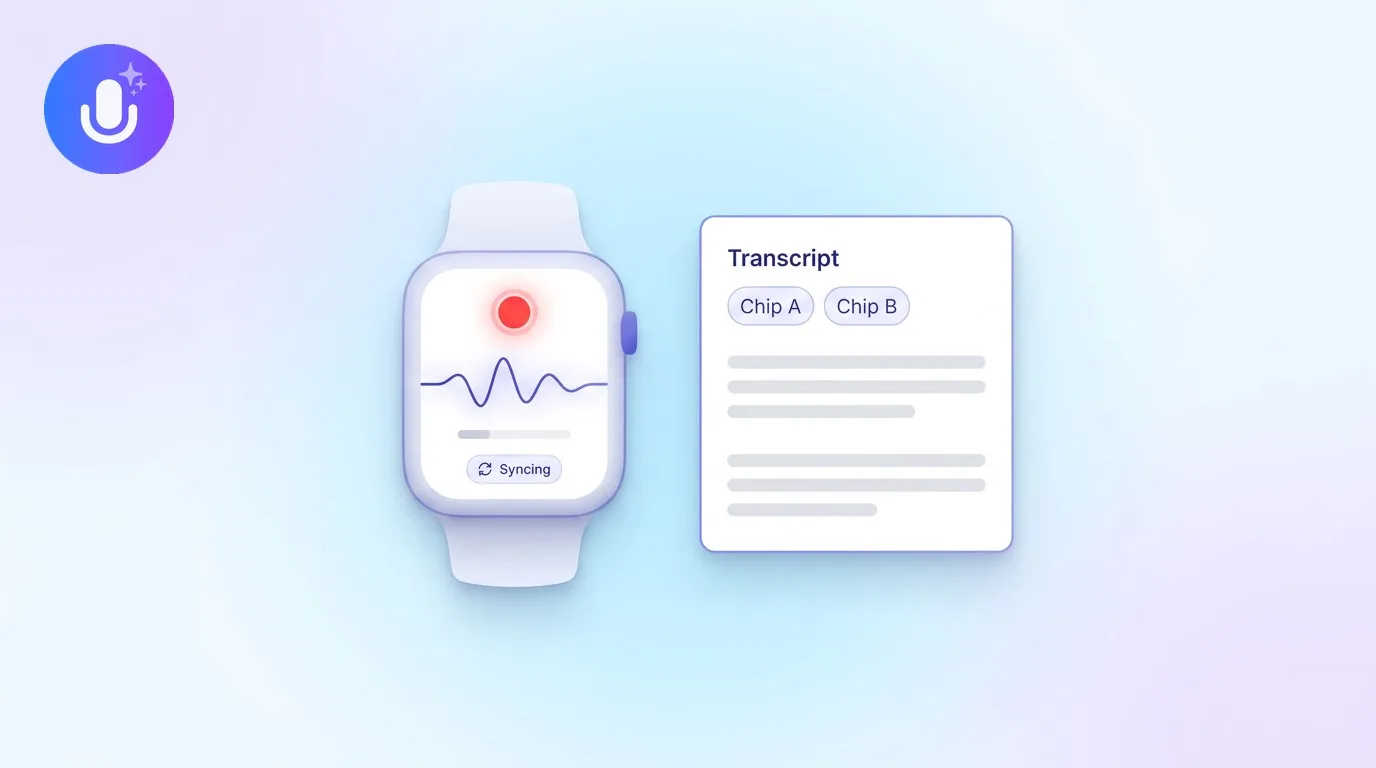
Short answer: Granola launched an Apple Watch app in July 2026. If you want the same idea (start a recording from your wrist without pulling out your phone), CraftNote has done it since March 2026. You add a complication to your watch face, tap once to record, and the audio syncs to your phone where it becomes a full note with a transcript and an AI summary. It works even when your phone isn't nearby and even offline.
← Back to Blog
The Granola Apple Watch Alternative That Shipped First (2026)
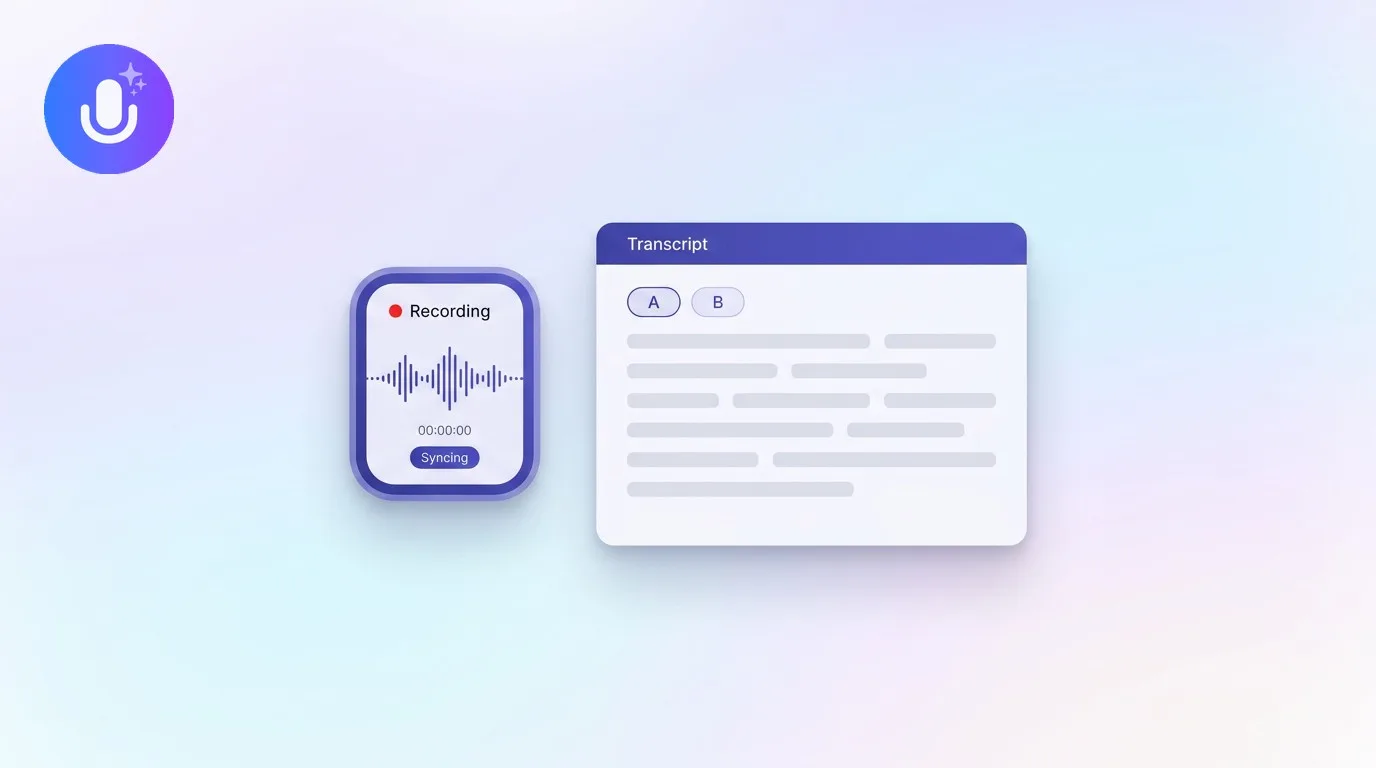
When Granola announced its Apple Watch app, the pitch was simple: capture an in-person conversation or a walking one-on-one without taking your phone out. It's a good idea, and it's one CraftNote users have already had on their wrists for months. Here’s how CraftNote’s Apple Watch app works, honestly, and where it’s genuinely strong, and you can try it free while you read.
| What you want on your wrist | How CraftNote handles it |
|---|---|
| Start recording without your phone | Records on the Watch even when the phone isn't nearby, and even fully offline |
| One tap to capture | Add the complication to your watch face: one tap opens the app and starts recording |
| Getting it into a real note | Audio syncs automatically when your phone is back in range, then becomes a full transcript and AI summary |
| Not losing a recording | Battery-aware: it warns at 15% and safely saves and stops at 10%; transfers are queued and retried |
| How long it's been around | On Apple Watch since March 2026, months before Granola's July 2026 launch |
One tap from your watch face
Add CraftNote's complication to any watch face and it becomes a record button. Tap it and the app opens and starts capturing immediately, no menus, no waiting. This is exactly the "put it on your watch face and go" experience Granola markets, and CraftNote has shipped it since its first watchOS build.
It records even when your phone isn't there
You don't need your iPhone in range to record. The Watch captures the audio locally, holds it, and transfers it automatically the moment your phone is back nearby, and it does this offline too, syncing once you reconnect. That makes it reliable for a hallway chat, a walking one-on-one, or a quick thought you don't want to lose. (CraftNote's Watch app installs alongside the iPhone app rather than as a fully separate download, so you set it up once from your phone.)
Your wrist recording becomes a full note
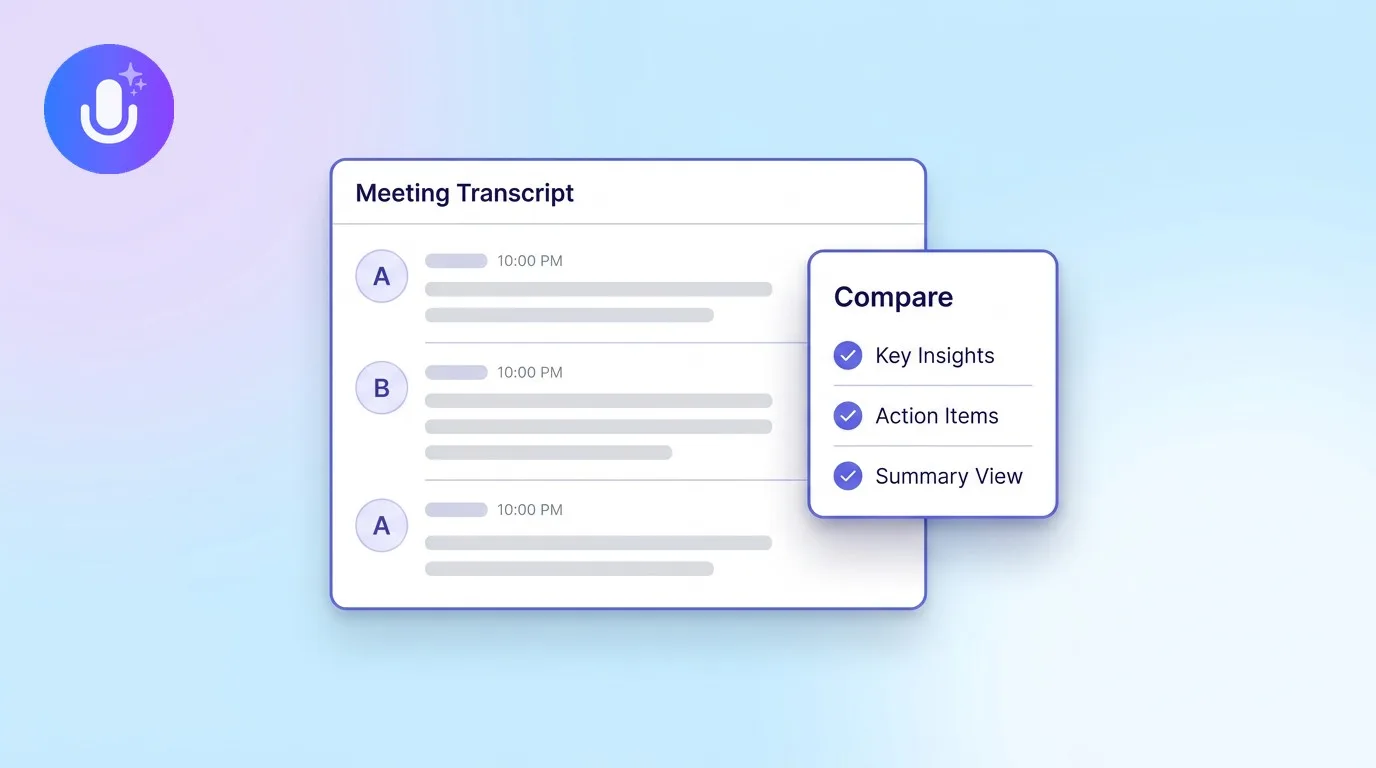
This is the part that matters: a recording made on your Watch runs through the same pipeline as one made on your phone. You get the full transcript, the AI summary with decisions and action items, and everything you can do with a normal CraftNote note: nothing is stripped out because it came from the Watch. You capture on your wrist and read it back on your phone or the web app.
An honest note on what the Watch app is for
CraftNote's Watch app is a capture companion, not a boardroom microphone. It records a single, close-range voice stream, ideal for your own notes, a one-on-one, or your side of a conversation, and you review the transcript and summary on your phone or on the web, not on the tiny screen. Recording sessions run for about half an hour before watchOS asks the app to wrap up, at which point it saves what you've captured. If you need to record a room full of people for an hour, use the phone or Mac app; for quick, on-the-go capture, the Watch is the fastest way in. Want the full picture? See how CraftNote, Granola and Wave compare on Apple Watch.
Common Questions
Does CraftNote have an Apple Watch app like Granola?
Yes. CraftNote has recorded from the Apple Watch since March 2026. You add a complication to your watch face, tap once to record, and the audio syncs to your phone where it becomes a full note with a transcript and AI summary.
Can CraftNote record on the Watch without my iPhone nearby?
Yes. The Watch records locally even when your phone isn't in range and even offline, then transfers the audio automatically once your phone is back nearby. You set the Watch app up once from your iPhone.
Does a Watch recording get a transcript and summary?
Yes. A recording captured on the Watch runs through the same processing as a phone recording, so you get the full transcript and the AI summary with action items, no features removed.
How long can the Apple Watch record?
A watch recording runs for roughly 30 minutes per session before watchOS asks the app to finish, at which point CraftNote saves what you captured. For longer or multi-person recordings, the iPhone, Mac, or web apps are a better fit.
Related reading
Turn this into action with CraftNote
Record meetings and lectures, then get AI transcripts, summaries, and action items.
Try CraftNote free