Short answer: Granola does have a Windows app in 2026, and it's a clean, bot-free way to sharpen notes you type during a meeting. But it works by enhancing your own typing with the room's audio, supports about ten languages on desktop, and has no dedicated Windows page. If you'd rather have the meeting recorded and transcribed for you (hands-free, in 100+ languages, with a free plan and native iPhone, iPad, Android, Mac, and web apps alongside Windows), CraftNote is the closest cross-platform, bot-free alternative.
← Back to Blog
The Best Granola Alternative for Windows (2026)

Granola earned its following by getting one workflow right: you jot rough notes while you talk, and it uses the meeting audio to turn them into something clean and structured afterward. That's genuinely great if you type in every meeting anyway. It's less great if you want to actually listen instead of type, if you work in a language outside the core ten, or if you're on Windows and expecting the same first-class treatment Granola gives Mac. This piece compares the two fairly and helps you pick the right one.
Where Granola is genuinely strong on Windows
Let's be fair before the comparison. Granola has shipped a Windows desktop app, so this isn't a Mac-only tool anymore. It captures your computer's audio without putting a bot in the call, produces polished notes, and its type-and-enhance model is a real advantage for a specific kind of person: someone who already types during every meeting and wants those exact notes elevated, not replaced. If that's you, Granola's approach can feel more personal than a raw transcript, because the structure follows your thinking rather than the recorder's.
The catches are worth naming plainly. Granola's desktop multi-language setting covers roughly ten languages (English, French, German, Spanish, Italian, Portuguese, Dutch, Japanese, Russian, and Hindi), and its interface is English-only. Its Windows app doesn't get a dedicated landing page the way the Mac experience does. And the whole model assumes you're typing: if you stop typing, you lose the notes that make the enhancement useful.
What CraftNote does differently
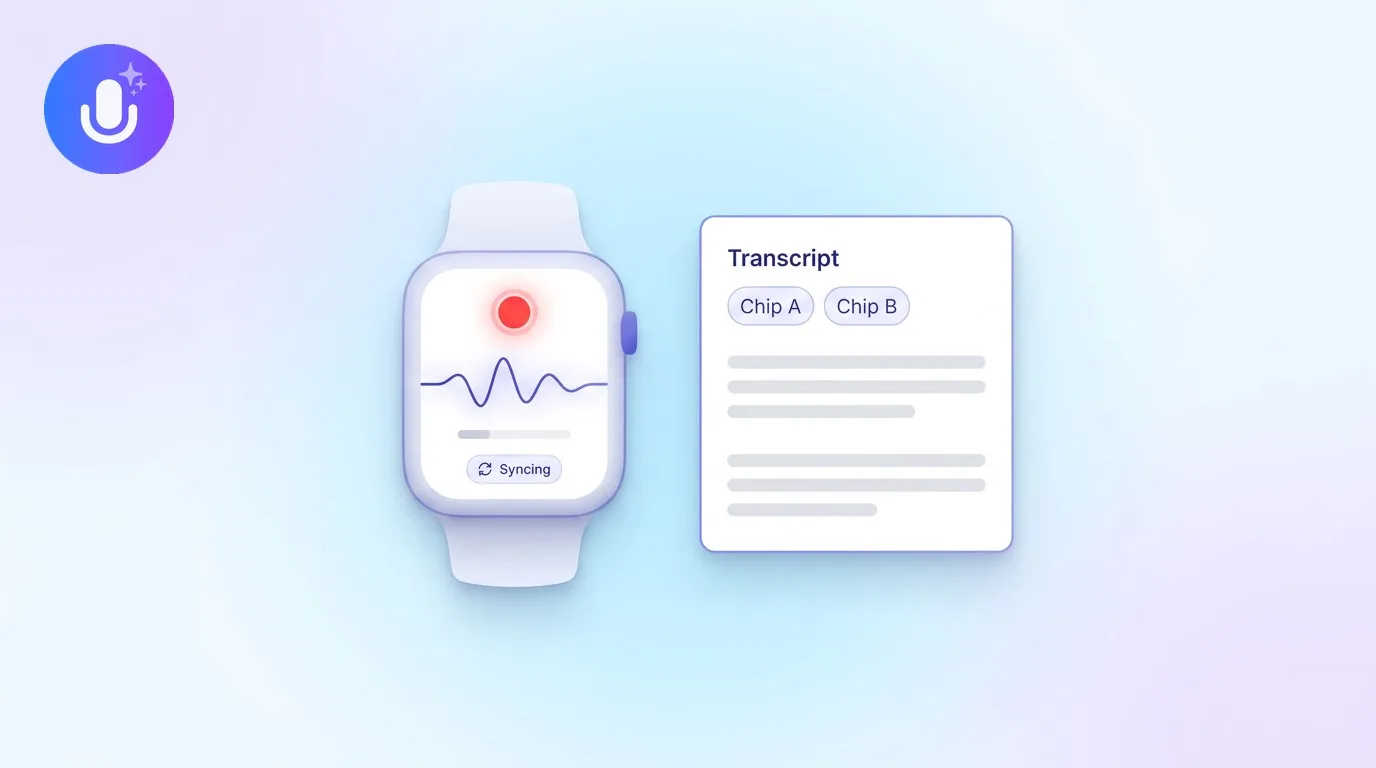
CraftNote starts from the opposite premise: you shouldn't have to type to get good notes. Its Windows desktop app records your PC's system audio and microphone together, bot-free, so it captures Teams, Zoom, and Google Meet calls as well as in-person conversations right on the computer, and nothing joins the meeting as a visible participant. When you're done, it hands you an automatic transcript, an AI summary, and separated action items with speaker labels. You listened; it wrote everything down.
Around that, the Windows app behaves like a native desktop tool: a command palette, global keyboard shortcuts, a system-tray presence, calendar integration that spots upcoming meetings, folders and search across your whole archive, shared team notes, and the ability to chat with any note to pull a quote or draft a follow-up. It records offline and syncs when you reconnect, and it works in 100+ languages with automatic language detection.
| Feature | Granola on Windows | CraftNote on Windows |
|---|---|---|
| Bot-free capture | Yes, uses computer audio | Yes, records system audio + mic |
| Core model | You type notes; audio enhances them | Records and transcribes the meeting for you |
| Languages | ~10 on desktop, English-only interface | 100+ with automatic detection |
| Automatic transcript + speaker labels | Notes-focused, less transcript-first | Full transcript with speaker labels |
| Other platforms | Mac, iOS, Android | iPhone, iPad, Android, Mac, and web |
| Offline recording | Limited | Records offline, syncs on reconnect |
| Free plan | Free tier with limited history | Free: 10 imports + 2 hrs recording/week |
| Paid entry price | Business $14/user/mo | Individual $9.99/mo ($8.33/mo annually) |
Best for: which one should you pick?
Pick Granola if you already type notes in every meeting and want your own words sharpened rather than a full transcript, you work mostly in English or one of its ten supported languages, and a polished desktop-and-mobile experience is all you need. Its type-and-enhance flow is a real strength, and no comparison should pretend otherwise.
Pick CraftNote if you'd rather listen than type and have the meeting captured for you, you need transcription in a language outside the common ten, you record in-person conversations and phone calls as well as video calls, or you want the same notes on Windows, Mac, iPhone, iPad, Android, and the web from one account. It's also the safer pick if a free plan and offline recording matter.
Beyond the desktop
The single biggest practical gap is reach. A note tool should catch the moments that don't happen at your PC: a hallway chat, a client lunch, a phone call on the walk to the office. CraftNote runs natively on iPhone, iPad, Android, and Mac in addition to Windows, plus a web app in any browser, and every note syncs across all of them. Start a recording on your Windows machine, keep it going on your phone, review it later on the web: it stays one note, everywhere. That's the part a Windows-only or type-first workflow can't quite cover.
Pricing, plainly
Granola offers a free Basic tier with limited meeting history, a Business plan at $14 per user per month, and an Enterprise plan at $35 per user per month. CraftNote's free plan gives you 10 uploads or imports plus 2 hours of recording per week across 100+ languages; the Individual plan is $9.99/month (or $8.33/month billed annually, $99.99/year) with recordings up to 4 hours, and Teams is $12 per user per month. If you want to try bot-free capture without committing, CraftNote's free plan is the lower-friction place to start on Windows.
Frequently Asked Questions
Does Granola have a Windows app in 2026?
Yes. Granola shipped a Windows desktop app, so it's no longer Mac-only. It captures your computer's audio bot-free, but it doesn't have a dedicated Windows landing page and its desktop language support covers about ten languages with an English-only interface.
What's the main difference between Granola and CraftNote?
Granola enhances the notes you type using the meeting audio, so you're expected to type during the call. CraftNote records and transcribes the whole meeting for you, hands-free, and gives you a transcript, AI summary, and action items with speaker labels, no typing required.
Is CraftNote bot-free like Granola?
Yes. CraftNote's Windows app records your PC's system audio and microphone directly, so nothing joins the call as a participant. It captures Teams, Zoom, Google Meet, and in-person conversations right on the computer.
How many languages does each support?
Granola supports roughly ten languages on desktop. CraftNote supports 100+ languages with automatic language detection, which matters if you regularly meet in a language outside the common set.
Is there a free way to try CraftNote on Windows?
Yes. CraftNote's free plan includes 10 uploads or imports plus 2 hours of recording per week in 100+ languages, so you can test bot-free capture before paying. Paid plans start at $9.99/month.
Related reading
Turn this into action with CraftNote
Record meetings and lectures, then get AI transcripts, summaries, and action items.
Try CraftNote free