Short answer: Granola is the most opinionated tool in the category: a bot-free "AI notepad" that enhances the rough notes you type during a call instead of replacing you with a generic summary. Loved by PMs, founders, and VCs for exactly that. The trade-offs are structural: macOS/Windows/iPhone only (no Android, no web app), a free plan with limited meeting history, and $14/user/month (Business) to lift it. If you type in every meeting, it's genuinely special; if you don't, half the product's premise doesn't apply to you.
← Back to Blog
Granola Review 2026: The AI Notepad That Bets on Your Typing
Disclosure: we build CraftNote, a bot-free competitor, and Granola is the rival we respect most on product philosophy. Figures are from Granola's live pricing page, August 2026. One update worth flagging against older reviews (including our own earlier material): Granola's Basic plan now lists multi-language support, softening its historically English-first reputation.
The idea that makes Granola different
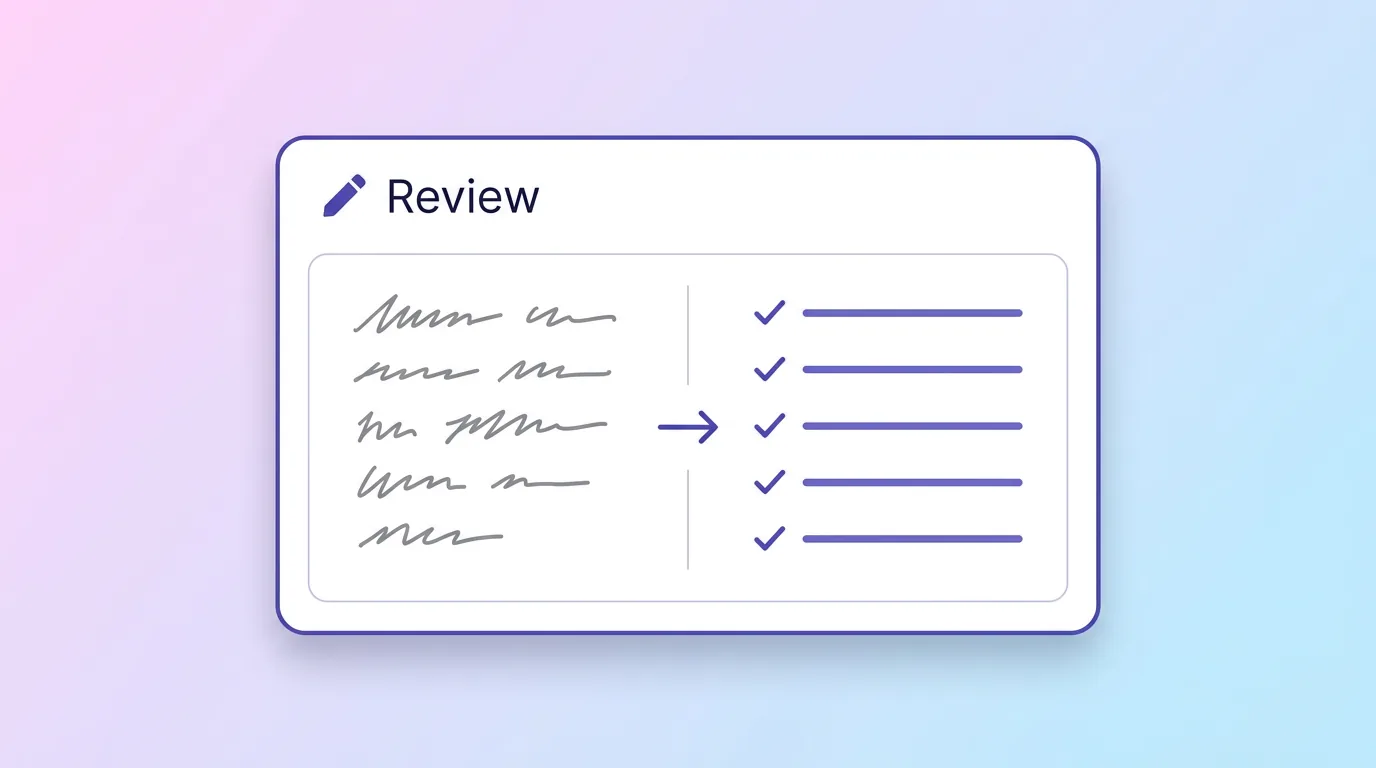
Every other tool in this category says "stop taking notes, we'll do it." Granola says the opposite: keep typing your half-thoughts during the call, things like "pricing objection," "loved the demo," "ask about timeline," and it will merge your fragments with the audio transcript into structured notes shaped by what you found important. It's a real philosophical difference, not marketing: the human stays the editor, the AI becomes the amplifier. For roles where judgment during the meeting is the job (investors, PMs, founder sales), this lands beautifully. Design quality is consistently excellent; it feels like a native Mac app because it is one.
Pricing, from Granola's own page
| Plan | Price | The essentials |
|---|---|---|
| Basic | $0 | AI meeting notes, limited meeting history, AI chat, shared folders, templates, multi-language |
| Business | $14/user/mo | Unlimited notes + history, advanced AI models, Attio/Notion/Slack/HubSpot/Affinity/Zapier, API |
| Enterprise | $35/user/mo | SSO, admin controls, priority support, analytics |
The fine print to notice: "limited meeting history" on the free plan. Your old notes don't stay accessible forever: the paywall isn't on taking notes, it's on keeping them. It's the same quiet pattern as Otter's lifetime import cap and Fireflies' expiring storage: free tiers in this category increasingly monetize your memory, not your usage. Know it going in.
Where the platform walls are
Granola runs on macOS, Windows, and iPhone. That leaves real gaps: no Android app (their own docs are candid about it), no web app (a locked-down work laptop can't use a browser fallback that doesn't exist), and phone capture exists only for the iPhone half of the world. For a desk-based, Apple-carrying, back-to-back-calls professional, none of this matters. For mixed-device teams or field work, it decides the question before features do.
The honest comparison
Granola and CraftNote share the bot-free conviction and part ways on everything after it. Granola bets on the typist: your notes, amplified. CraftNote bets on capture-everything: bot-free recording from any device (Android and web included), automatic notes whether you typed or not, plus lectures, uploads, and phone calls, with a free plan metered by weekly usage (2 hours recording, 10 uploads) rather than by how much history you may keep. Both philosophies are legitimate; which is right depends on whether you type during meetings. The full matchup: CraftNote vs Granola.
What it's like day to day
The rhythm is distinctive. During the call you half-listen, half-type, in fragments rather than sentences: a name, an objection, "follow up re: pilot scope." No formatting, no guilt about incompleteness; the fragments are bookmarks into the transcript, not the notes themselves. The moment the call ends, Granola merges your bookmarks with everything that was actually said and hands back structured notes organized around what you flagged, which is the part users describe with genuine affection: the notes read like a sharper version of your own thinking, not a generic minutes-bot's summary. Templates push this further (a recurring investor-call template shapes every such note the same way), and AI chat lets you interrogate old meetings later.
The habit is also the commitment. On days you don't type (back-to-back calls, walking meetings, plain fatigue), you get an ordinary transcript summary like everyone else's, and the premium you're paying for the philosophy earns nothing. Granola is a tool you practice, and the buyers who bounce off it are usually the ones who wanted it to work without them.
Who the Granola person actually is
The profile is specific: you take meetings at a desk, on a Mac (or Windows machine, or iPhone), your judgment during the conversation is the deliverable (investor, PM, founder, researcher, consultant), and you already half-take notes anyway. For that person, Granola is arguably the best-designed product in the category and the $14 Business tier a straightforward expense. Step outside the profile (Android in your pocket, field work, lectures, a locked-down laptop with no install rights and no web app to fall back on, or a simple preference for not typing) and the product's core bet stops paying out, at which point its platform walls turn from footnotes into the whole answer.
Verdict
Granola earns its reputation: it's the most thoughtfully designed note taker we've reviewed, and its bot-free stance, which we share, has aged into the category's direction of travel. Recommend it without hesitation to the desk-based, Apple-or-Windows, typing-in-meetings professional. Recommend something else when the constraint is device coverage, capture beyond scheduled calls, or a free plan that doesn't meter your history: the paywall on memory is the same quiet pattern Otter and Fireflies run, and it deserves the same scrutiny here.
Frequently Asked Questions
Is Granola free?
There's a free Basic plan with AI notes, AI chat, and templates, but with limited meeting history. Unlimited notes and history require Business at $14/user/month.
Does Granola have an Android or web app?
No. Granola runs on macOS, Windows, and iPhone. There is no Android app and no browser version as of August 2026.
Does Granola join calls as a bot?
No. Granola records audio from your device without anything joining the meeting, and it helped popularize the bot-free approach the rest of the category is now adopting.
Do I have to type notes for Granola to work?
It works without typing, but the product's signature value, summaries shaped by your own in-meeting fragments, only shows up when you type. If you never take live notes, a capture-first tool fits better.
Related reading
Turn this into action with CraftNote
Record meetings and lectures, then get AI transcripts, summaries, and action items.
Try CraftNote free