Short answer: Both record meetings bot-free, but they think differently. Granola enhances the notes you type during a call and has had two years to mature (macOS, Windows, iOS). Wispr Flow Notetaker, launched August 5, 2026, types nothing: it pulls real speaker names and jargon from your calendar, Gmail, and Slack, and exposes notes to Claude, ChatGPT, and Cursor via MCP, but it's Mac-only and English-only at launch. If you need Android, a web app, 100+ languages, or in-person recording on a phone, neither covers you, and that's where CraftNote fits.
← Back to Blog
Wispr Flow Notetaker vs Granola (2026): Bot-Free Notetakers Compared
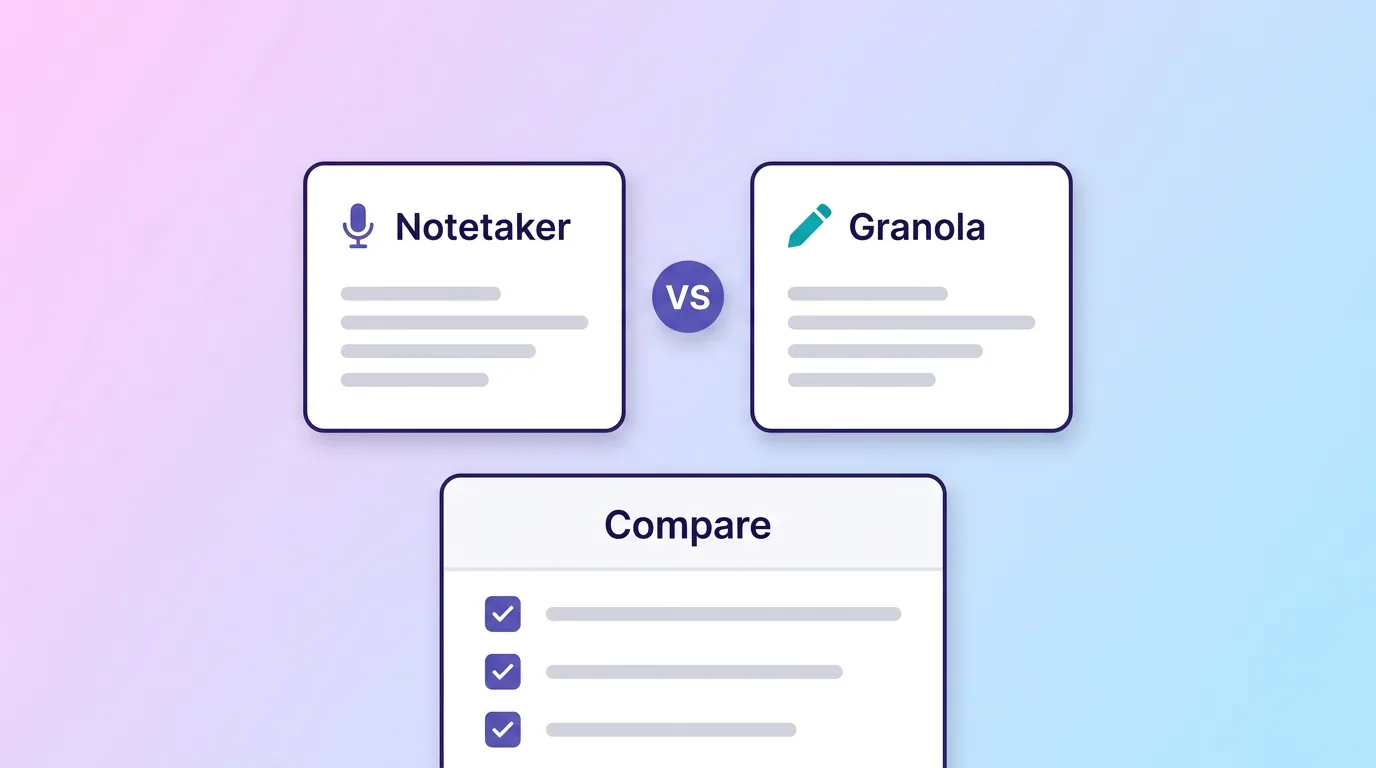
Wispr Flow's Notetaker launch made this comparison inevitable: TechCrunch literally introduced it as a "Granola-styled meeting notetaker," and Wispr even ships a one-click Granola import. Both capture audio locally instead of sending a bot into your call. But the products behind that shared idea are quite different, and both leave real gaps. Here's the honest breakdown, based on the vendors' published docs as of August 6, 2026.
At a Glance
| Feature | Wispr Flow Notetaker | Granola |
|---|---|---|
| Platforms | Mac only (Windows and mobile "coming soon") | macOS, Windows, iOS, no Android |
| Languages | English only at launch | English-focused, limited beyond major languages |
| Bot-free recording | Yes, local audio capture | Yes, local audio capture |
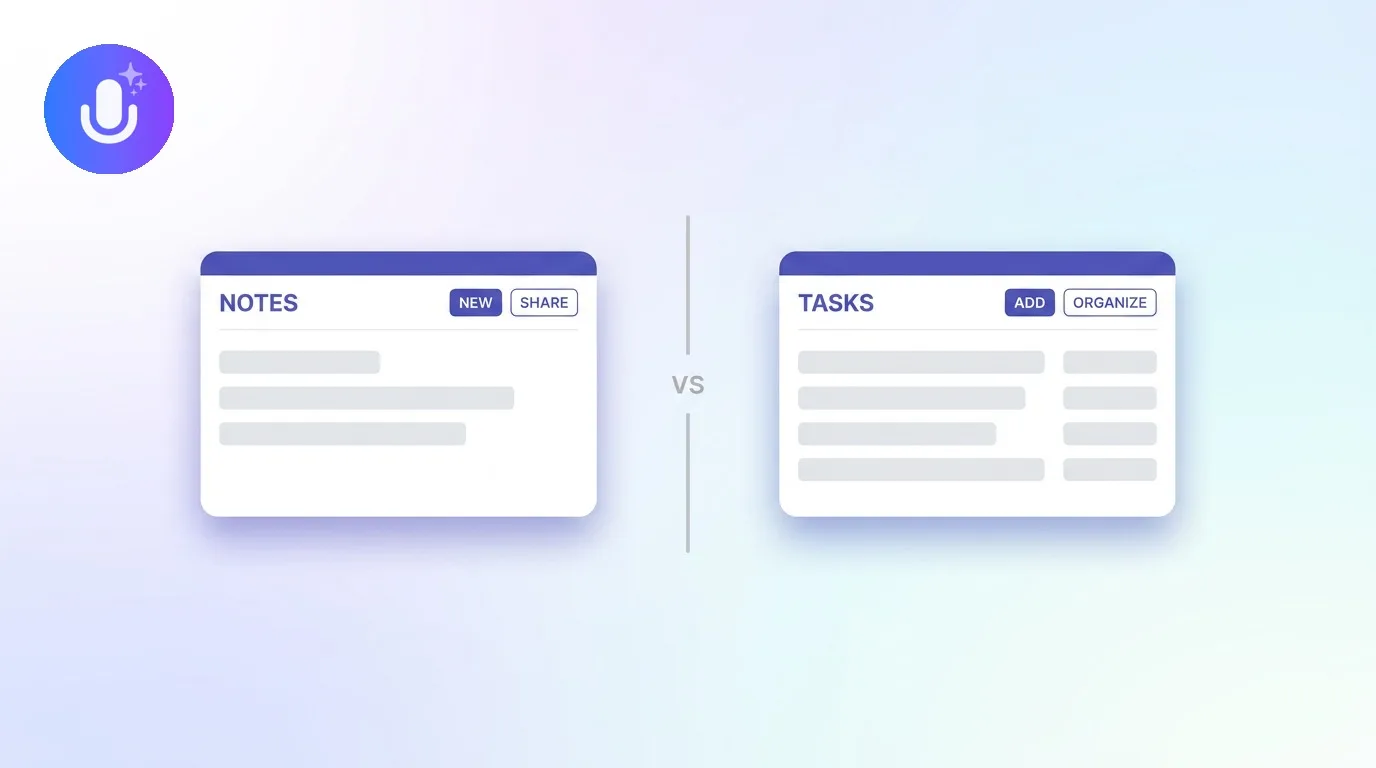
| Note model | Fully automatic summaries; you type nothing | Enhances the rough notes you type during the call |
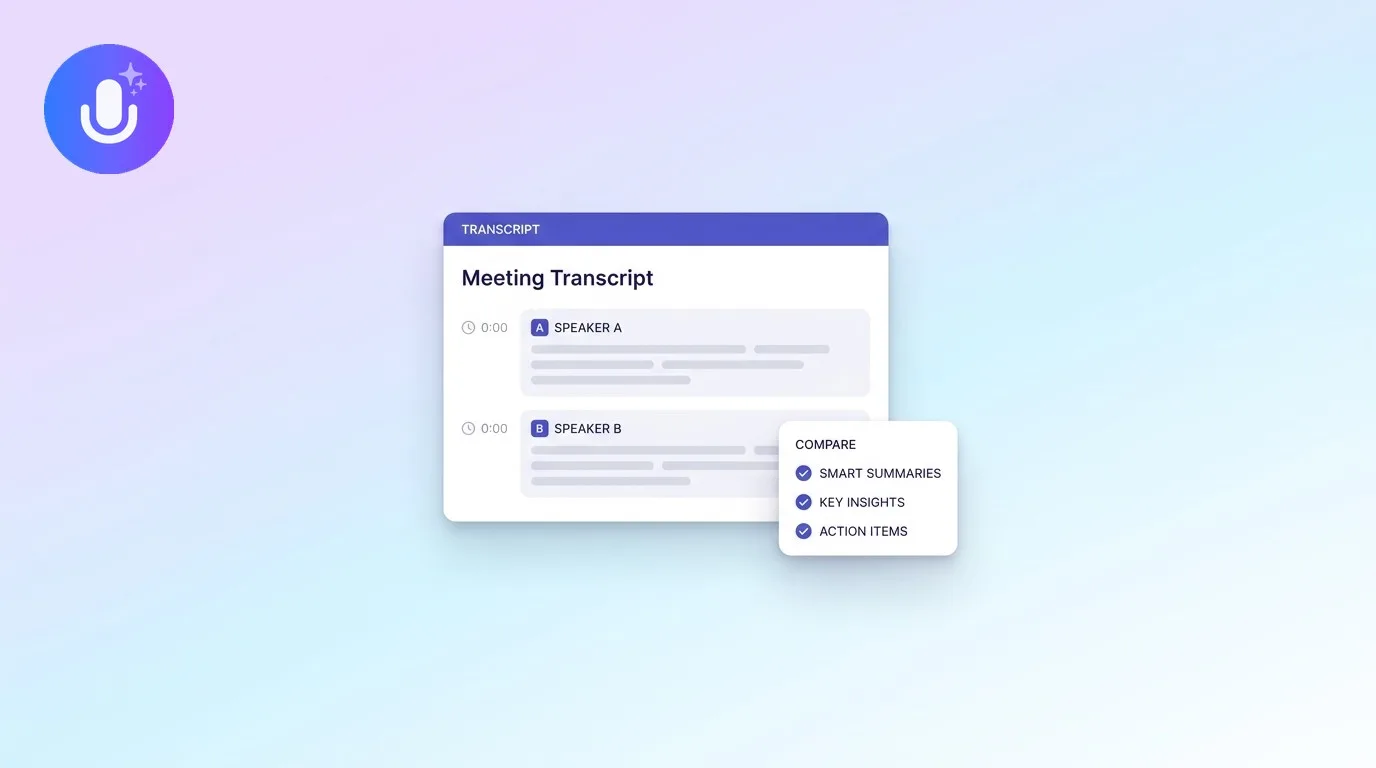
| Speaker names | Real names from calendar/email context, one-click correction | Transcript alongside your notes; less emphasis on speaker ID |
| AI assistant access | MCP: Claude, ChatGPT, Cursor can query notes | No comparable MCP access |
| Meeting prep | Researches participants, reviews past meetings and messages | Template-driven notes per meeting type |
| Pricing | Free (weekly meeting limit) · Pro $15/mo ($12 annual) | Free (limited) · Business $14/mo · Enterprise $35/mo |
| Maturity | Launched August 2026, version one | Shipping since 2024, established templates and integrations |
Where Wispr Flow Notetaker Wins
- Context-aware accuracy. It reads your calendar, Gmail, and Slack to get names, product terms, and company jargon right, and identifies real speakers instead of "Speaker 1/2."
- MCP support. Your meeting history becomes queryable from Claude, ChatGPT, Cursor, and any MCP-compatible tool. Granola has nothing comparable (CraftNote does, see below).
- Nothing to type. Summaries with decisions and next steps are fully automatic, plus a "What did I miss?" catch-up for late joiners.
- Free entry. Notetaker ships inside Wispr Flow's free plan (with a weekly cap): if you already pay for Flow dictation, it's a free add-on.
Where Granola Wins
- Your thinking, structured. Granola's core idea is different: you type rough notes during the call, and it combines your typing with the audio so the summary reflects what you found important.
- Windows support today. Granola ships on macOS, Windows, and iOS now; Wispr's Windows version is still "coming soon."
- Maturity. Two years of shipping: meeting templates, CRM-adjacent workflows, and an established user base among PMs, founders, and VCs.
What Neither Covers
Three gaps are shared. Android: Granola explicitly has no Android app, and Wispr has no mobile Notetaker at all. Languages: both are effectively English products today. In-person life: hallway conversations, client lunches, lectures, and phone calls happen away from your desk, and neither tool records them on a phone. CraftNote covers all three: native iPhone, iPad, Android, Mac, and Windows apps plus a web app, 100+ languages with automatic detection, offline recording, and persistent Speaker Memory. It also matches Wispr's headline feature: an MCP server (mcp.craftnoteapp.com) that lets Claude, ChatGPT, Codex, or any MCP client read your notes. See CraftNote vs Wispr Flow and CraftNote vs Granola.
Which Should You Choose?
- You're Mac-based, work in English, and want notes your AI tools can query: Wispr Flow Notetaker, especially if you already use Flow dictation.
- You type notes in every meeting and want AI to structure your thinking: Granola.
- You need Android, Windows and mobile today, other languages, or in-person recording: CraftNote, bot-free like both, on every platform, in 100+ languages, and cheaper (Pro $9.99/mo vs Wispr's $15 and Granola's $14).
Frequently Asked Questions
Is Wispr Flow Notetaker a Granola alternative?
Yes, deliberately so: it records bot-free like Granola and even offers one-click import of your Granola notes. The difference: Notetaker is fully automatic and MCP-connected but Mac-only and English-only, while Granola enhances notes you type and already runs on Windows and iOS.
Do Wispr Flow Notetaker and Granola use a meeting bot?
No: both capture audio locally from your device, so nothing joins the call. That's the approach CraftNote uses too.
Which is cheaper, Wispr Flow Notetaker or Granola?
Wispr Flow includes Notetaker in its free plan with a weekly meeting cap; Pro is $15/user/month ($12 annual). Granola's free plan is limited, with Business at $14/user/month and Enterprise at $35/user/month.
Can I use either on Android or in another language?
No. Granola has no Android app, Wispr has no mobile Notetaker, and both are English-first today. CraftNote runs on Android (and iPhone, Mac, Windows, web) and supports 100+ languages.
Related reading
Turn this into action with CraftNote
Record meetings and lectures, then get AI transcripts, summaries, and action items.
Try CraftNote free