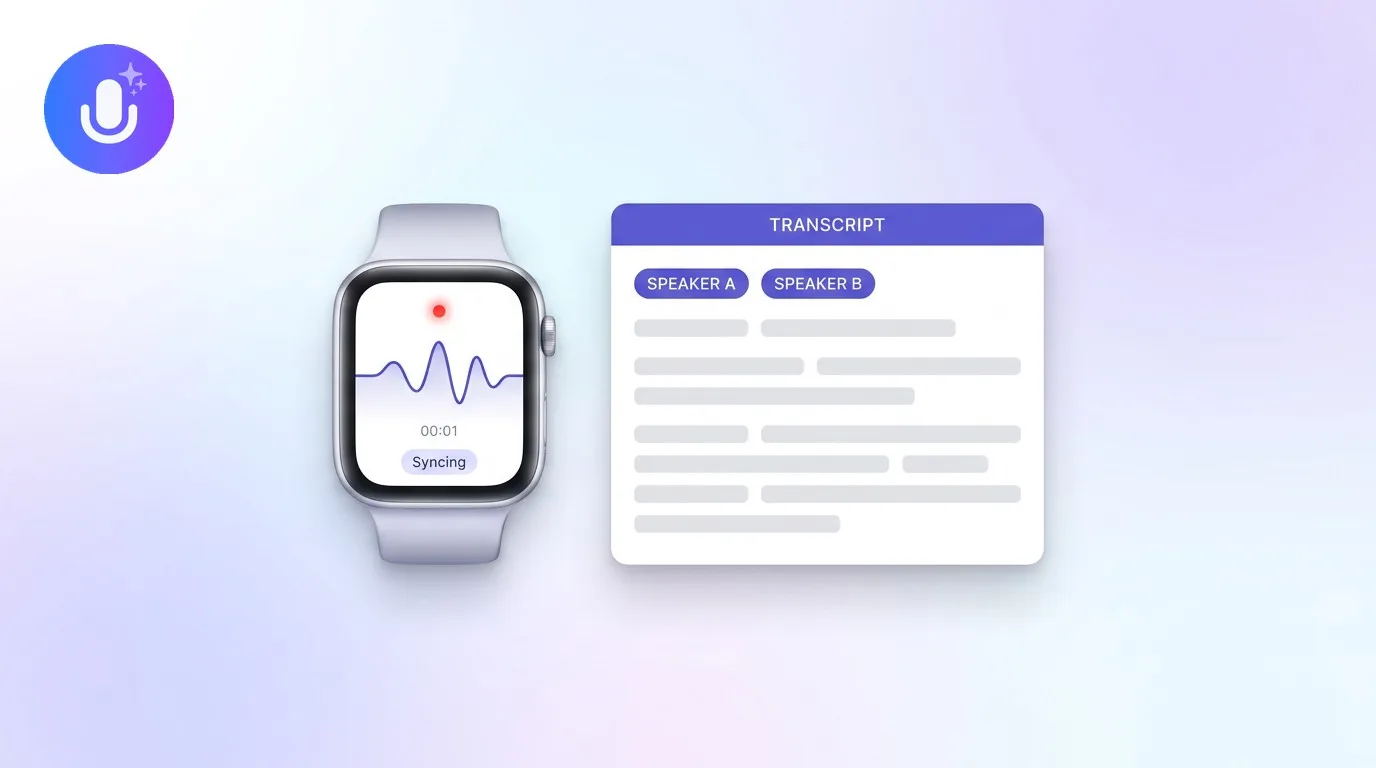
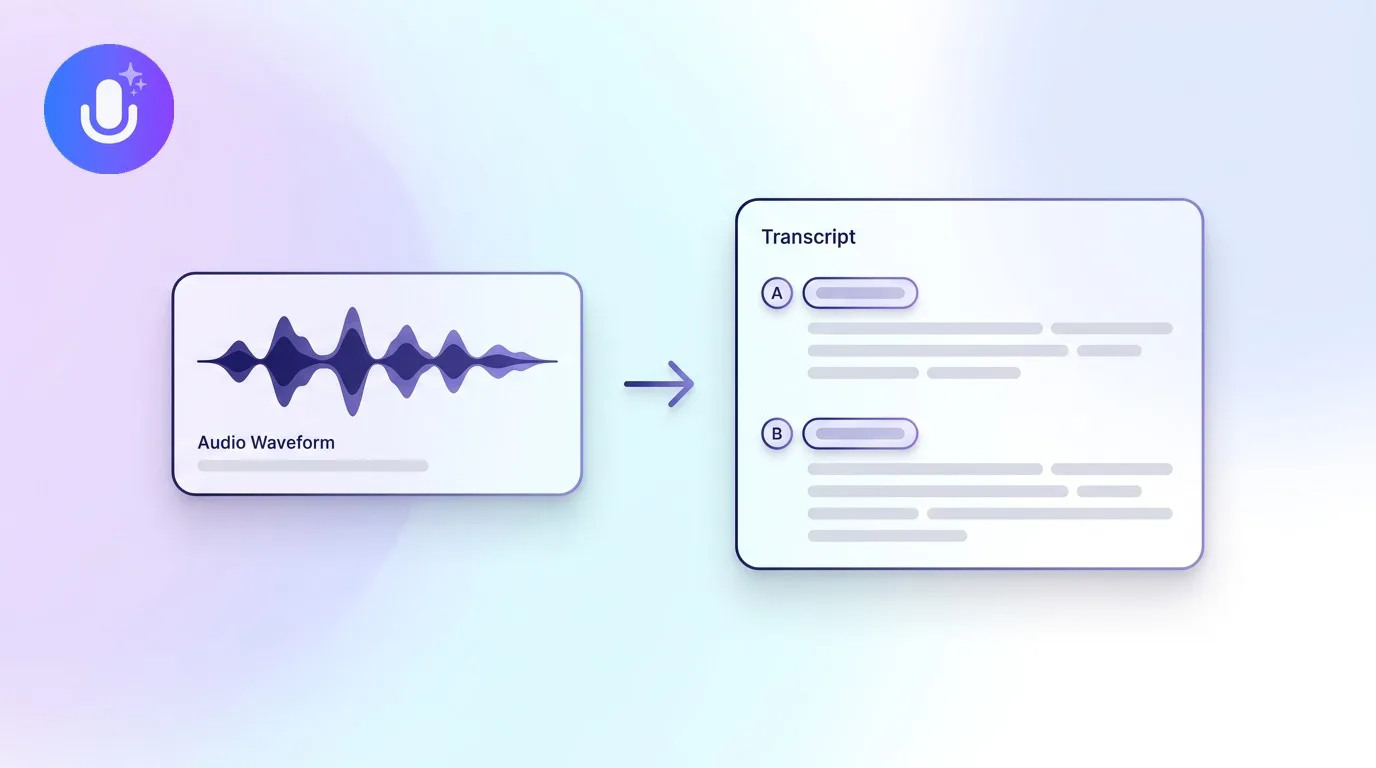
Short answer: You can record a meeting using the platform's built-in recording (Zoom, Teams, and Google Meet all have one, usually gated to certain roles or paid plans), an AI note taker that captures the call bot-free from your device or with a bot that joins on any device, or your phone's microphone for an in-person conversation. Always confirm recording is allowed and tell participants first. An AI note taker adds a transcript and summary automatically.
← Back to Blog
How to Record a Meeting (Zoom, Teams, Google Meet & In Person)
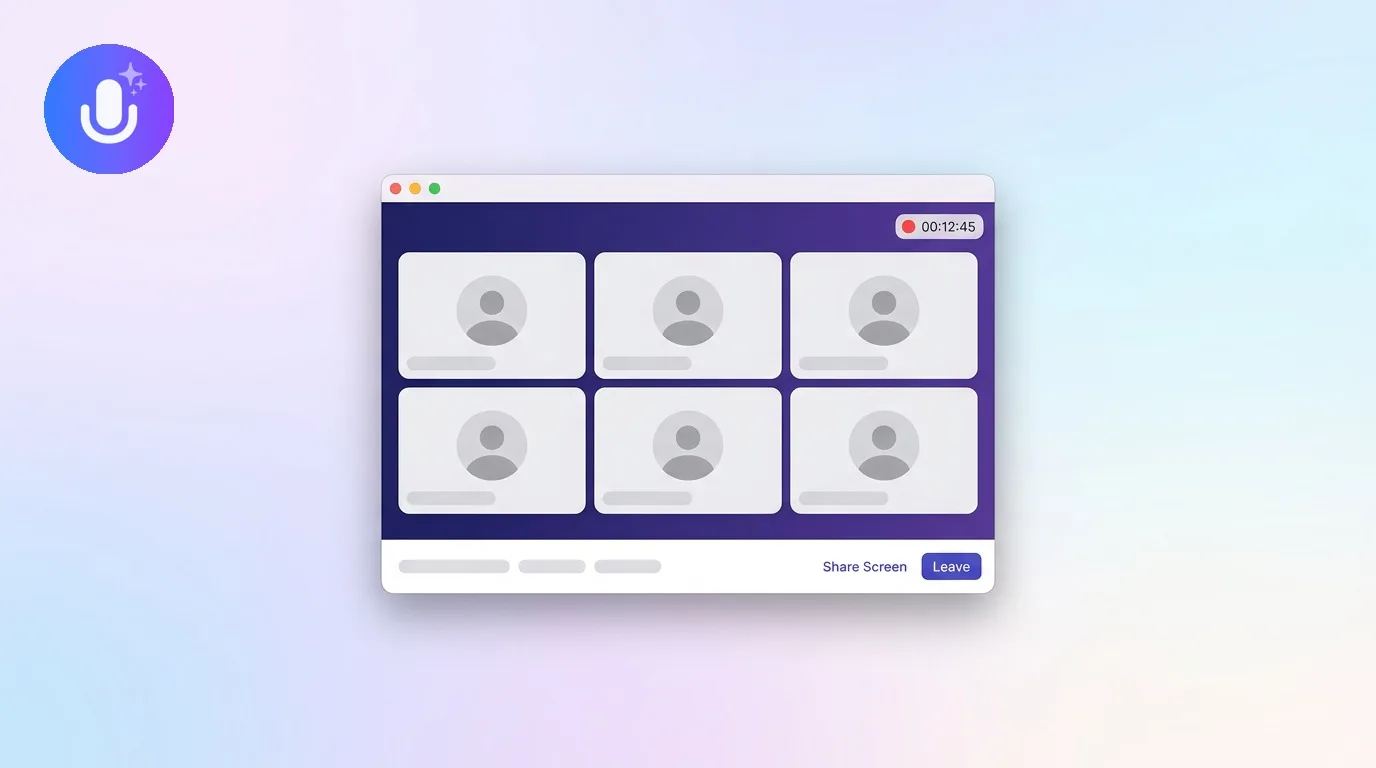
The ways to record a meeting
- Built-in platform recording: Zoom, Microsoft Teams, and Google Meet each have native recording, but access is usually limited by role and plan (see below), and it gives you a video file, not notes
- Bot-free AI capture: a note taker records the call's audio directly from your device, on Mac, Windows, and Chromium browsers, so nothing joins the meeting
- Bot-based AI capture: a note taker sends a bot into the call to record it, works on any device, even when you're not there, by auto-joining from your calendar or a pasted meeting link
- In person: record through your phone or laptop's microphone, placed centrally so it picks up everyone in the room
Recording on each platform
Native recording differs by platform, and it's worth knowing the rules before you rely on it:
- Zoom: cloud recording generally requires a paid Zoom plan, and local recording can be restricted by the host or account admin. Only hosts and co-hosts can start it by default.
- Microsoft Teams: only the organizer, co-organizers, and presenters can start a recording, and both the meeting and the account need the org's recording policy enabled. On a personal (free) Teams account, cloud recording generally isn't available at all.
- Google Meet: recording is limited to certain Google Workspace plans, and only the meeting host or someone they've granted permission to can start it.
On all three, everyone in the call is notified when recording starts. An AI note taker like CraftNote runs its own recording and transcription independently of these settings, so it works the same way regardless of your role, plan, or the platform's admin policy. See CraftNote for Zoom, Teams, or Google Meet.
Recording a phone call
Recording a phone call works differently from a video call, since there's no app to run alongside it. On iPhones running iOS 18.1 or later, you can use the built-in call recording feature, then share the resulting recording file to CraftNote for transcription and notes. On Android, call recording depends on your device and region, if your phone supports it, share the saved file to CraftNote the same way. CraftNote doesn't record calls directly, it processes the recording file your device produces.
The consent step you shouldn't skip
Before recording, confirm it's allowed under your jurisdiction's rules and your organization's policies, and tell participants the meeting is being recorded. A meeting bot announces itself and appears as a visible attendee, which naturally signals that recording is happening. Bot-free recording is more discreet, no bot appears in the call, which makes getting consent your responsibility rather than something the interface handles for you.
Getting notes, not just a recording
A raw recording still leaves you to watch it back. An AI note taker records and then transcribes and summarizes automatically, so you get a searchable transcript and a structured summary with action items instead of a video file to rewatch. CraftNote records bot-free on Mac, Windows, and Chromium browsers, or with an optional bot on any device, in 100+ languages, and runs its own transcription, so it doesn't need the platform's recording feature or admin settings turned on at all.
Frequently Asked Questions
Do I need a paid plan to record a Zoom or Teams meeting?
The platforms' built-in recording is often limited to paid plans, specific roles, or admin-enabled policies. An AI note taker like CraftNote runs its own recording and transcription, so it works regardless of the platform's plan or your role in the call.
Can I record a meeting without a bot joining?
Yes. On Mac, Windows, and Chromium browsers, CraftNote records the call's audio directly from your device, so nothing joins the meeting. On mobile or other browsers, you can send an optional bot instead.
Can I record a phone call?
On iPhones with iOS 18.1 or later, use the built-in call recording feature, then share the file to CraftNote. On Android, this depends on your device and region. CraftNote transcribes the shared recording; it doesn't record the call itself.
Do I need consent to record a meeting?
Confirm recording is allowed under your jurisdiction and organization's policies, and tell participants first. This matters especially with bot-free recording, since no bot visibly signals that recording is happening.
Related reading
Turn this into action with CraftNote
Record meetings and lectures, then get AI transcripts, summaries, and action items.
Try CraftNote free