Short answer: To transcribe a meeting, use an AI note taker that captures the call, bot-free from your device on Mac, Windows, and Chromium browsers, or with a bot that joins on any device, and converts the audio to text with speakers labeled. You can transcribe live during the call or import a recording afterward. CraftNote does both in 100+ languages and adds a summary.
← Back to Blog
How to Transcribe a Meeting (Zoom, Teams, Google Meet & Recordings)
Transcribe live, or from a recording
- Live: start CraftNote before or during a Zoom, Teams, or Google Meet call and it transcribes as the meeting happens. On Mac, Windows, and Chromium browsers it captures the call directly from your device; on other devices, send the optional bot, which joins as a visible participant and announces itself
- From a recording: import an existing audio or video file, or a YouTube link, and CraftNote transcribes it afterward
Connecting your Google or Outlook calendar lets CraftNote's bot auto-join meetings on your calendar, or you can send it manually to a specific meeting link, even one without a calendar event.
What you get beyond raw text
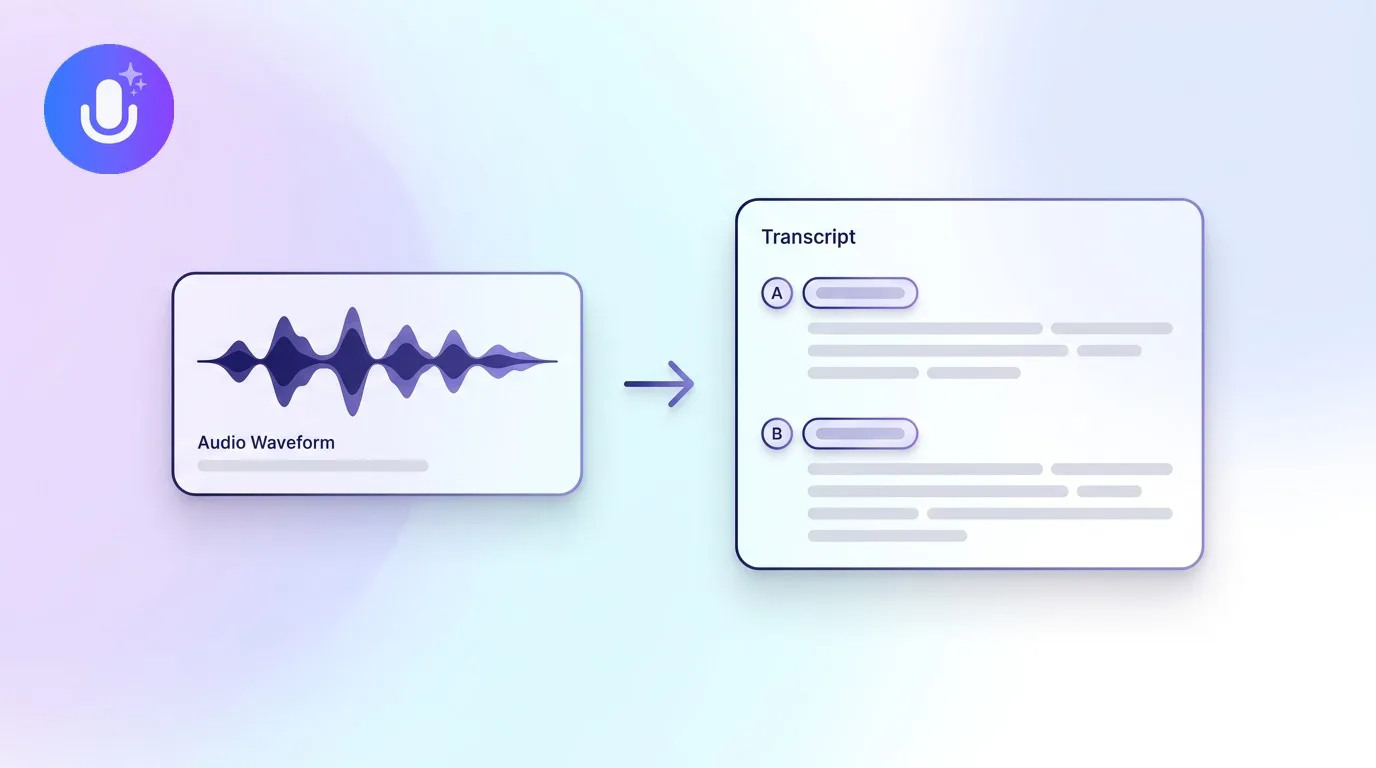
A good transcription tool gives you more than a wall of text: speakers separated so you can follow who said what, an accurate transcript you can search, and, with an AI note taker, a structured summary with key points, decisions, and action items pulled into a checklist. That turns an hour-long meeting into something you can skim in two minutes and search months later. See how speaker labeling works for the mechanics behind the "who said what" part.
Getting a clean transcript
Transcription accuracy tracks the recording, not just the tool. A few habits make a real difference: place the recording device (or your laptop, for a video call) close to the speakers, keep background noise down, and avoid multiple people talking over each other. For in-person meetings specifically, put your phone flat on the table roughly equidistant from everyone, with nothing covering the microphone, rather than near just one person. Heavy accents, technical jargon, and poor audio still reduce accuracy for any transcription tool, so setting the language manually rather than relying on auto-detect helps when a meeting isn't in English.
Platform-specific guides
CraftNote runs its own transcription, so it works independently of each platform's built-in transcript or admin settings, and produces the same structured output regardless of which video call platform you're on. For the details on each platform, see how to transcribe a Microsoft Teams meeting, a Zoom meeting, or a Google Meet call. It transcribes in 100+ languages with automatic language detection.
Frequently Asked Questions
Can I transcribe a meeting for free?
Yes. CraftNote's free plan includes 10 uploads or imports and 2 hours of recording per week, which covers transcribing most meetings. Higher-volume use moves to the Individual plan at $9.99/month.
Can I transcribe a meeting after it happened?
Yes. Import an existing audio or video recording, or a YouTube link, into CraftNote and it transcribes and summarizes it afterward, the same way it would a live call.
Does the transcript show who is speaking?
Yes. CraftNote separates speakers automatically and can attach real names using enrolled voiceprints and calendar attendees, though accuracy can vary with similar-sounding voices or heavy overlap, and labels can always be renamed manually.
Do I need a bot to transcribe a Zoom or Teams meeting?
No. On Mac, Windows, and Chromium browsers, CraftNote records the call's audio directly from your device with nothing joining the meeting. A bot is only needed on devices where that isn't possible, or to capture a meeting you're not personally attending.
Related reading
Turn this into action with CraftNote
Record meetings and lectures, then get AI transcripts, summaries, and action items.
Try CraftNote free