Short answer: Bot-free meeting recording captures a call's audio directly from your device, through system audio and the microphone, so no bot ever joins the meeting as a visible participant. It's the alternative to bot-based note takers, where a named bot enters the call to record it, and most AI note takers, including CraftNote, offer both so you can choose per meeting.
← Back to Blog
What Is Bot-Free Meeting Recording? (No Bot Joining Your Call)
What "bot-free" means
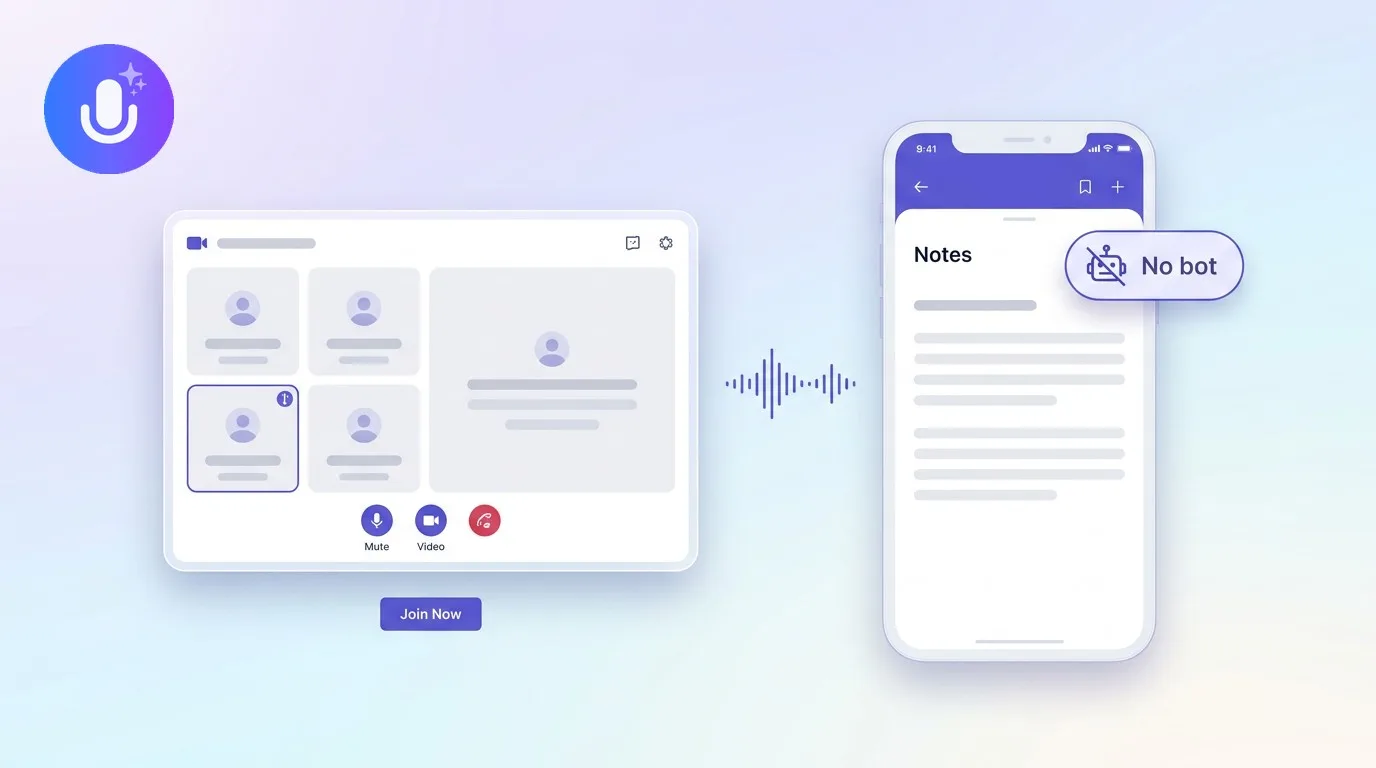
Most AI note takers record meetings one of two ways. The bot-based approach sends a named participant, a "notetaker" bot, into the call to capture it server-side; it announces itself and shows up in the participant list like anyone else on the call. The bot-free approach instead records the audio your computer is already playing, the call's system audio plus your microphone, so nothing joins the meeting at all. On the call, no one sees a bot; the recording happens locally on your device, in the background, while you're in the meeting like normal.
Why choose bot-free recording
- No visible bot: clients and colleagues don't see a "notetaker" join the call, which can feel less intrusive or more discreet, particularly for client-facing or sensitive conversations
- Fewer platform hurdles: because it records at the system level, it works with whatever is playing on your screen, Zoom, Teams, Google Meet, Slack Huddles, without integrating per-app or needing a meeting link at all
- No admin approval: some organizations block third-party bots from joining calls entirely; bot-free capture sidesteps that restriction because nothing is actually joining the meeting
The trade-offs
Bot-free capture depends on the device and browser. It typically works on desktop apps and Chromium-based browsers (Chrome, Edge, Brave, Arc), where system-audio capture is available at the operating system level, but not on mobile, where the operating system restricts capturing other apps' audio for privacy and security reasons. It also can't record a meeting you're not personally in, since it relies on your device already playing the call. For mobile, or for recording a meeting on your behalf while you're not attending, a bot is still the practical option. That's the main reason most serious note-taking tools offer both methods rather than picking one.
How CraftNote does bot-free recording
CraftNote records bot-free on Mac and Windows (capturing system audio and microphone together) and in Chromium browsers like Chrome, Edge, Brave, and Arc, so nothing joins your Zoom, Teams, or Google Meet call. When bot-free isn't available, on mobile, Safari, or Firefox, or to capture a call you're not in, you can send an optional bot instead. Connect your Google or Outlook calendar to have the bot auto-join meetings on your schedule, or paste a meeting link manually. The bot always announces itself and appears as a visible attendee when it joins, so no one on the call is recorded without a signal that it's happening. See CraftNote for Mac or CraftNote for Microsoft Teams.
Frequently Asked Questions
Does bot-free recording work on any device?
It works on desktop apps (Mac and Windows) and Chromium browsers, where capturing system audio is possible. On mobile, operating system restrictions prevent capturing other participants' audio without a bot, so a bot is used there instead.
Is bot-free recording better than a bot?
It depends on the situation. Bot-free is less intrusive and avoids admin bot-blocking, but a bot works on any device and can record a meeting you're not personally attending. Most tools, including CraftNote, offer both so you can pick per meeting.
Do other participants know they are being recorded?
Bot-free recording doesn't show a bot in the call, so it's discreet, which makes getting recording consent your responsibility rather than the interface's. A meeting bot, by contrast, announces itself and appears as a visible attendee. Either way, always confirm recording is allowed and let participants know, per your jurisdiction and policies.
Can bot-free recording capture a meeting on Slack Huddles or other apps?
Yes, in principle. Because it records at the system-audio level rather than integrating with a specific platform, it works with whatever call software is running on your screen, not just Zoom, Teams, and Google Meet.
Related reading
Turn this into action with CraftNote
Record meetings and lectures, then get AI transcripts, summaries, and action items.
Try CraftNote free