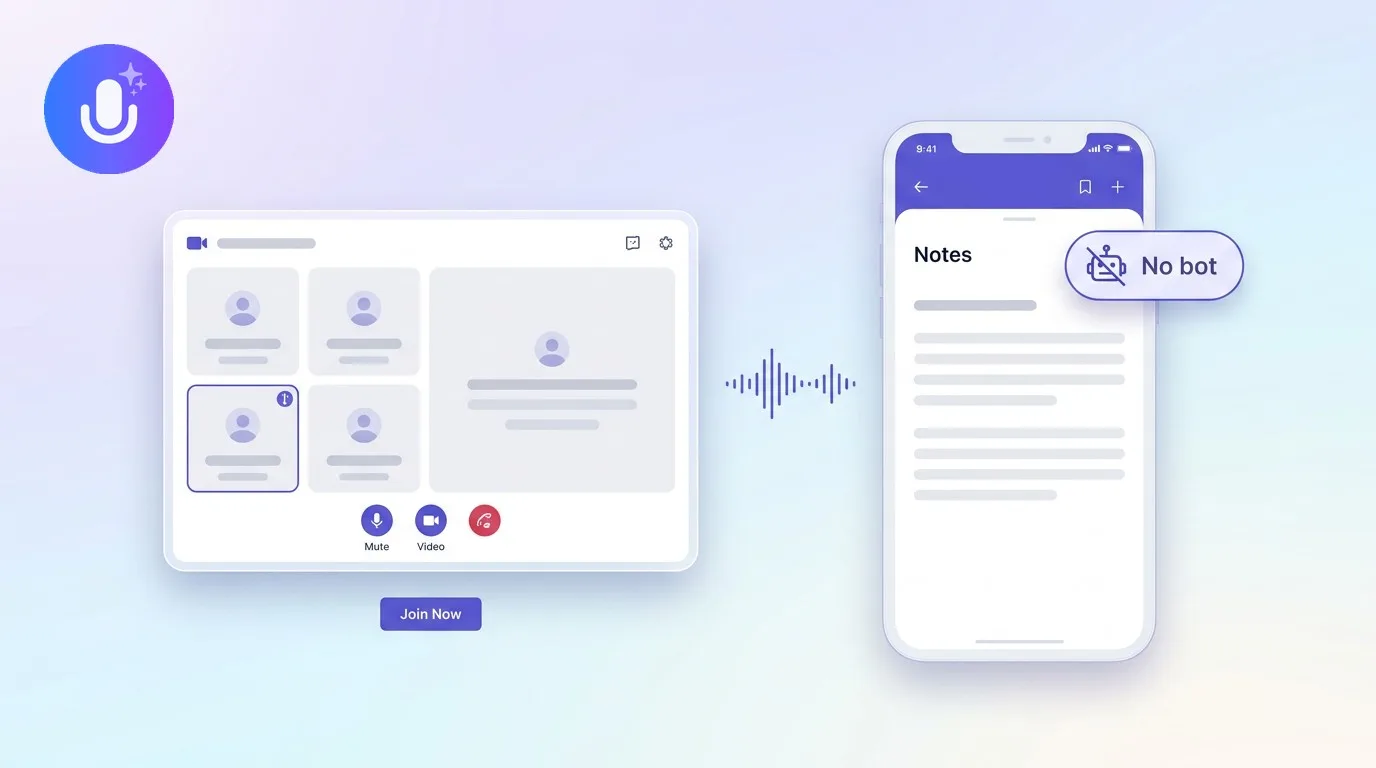
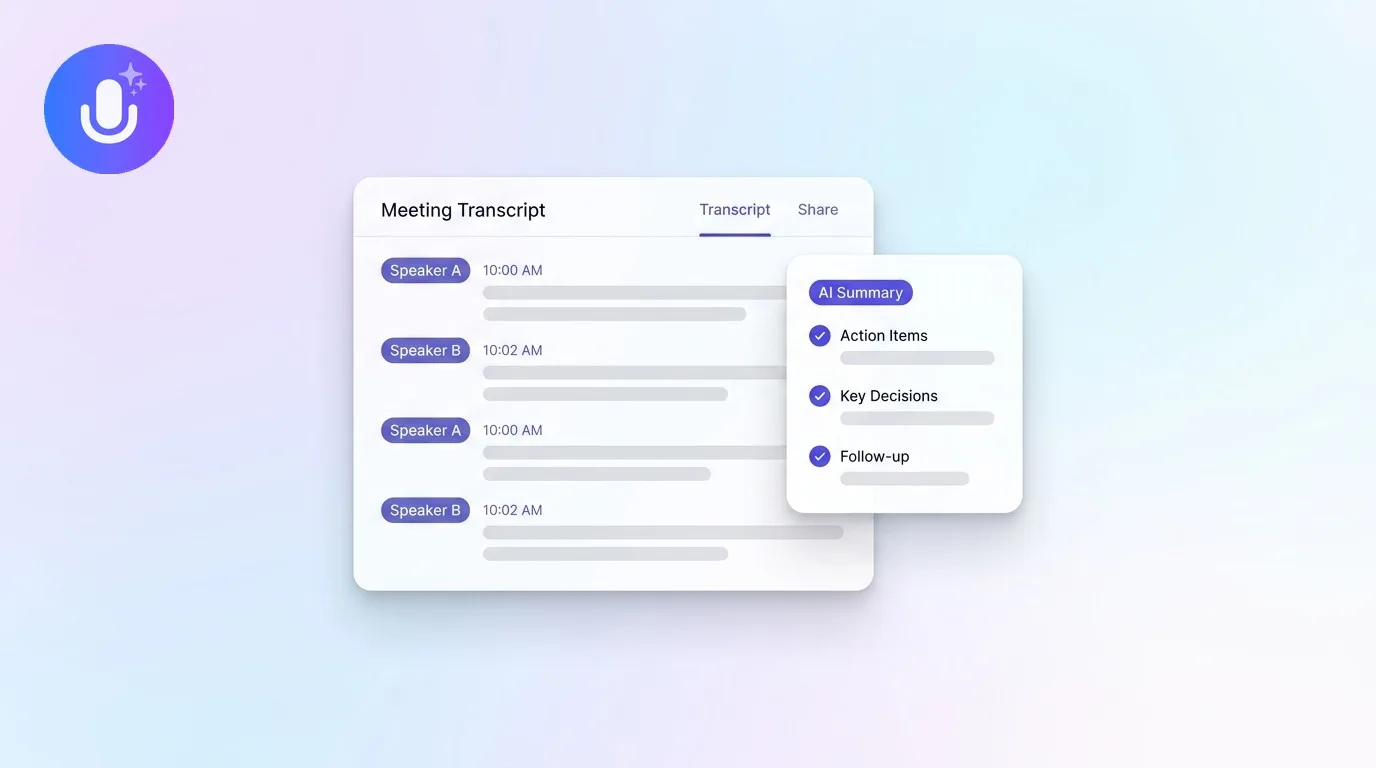
Short answer: An AI note taker is a tool that records a meeting or conversation, transcribes the audio into text, and uses AI to generate a structured summary with key points and action items, so you don't have to type notes while you're in the conversation. Most work across meetings, lectures, interviews, and calls on Zoom, Microsoft Teams, Google Meet, and in person, plus imported recordings.
← Back to Blog
What Is an AI Note Taker? How They Work and What to Look For
How an AI note taker works
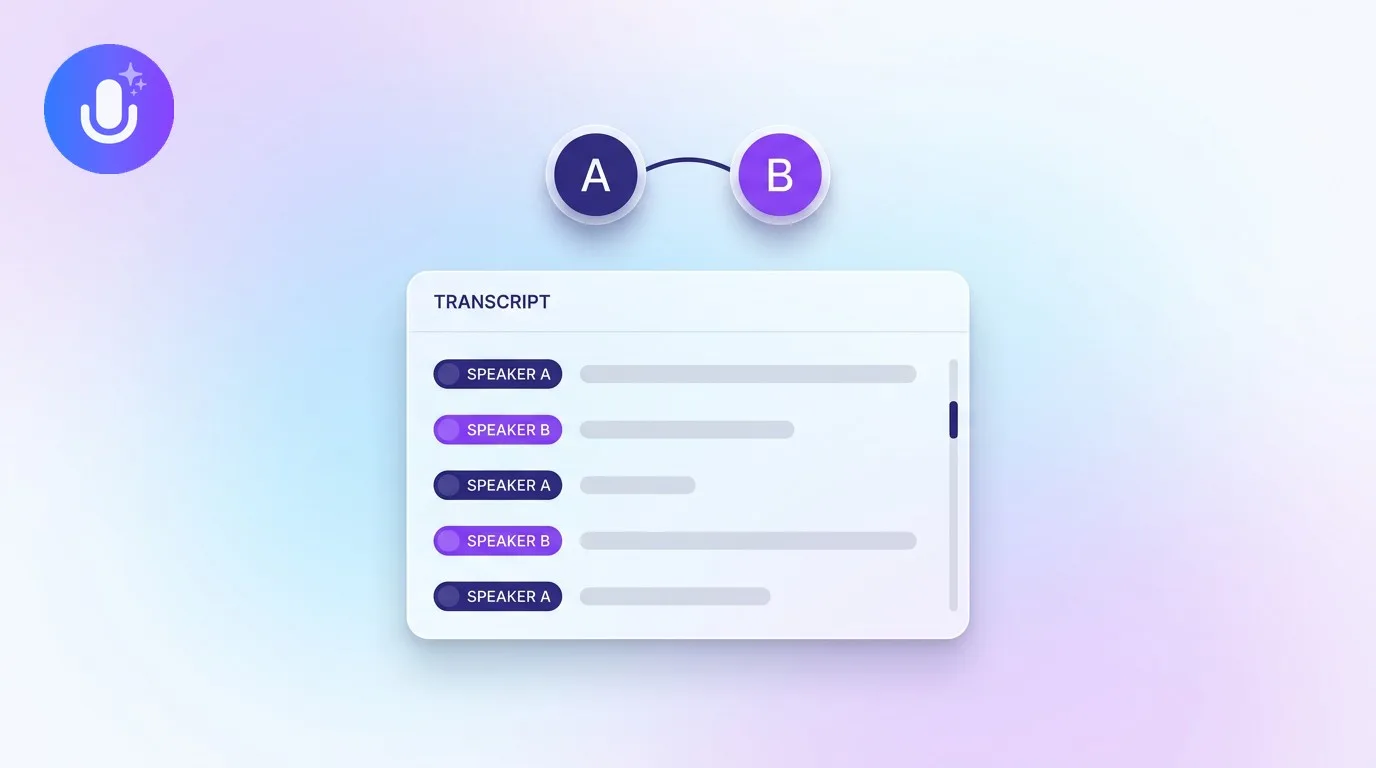
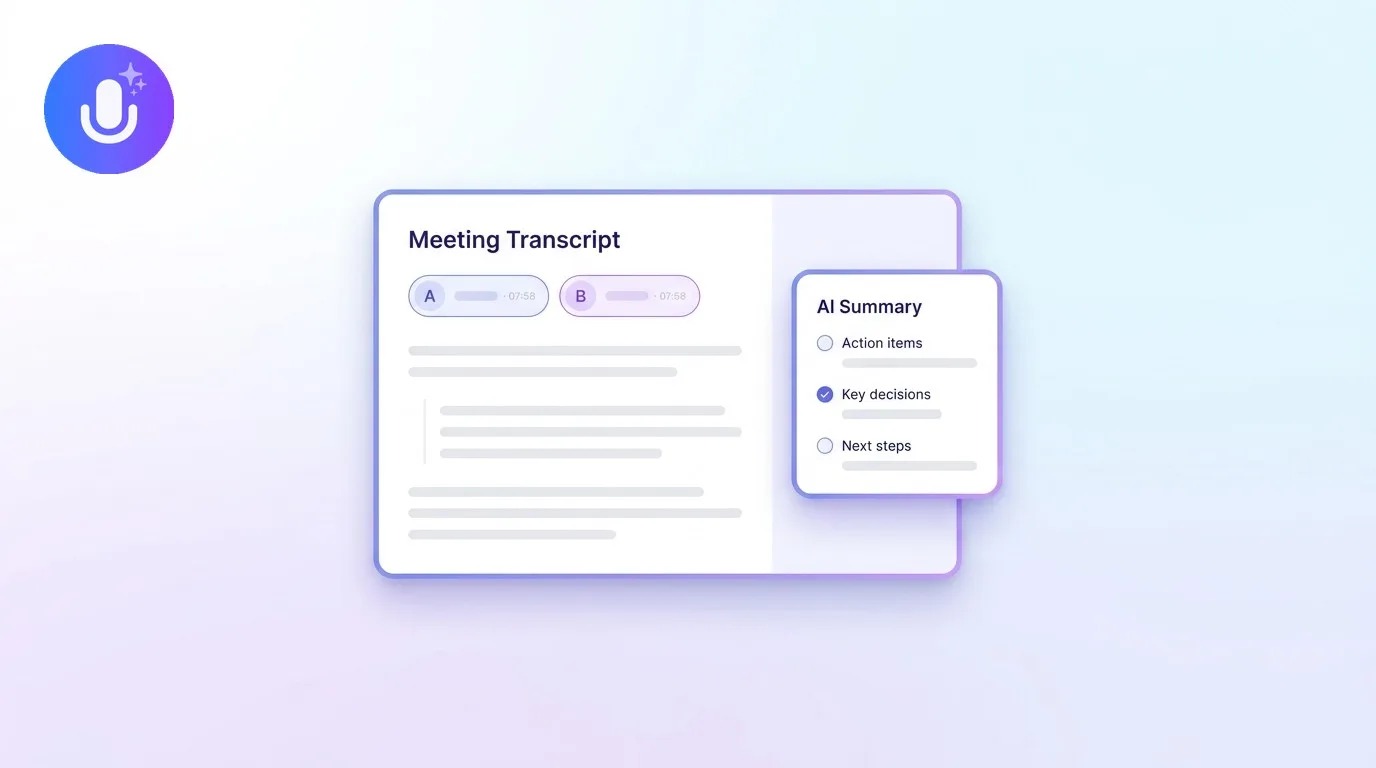
An AI note taker follows three steps. First it captures the audio, live during a call, or from an imported recording. Then it transcribes that audio into text and separates the speakers, a process called diarization. Finally, an AI model reads the transcript and produces a summary, key discussion points, decisions, and action items, that you can review, search, and share. The whole point is to move note-taking off the participant and onto the tool, so people can stay in the conversation instead of splitting attention between listening and typing.
This is a broader category than a plain transcription tool. A transcription tool converts speech to text and stops there; an AI note taker takes that transcript and turns it into something closer to what a person would have written by hand, structured, shortened, and organized around what actually matters. See how the underlying audio-to-text technology works for the transcription layer specifically.
The two ways AI note takers capture a meeting
There are two common capture methods, and the more capable tools support both:
- A meeting bot joins the call as a participant and records it server-side. It works from any device and even when you're not in the call, but a named bot visibly joins the meeting and appears in the participant list.
- Bot-free (system-audio) capture records the call's audio directly from your device, so nothing joins the meeting. It's less intrusive but depends on the device and browser, typically desktop apps and Chromium browsers.
Which one fits depends on whether a bot joining the call is acceptable in your context, and what devices you're recording from. See what bot-free recording is for a deeper look at how it works.
What an AI note taker produces
Beyond the transcript itself, the output typically includes a summary organized by topic, decisions called out explicitly, and action items pulled into a checklist with owners where they were mentioned. More capable tools also let you search across your entire archive of past notes, ask questions about a specific meeting's content, apply different summary formats depending on the type of meeting (a board meeting and a sales call don't need the same structure), and export or share the result as a document.
Who uses AI note takers
The category spans well beyond office meetings. People use them for recorded lectures and study sessions, sales and client calls, interviews and research conversations, recruiting screens, consulting engagements, and personal voice memos and dictated notes, not just scheduled video calls. What changes between these contexts is usually the summary format and what gets emphasized, not the underlying capture and transcription mechanics.
What to look for before choosing one
- Capture method: bot, bot-free, or both, and which platforms and devices each works on
- Transcription accuracy and languages: how many languages, and how it handles accents and crosstalk
- Speaker identification: whether it labels who said what, and whether it learns real names over time
- Summaries and action items: whether the output is structured, editable, and adapts to different meeting types
- Privacy: where data is stored, whether it's encrypted, how long recordings are kept, and whether it's used to train AI models
- Platforms and price: the apps it runs on, and whether the free tier is usable or just a trial
How CraftNote fits
CraftNote is an AI note taker that records bot-free on Mac, Windows, and Chromium browsers, or with an optional bot on any device, transcribes in 100+ languages, identifies speakers, and turns meetings into structured summaries with action items using 30+ templates. It runs on iPhone, iPad, Android, Mac, Windows, and the web, works offline for recording, and stores data encrypted in transit and at rest without selling it or using it to train AI models. The free plan includes 10 uploads or imports and 2 hours of recording per week; the Individual plan is $9.99/month (or $8.33/month billed annually) with unlimited notes, recordings up to 4 hours, and advanced models; Team plans start at $15/user/month for shared workspaces. See how the top AI meeting assistants compare or CraftNote pricing.
Frequently Asked Questions
What is the difference between an AI note taker and a transcription tool?
A transcription tool converts speech to text and stops there. An AI note taker does that and adds AI summaries, action items, and speaker labels on top, turning the raw transcript into notes you'd actually reference again.
Do AI note takers work without a bot joining the call?
Some do. Bot-free tools capture the call's system audio directly from your device, so nothing joins the meeting. Others rely on a bot that joins as a participant, and many capable tools support both methods.
Are AI note takers accurate?
Modern AI note takers are accurate enough for most meetings, but accuracy depends on audio quality, accents, and crosstalk. For high-stakes meetings, it's good practice to review the summary against the transcript before relying on it.
Can an AI note taker replace taking notes entirely?
For most meetings, yes, it removes the need to type during the conversation. For anything highly technical or unusually important, a quick review of the AI summary against the transcript is still worth the two minutes.
Related reading
Turn this into action with CraftNote
Record meetings and lectures, then get AI transcripts, summaries, and action items.
Try CraftNote free