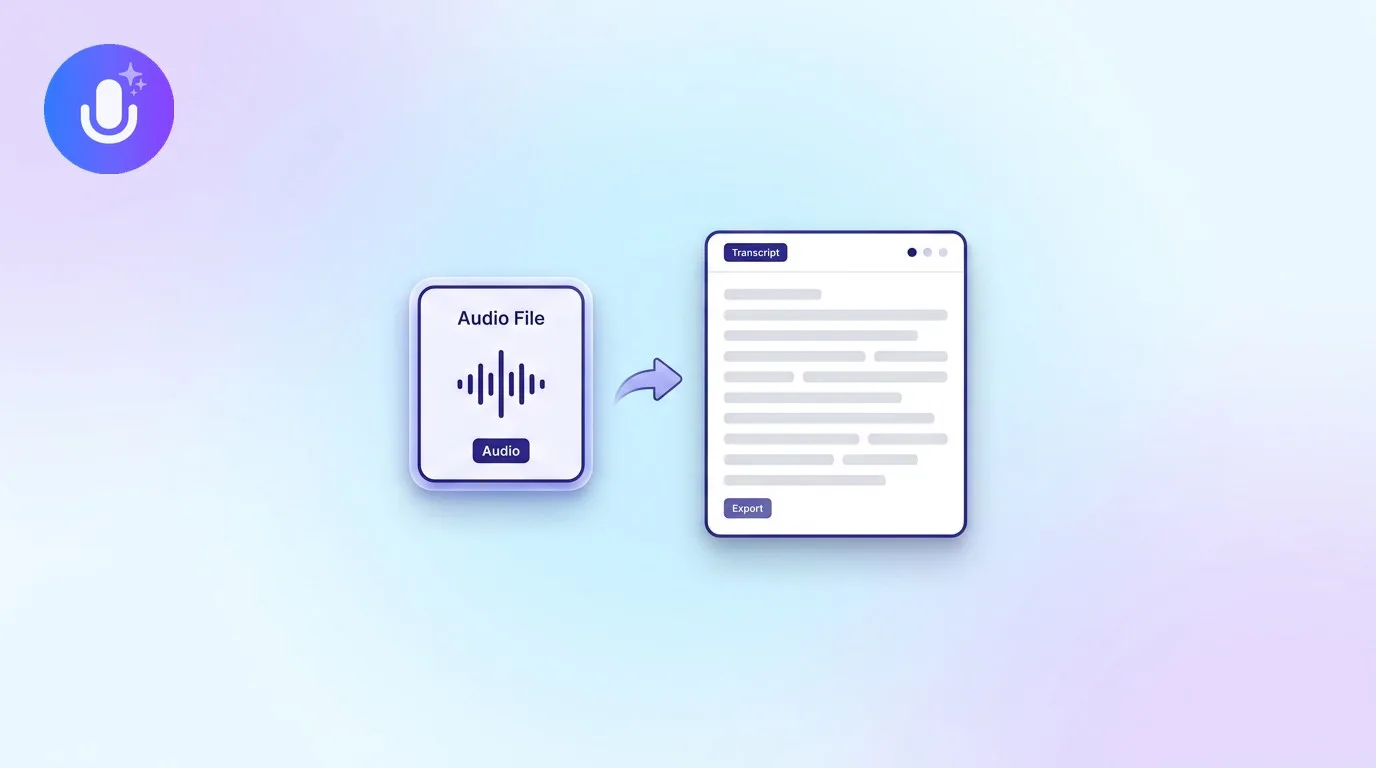
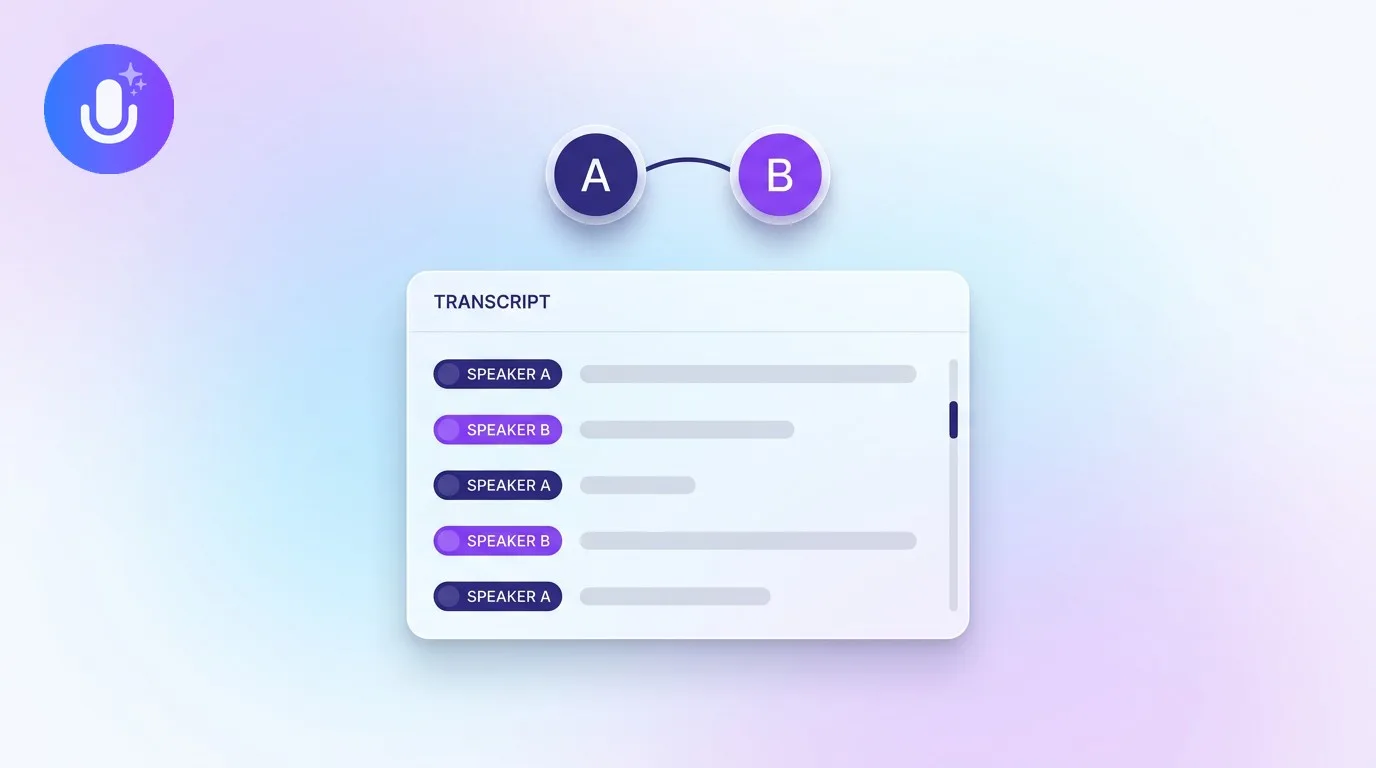
Short answer: Audio-to-text AI is technology that converts spoken audio into written text automatically, using a speech recognition model trained on large amounts of recorded speech. Feed it a recording and it outputs a transcript, usually with speakers separated. It's the technology behind meeting transcription, voice memo conversion, interview transcripts, and captioning, and it works well on clear audio in 100+ languages.
← Back to Blog
How to Convert Audio to Text with AI (Fast, Accurate Transcription)
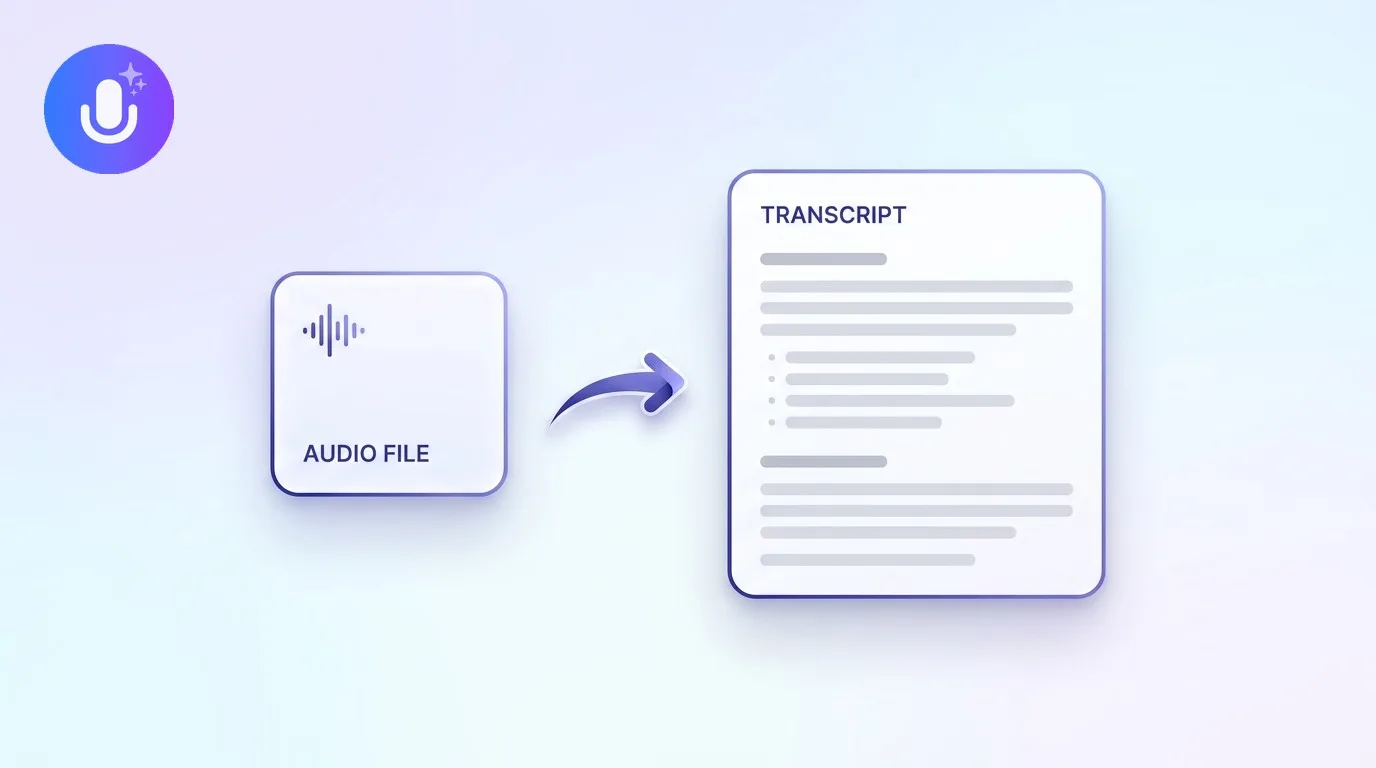
What audio-to-text AI actually is
Audio-to-text AI (also called speech-to-text or automatic speech recognition, ASR) is a model that has learned the relationship between sound and language. It listens to a waveform, breaks it into small segments, and predicts the words most likely to produce that sound, informed by both acoustic patterns and the statistical structure of language. Modern systems are trained on enormous, diverse datasets of speech across accents, languages, and recording conditions, which is why the same underlying technology now handles a mumbled voice memo, a formal interview, and a multi-speaker meeting with reasonable accuracy.
It's a different problem from text-to-speech (which does the reverse, turning text into spoken audio) and from speaker diarization (which decides who is speaking, not what they said). A complete transcript usually needs both: audio-to-text supplies the words, diarization supplies the speaker labels.
How the conversion actually happens
- Record or import: capture audio live, or hand the model an existing file, YouTube link, or podcast episode
- Transcribe: the model converts speech to text and, in a full note-taking tool, separates speakers automatically at the same time
- Structure the output: beyond raw text, an AI note taker layers a summary, key points, and action items on top, and makes the whole thing searchable
That last step is what separates a basic transcription utility from an AI note taker. A transcription engine alone gives you a wall of text; an AI note taker turns that text into something you'd actually reference again. See what an AI note taker is for how the two differ.
What affects accuracy
Audio-to-text accuracy tracks recording quality more than any other single factor. Clear audio with minimal background noise and limited crosstalk transcribes best. Heavy accents, technical jargon, poor microphones, and overlapping speakers lower accuracy for any tool, not just one vendor's. A few practical levers matter more than people expect: recording close to the source, keeping the room quiet, and letting one person speak at a time all noticeably improve the output. Setting the language manually instead of relying on auto-detection also helps when a recording mixes languages or covers unusual terminology.
It's also worth knowing what a model was trained to prioritize. Some are tuned for verbatim accuracy on clean English audio; others are tuned to hold up across dozens of languages and messier real-world recordings. If you regularly record in a language other than English, or in noisy rooms, that trade-off matters more than a single benchmark number.
Common use cases
The same core technology covers a wide range of situations: recorded meetings and calls, academic lectures, podcast episodes and YouTube videos, dictated notes and voice memos, customer interviews, and phone call recordings shared from your device. What changes between these use cases isn't the transcription step, it's what you do with the output afterward, whether that's a searchable archive, a set of action items, or a quote you need to pull for an article.
What CraftNote supports
CraftNote transcribes audio files, video files, PDFs, YouTube links, and podcasts (search by name and pick the episode), and can record live meetings bot-free on Mac and Chromium browsers, or with an optional bot on other devices. It transcribes and translates in 100+ languages with automatic language detection, labels speakers automatically, and runs on iPhone, iPad, Android, Mac, Windows, and the web. Recording works offline; if you're offline when a recording finishes, it uploads and transcribes once you're back online. Supported audio formats include MP3, M4A, WAV, AAC, Opus, OGG, and AMR. The free plan includes 10 uploads or imports and 2 hours of recording per week; the Individual plan ($9.99/month, or $8.33/month billed annually) removes those limits and adds recordings up to 4 hours and 30+ summary templates. Try CraftNote free or read how well it summarizes recordings.
Frequently Asked Questions
Can I convert audio to text for free?
Yes. CraftNote's free plan includes 10 uploads or imports and 2 hours of recording per week, which covers transcribing most audio files. Higher-volume or longer recordings move to the Individual plan.
How accurate is AI audio-to-text transcription?
It's accurate enough for most recordings, but quality depends heavily on the audio. Clear recordings with one speaker at a time transcribe well; background noise, heavy accents, and crosstalk reduce accuracy for any tool.
What audio formats are supported?
CraftNote accepts MP3, M4A, WAV, AAC, Opus, OGG, and AMR audio files, plus video files, PDFs, YouTube links, and podcasts, and transcribes them all in 100+ languages.
Does audio-to-text also tell me who is speaking?
On its own, no, transcription and speaker diarization are separate steps. CraftNote runs both automatically, so the transcript comes out with speakers already labeled.
Related reading
Turn this into action with CraftNote
Record meetings and lectures, then get AI transcripts, summaries, and action items.
Try CraftNote free