Short answer: To convert video to text, import the video file, or paste a YouTube link, into an AI note taker like CraftNote, which extracts the audio track, transcribes it, separates speakers, and generates a structured summary. Unlike converting a plain audio file, video-to-text usually means pulling audio out of a container format first, and it's what makes recorded meetings, lectures, and online videos searchable.
← Back to Blog
How to Convert Video to Text with AI (Transcribe Any Video)
How video-to-text differs from audio-to-text
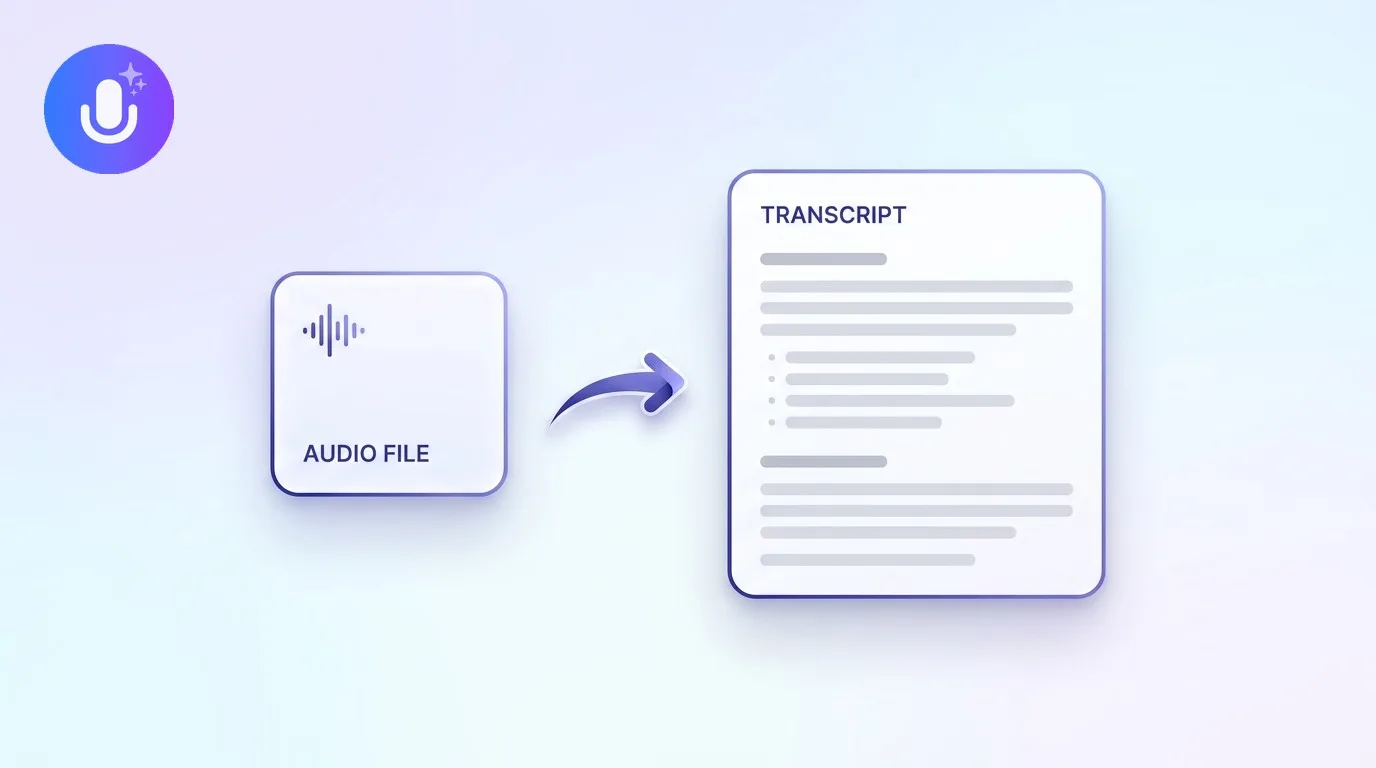
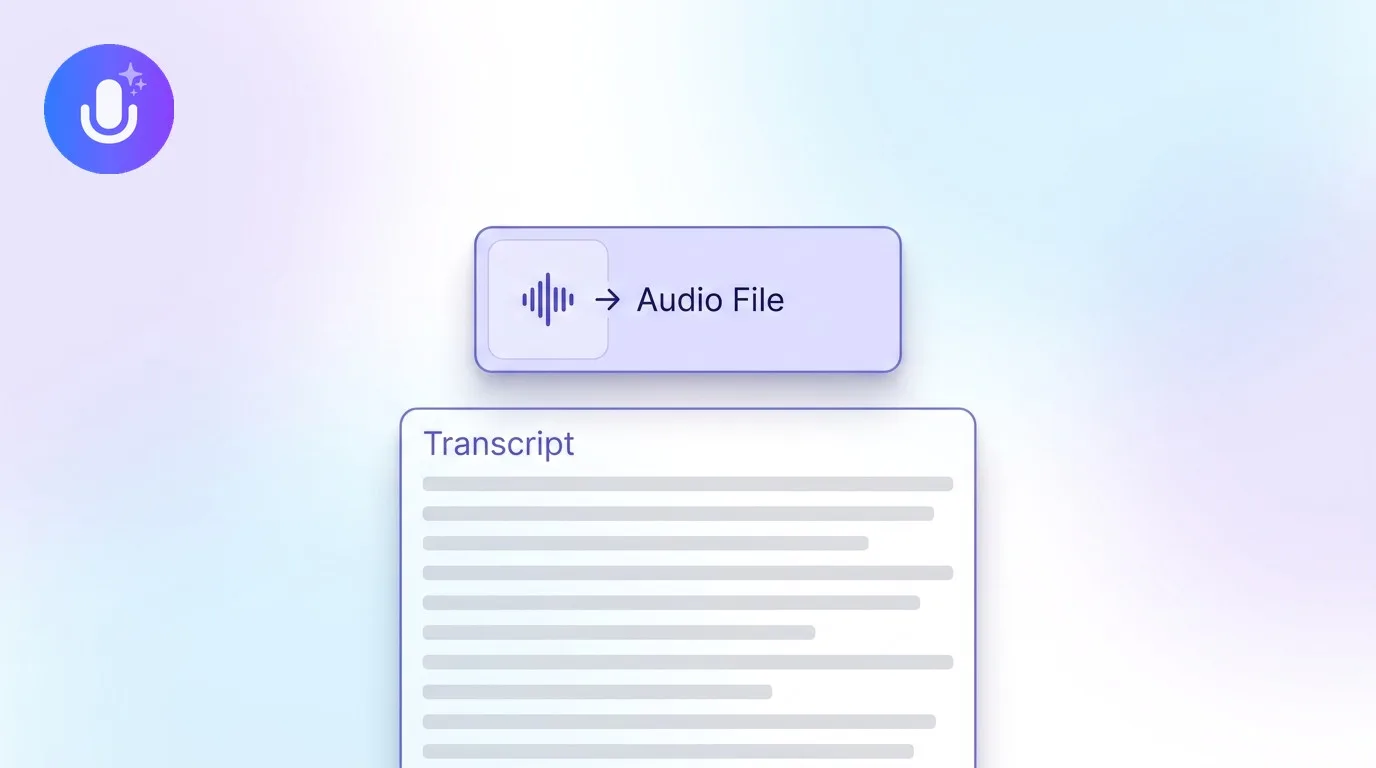
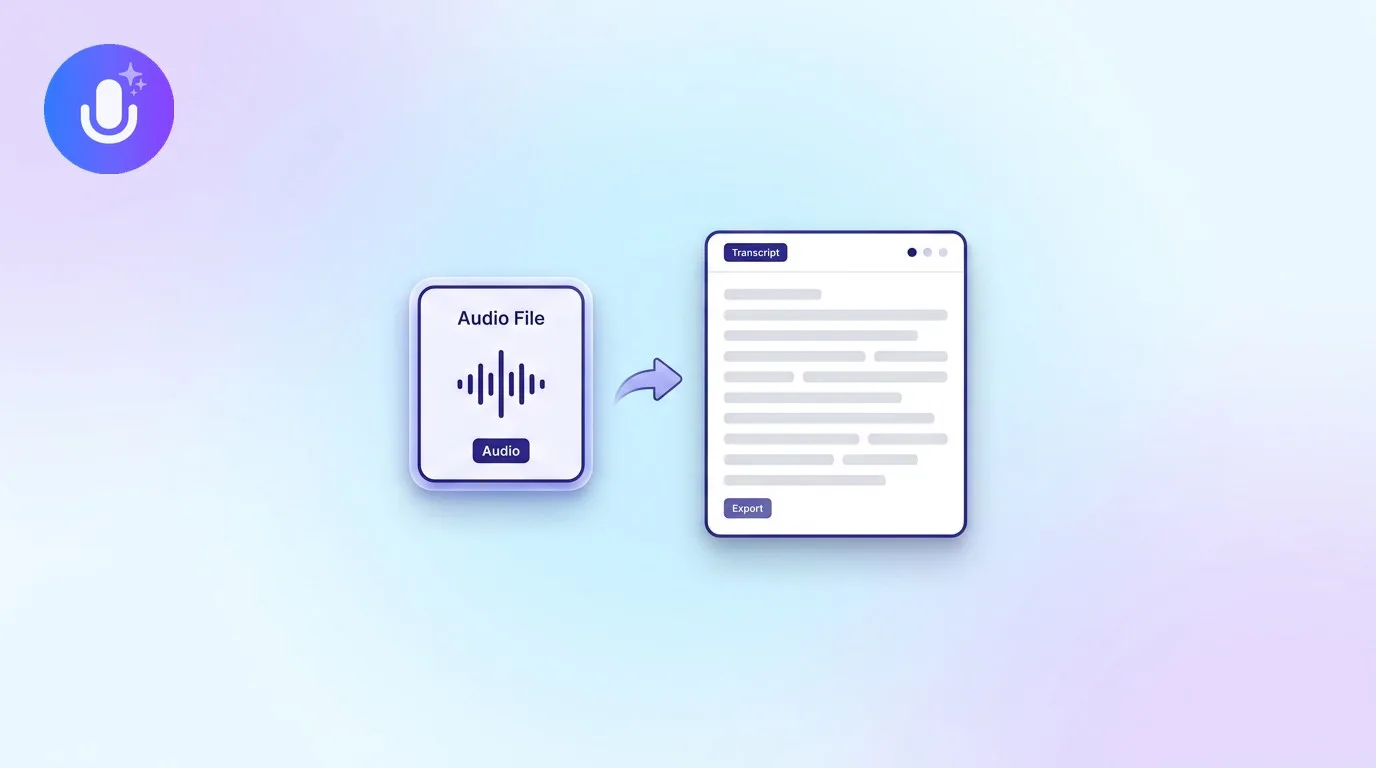
The transcription step itself is identical once you're working with sound, a speech recognition model doesn't know or care whether the audio originally came packaged in a video file. The difference is upstream: a video-to-text tool has to extract the audio track from the video container first, whether that's an MP4 recorded on your phone, an MOV export from Zoom, or a stream pulled from a YouTube URL. It also has to decide what to do with anything that isn't spoken audio, like on-screen text, slides, or burned-in captions, none of which a transcript captures unless you review the video separately. For a pure recording (a voice memo, a phone call, a podcast), you skip that extraction step entirely. See converting audio to text for that more general case.
How to convert a video to text
- Import the video: upload a video file, or paste a YouTube link, into CraftNote
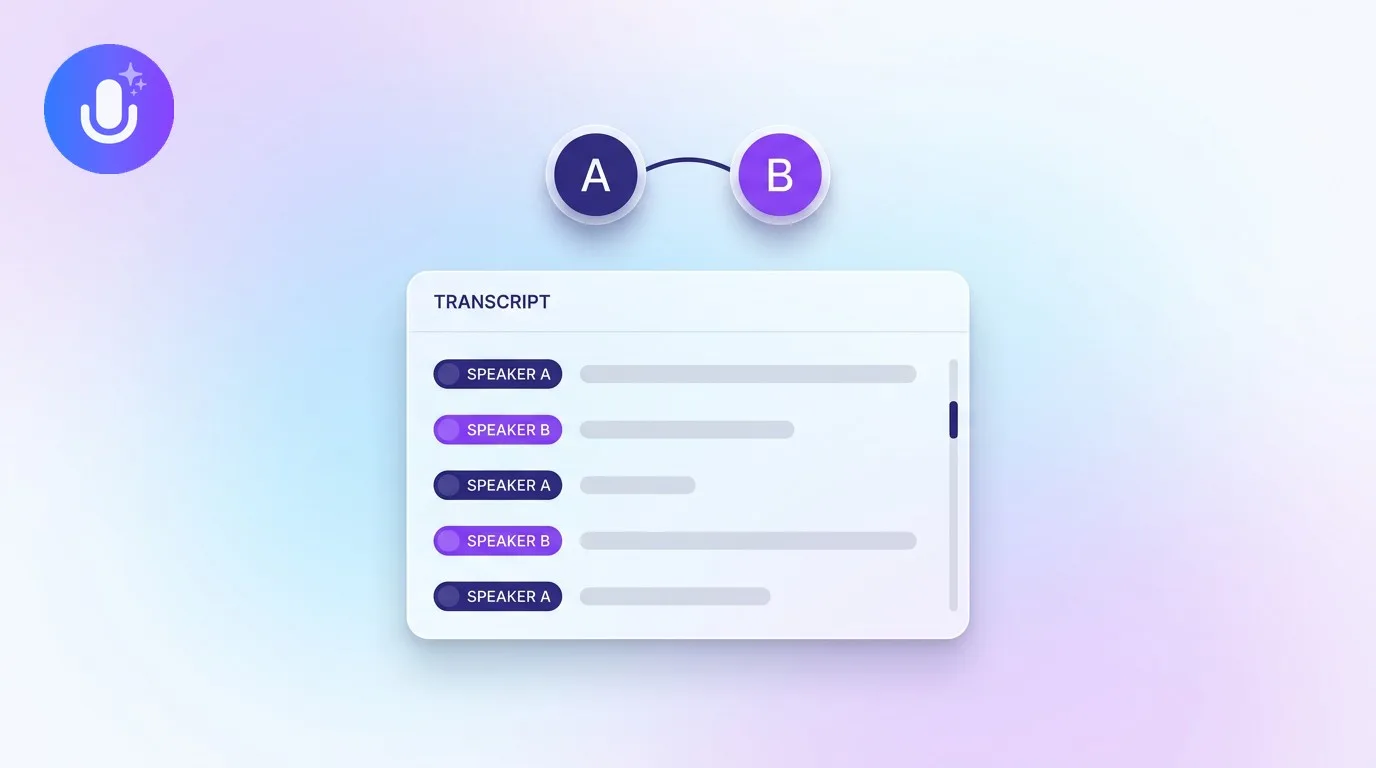
- Transcribe: it extracts and transcribes the audio track, labeling speakers automatically
- Summarize: it produces a structured summary with key points and action items alongside the full, searchable transcript
Where video-to-text is used
Turning video into text makes long recordings usable in ways the video file alone isn't:
- Recorded meetings: skim a one-hour video recording as a two-minute summary instead of scrubbing through it
- Lectures and webinars: search a two-hour lecture recording for the one section you need, or repurpose a webinar into written notes
- Video interviews: pull an accurate quote without re-watching and re-listening to find the moment
- Online video and YouTube: transcribe a video you didn't record, for research, note-taking, or study, straight from the link
- Accessibility and repurposing: a text transcript can become captions, a blog post, or searchable documentation in a way a video file can't
Because the output is text, it's searchable and shareable in a way video isn't. You can find a specific line across dozens of recorded meetings, but you can't search inside a video file itself.
What gets lost in the conversion
It's worth being honest about the trade-off: video-to-text captures what was said, not what was shown. Slide content, screen shares, whiteboard drawings, and visual demonstrations aren't reflected in the transcript unless someone describes them out loud. For a meeting or lecture that's mostly discussion, that's rarely a problem. For a video that's heavy on visual demonstration, a transcript is a useful index, not a full replacement for watching it.
What CraftNote supports
CraftNote transcribes video files (MP4, MOV, M4V, AVI, MKV, WebM, 3GP) and audio files, YouTube links, PDFs, and podcasts, in 100+ languages with automatic language detection. Paste a YouTube link and CraftNote extracts and transcribes the video's audio and builds a summary without you downloading the file yourself; most public YouTube videos work, though private, region-restricted, or very long videos may not. The same tool records live meetings bot-free on Mac and Chromium browsers, or with an optional bot on other devices, so you can capture new calls and transcribe existing videos in one place. It runs on iPhone, iPad, Android, Mac, Windows, and the web. Try CraftNote free.
Frequently Asked Questions
Can I convert a YouTube video to text?
Yes. Paste a YouTube link into CraftNote and it transcribes the video's audio and generates a summary, without downloading the file yourself. Most public videos are supported.
What video formats can be transcribed?
CraftNote accepts MP4, MOV, M4V, AVI, MKV, WebM, and 3GP video files, as well as audio files, YouTube links, and podcasts. It extracts the audio track and transcribes it.
Does video-to-text label who is speaking?
Yes. CraftNote separates speakers automatically in the transcript, so a multi-speaker video, like a recorded meeting or interview, comes out labeled rather than as one undivided block of text.
Does it capture on-screen text or slides?
No. Video-to-text transcribes the spoken audio track only. Slides, screen shares, and other visual content aren't reflected in the transcript unless someone describes them out loud during the recording.
Related reading
Turn this into action with CraftNote
Record meetings and lectures, then get AI transcripts, summaries, and action items.
Try CraftNote free