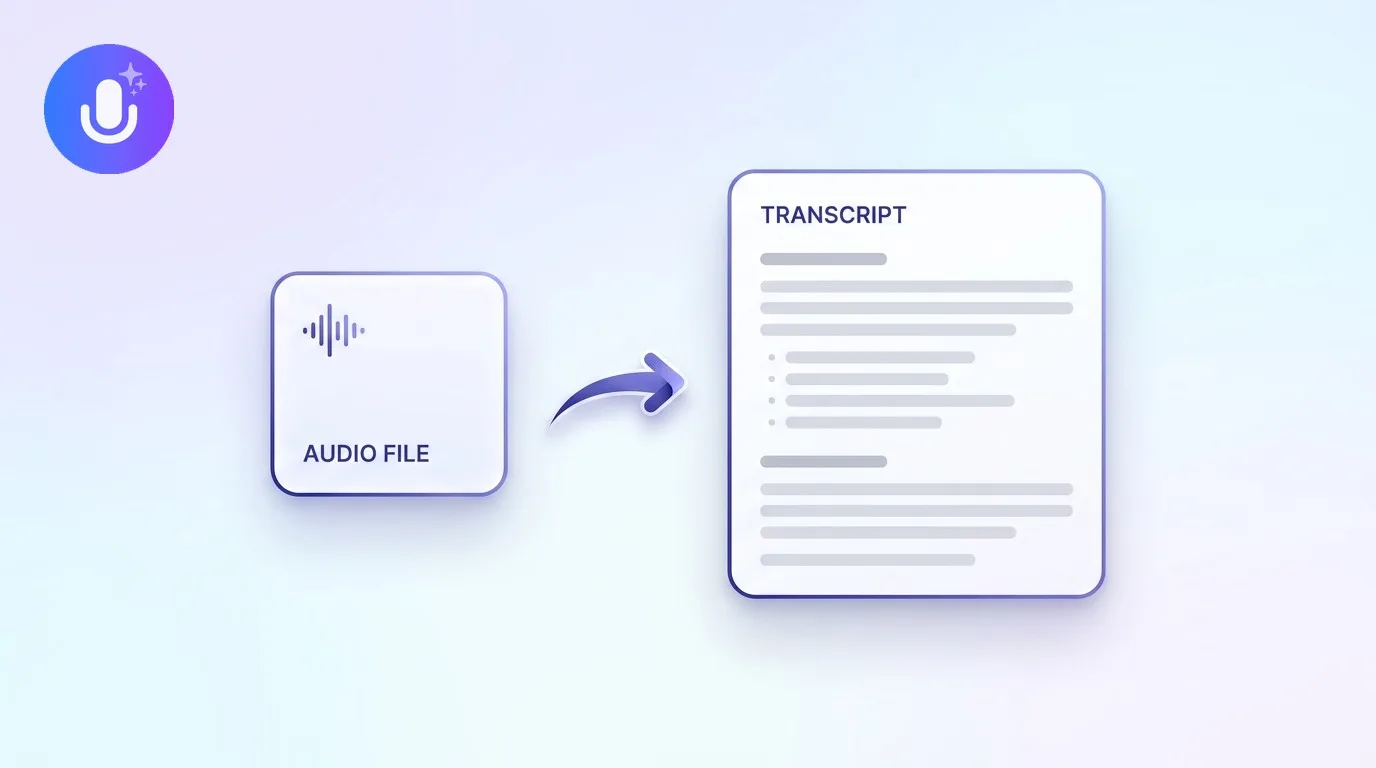
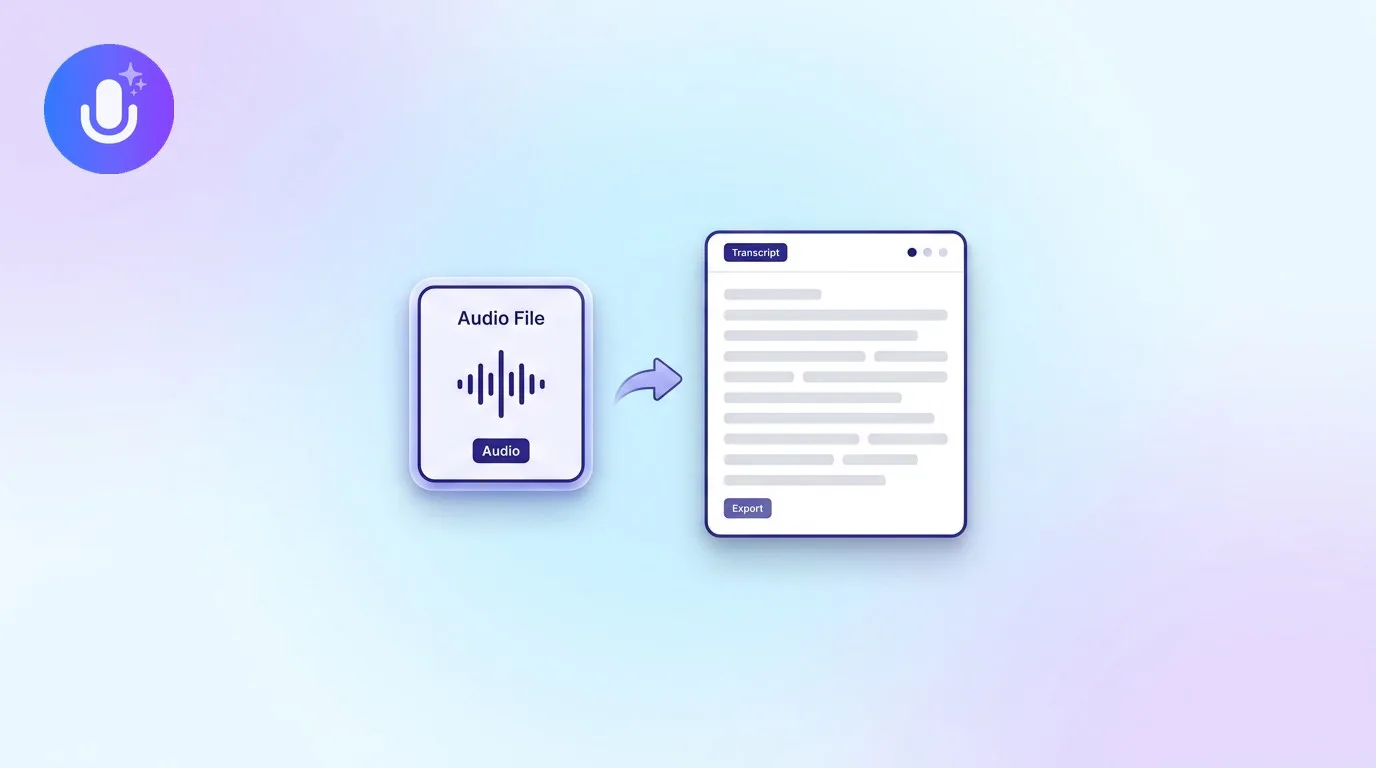
Short answer: To turn a voice memo into text, import the audio file, from your phone's Voice Memos app or any recorder, into an AI note taker like CraftNote, which transcribes it, separates speakers if there's more than one, and turns the raw recording into an organized summary. You can also record straight into the app instead of switching between two tools.
← Back to Blog
How to Turn a Voice Memo into Text (and Organized Notes)
Why voice memos are a different problem than meeting transcripts
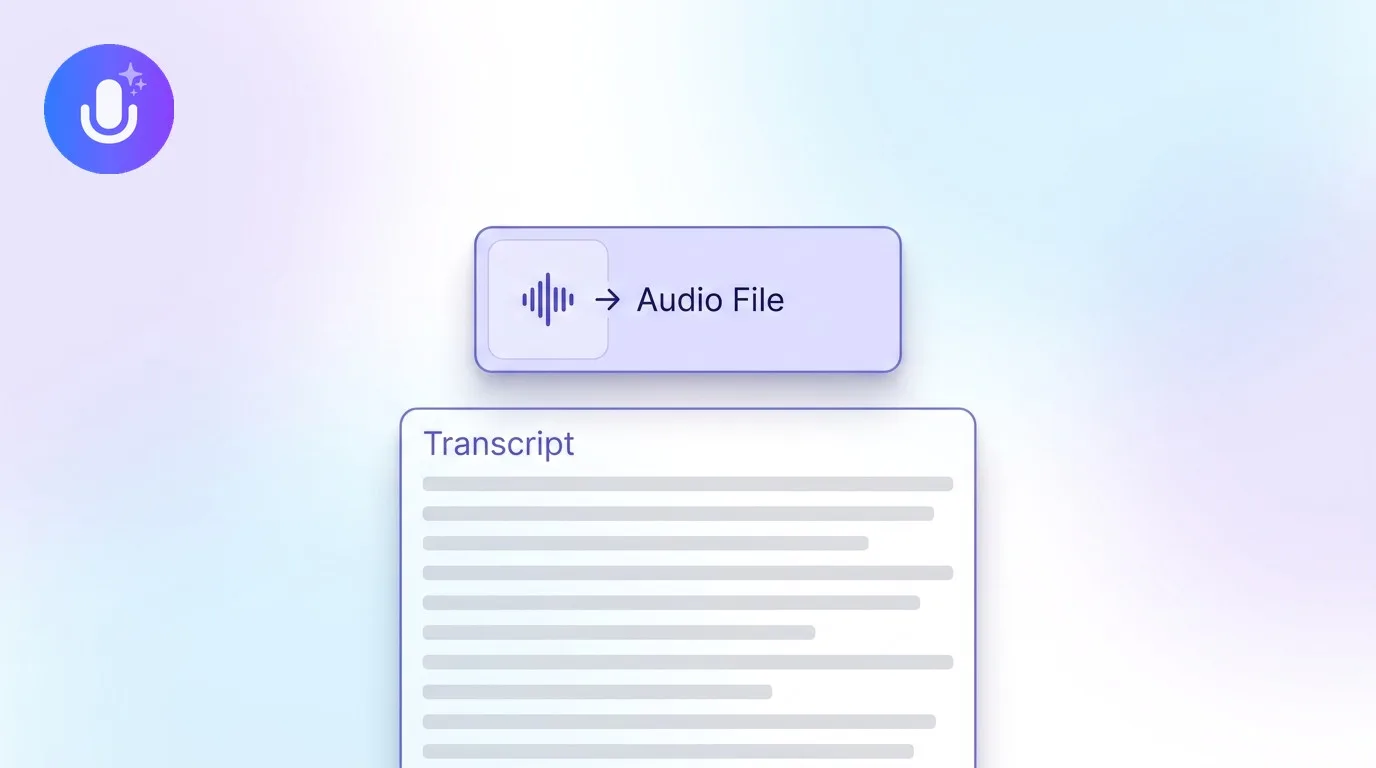
A voice memo is usually one person talking to themselves: a thought caught on a walk, a dictated to-do list, an idea before it slips away. That's different from a meeting recording in a few ways that matter for how you handle it. There's rarely a fixed structure to follow, no agenda, no clear start and end point for each topic, and the recording is often longer and more rambling than a person would write if they were typing. The value isn't in the raw words, it's in pulling out the two or three things you actually meant, which is exactly the summarization step a plain transcript doesn't do for you. If you're recording a multi-person conversation instead, that's a meeting or interview, and transcribing a meeting is the more relevant guide.
How to turn a voice memo into text
- Record or import: record straight into CraftNote, or import an existing voice memo from your phone's Voice Memos app (or Android's recorder) or computer
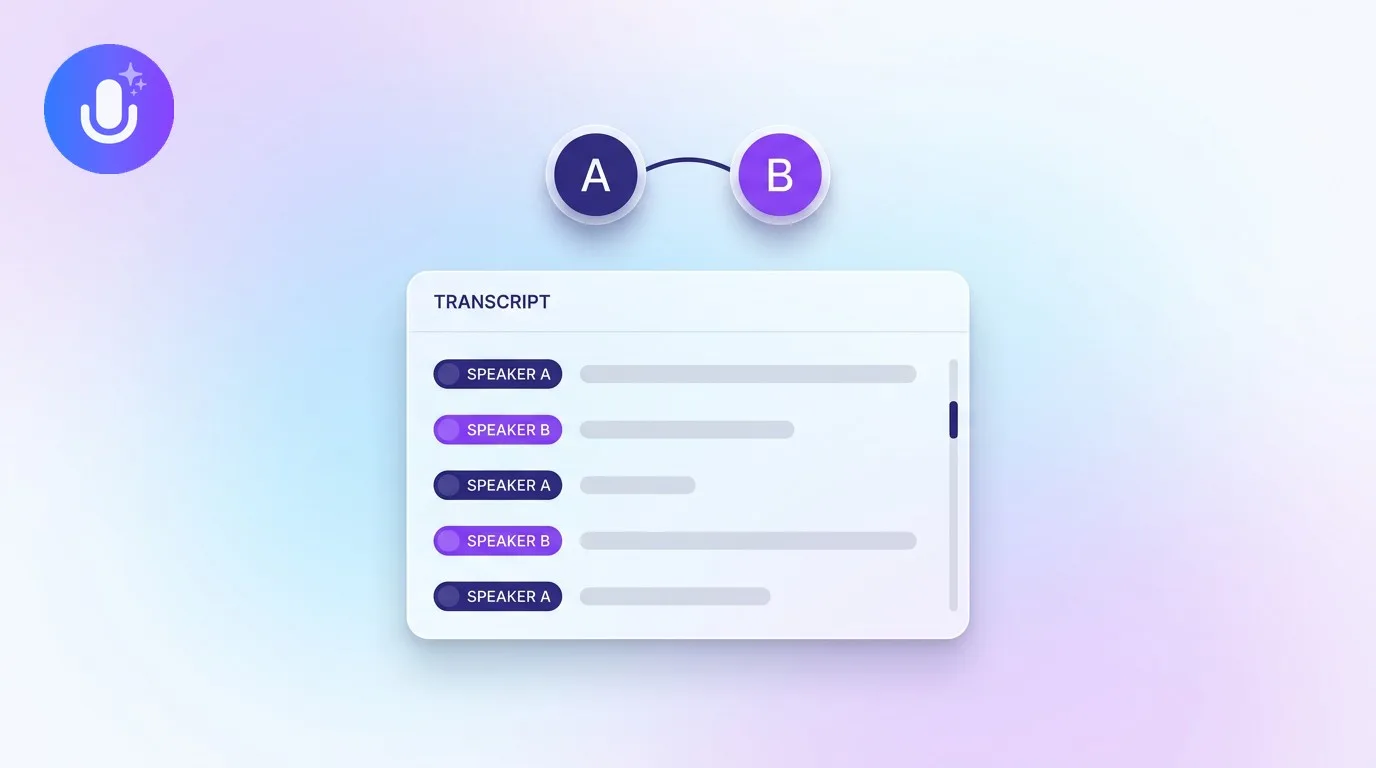
- Transcribe: CraftNote converts the speech to text and separates speakers automatically if more than one person is in the recording
- Organize: beyond the raw transcript, it generates a structured summary with the key points and any action items, so a rambling memo becomes usable notes
Dictation vs. transcribing a voice memo afterward
These solve slightly different problems. Live dictation (like your phone's built-in speech-to-text keyboard) converts what you say into text in real time, word for word, as you speak, which is fast but gives you exactly what you said and nothing more, no summary, no structure. Transcribing a voice memo afterward means you recorded first and process later: you get the same word-for-word text, but also the option to have it summarized, searched, and organized alongside your other notes. If you just need a quick text message dictated, live dictation is faster. If you're capturing a longer thought, a set of ideas, or something you'll want to find again later, recording it as a memo and running it through a note-taking tool is more useful, because the output is organized rather than just transcribed.
Why not just read the raw transcript?
A plain transcript of a voice memo is often long and unstructured, you recorded your thoughts out loud, after all, complete with false starts and tangents. Turning it into organized notes means pulling out the decisions, the to-dos, and the main ideas, which is where an AI summary helps more than it does for, say, a scripted podcast. You can also search across every memo you've transcribed later, instead of scrubbing through audio files trying to remember which one had the idea you wanted.
What CraftNote supports
CraftNote handles voice memos plus audio and video files, PDFs, YouTube links, and podcasts, so the same workflow that transcribes a voice memo also works for a recorded lecture, an interview, or a meeting. Supported audio formats include MP3, M4A, WAV, AAC, Opus, OGG, and AMR, so voice memos exported from iPhone or Android import without conversion. It transcribes in 100+ languages with automatic language detection, and runs on iPhone, iPad, Android, Mac, Windows, and the web, so you can record a memo on your phone and read the notes on your laptop. Recording also works offline; if you record without a connection, it uploads and transcribes once you're back online. Try CraftNote free.
Frequently Asked Questions
Can I convert a voice memo to text for free?
Yes. CraftNote's free plan includes 10 uploads or imports and 2 hours of recording per week, which covers transcribing voice memos. Longer or higher-volume use moves to the Individual plan at $9.99/month.
Does it work with voice memos from my iPhone?
Yes. You can record directly in CraftNote or import an existing recording, including memos saved by iPhone's Voice Memos app or Android's recorder, and it will transcribe and summarize them.
Can it turn a voice memo into bullet points?
Yes. Beyond the raw transcript, CraftNote generates a structured summary with key points and action items, so a spoken, rambling memo becomes organized, scannable notes.
What's the difference between this and my phone's built-in dictation?
Built-in dictation converts speech to text live, as you speak, with no summary or organization. Recording a memo and transcribing it afterward gives you the same text plus a structured summary, search across your recordings, and speaker labels if more than one person is talking.
Related reading
Turn this into action with CraftNote
Record meetings and lectures, then get AI transcripts, summaries, and action items.
Try CraftNote free