Short answer: Speaker diarization is the process of automatically separating an audio recording into segments by who is speaking, answering "who spoke when." In meeting notes, it's what turns a wall of text into a labeled transcript ("Sarah: ...", "Marcus: ...") so you can follow the conversation and attribute decisions to the right person.
← Back to Blog
What Is Speaker Diarization? (And Why It Matters for Meeting Notes)
What speaker diarization means
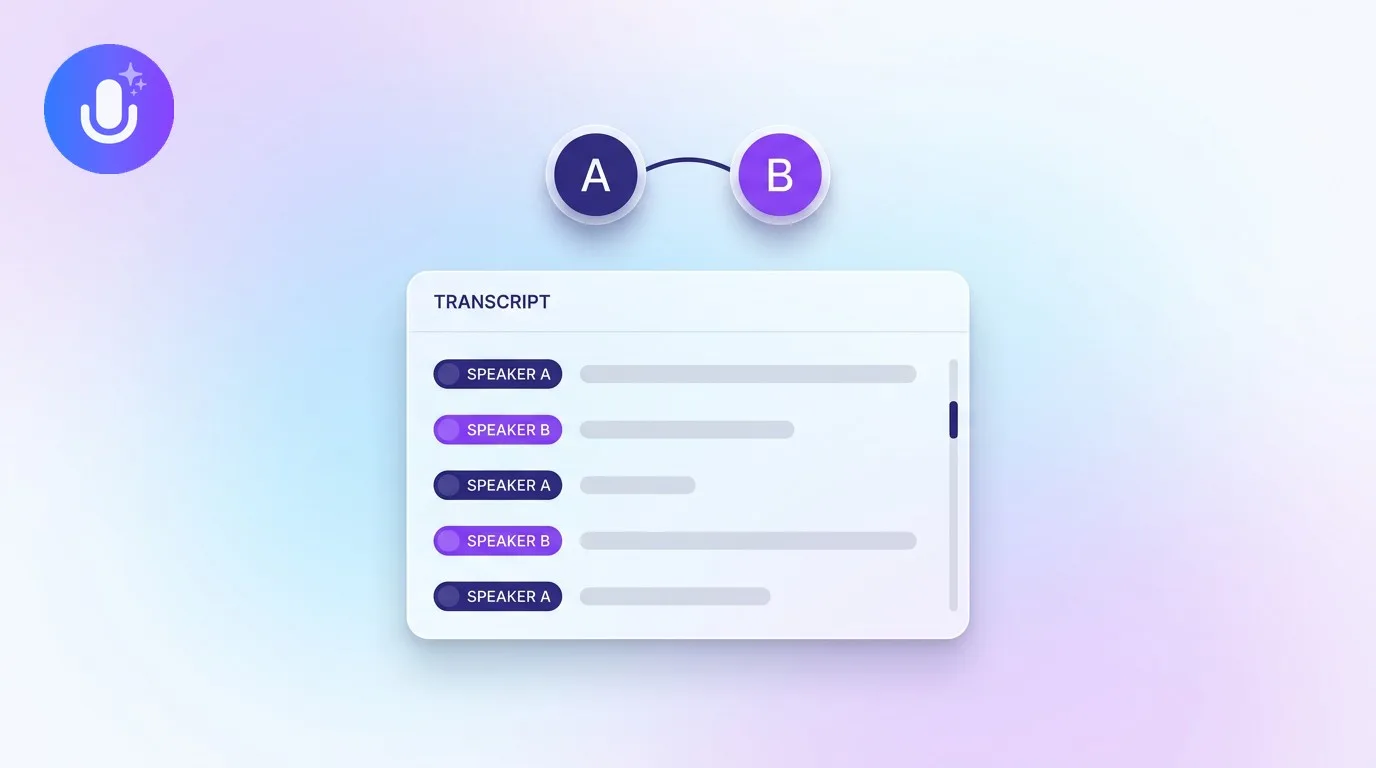
Speaker diarization (sometimes written "diarisation") is a step in audio processing that detects how many distinct speakers are in a recording and marks which parts each one said. It works separately from transcription: transcription turns speech into text, while diarization decides which speaker each stretch of text belongs to. Together they produce a transcript where every line is attributed to a speaker, without diarization, transcription alone would produce one continuous block of text with no way to tell who said what.
How it works, at a high level
Modern diarization systems process a recording in a few stages. First, they detect which portions of the audio contain speech at all, filtering out silence and non-speech noise. Then they analyze the voice characteristics in each speech segment, things like pitch, tone, and cadence, and represent each segment as a kind of fingerprint. Finally, they group segments with similar fingerprints together, on the theory that segments belonging to the same speaker should cluster close together, and assign each cluster a label. The hard parts are the details: two people talking at once, a speaker whose voice changes because they moved away from the microphone, or two voices that sound similar enough to confuse the clustering. Recording conditions, more than the algorithm itself, are usually what separates a clean diarized transcript from a messy one.
Why it matters for meetings
Without diarization, a meeting transcript is one undivided block of text, accurate, but hard to follow and impossible to attribute. With it, you can see who raised a concern, who committed to an action item, and who made a decision. That attribution is what makes a transcript useful as a record: you can search for what a specific person said, and action items can be tied to the right owner instead of floating unassigned. It's also what makes a transcript readable at all in a meeting with more than two or three people; a labeled transcript reads like a script, an unlabeled one reads like a stream of consciousness.
Generic labels vs. real names
Basic diarization produces generic labels, "Speaker 1," "Speaker 2," based purely on distinguishing voices from each other, with no idea who those voices actually belong to. Turning those into real names requires extra signals: a library of enrolled voiceprints built up from past recordings, the meeting's calendar attendee list, or a participant roster from the call platform. The more of these signals a tool has, the more reliably it can put real names on the transcript automatically instead of leaving you to relabel "Speaker 1" and "Speaker 2" by hand every time. Even with those signals, accuracy varies: similar-sounding voices and heavy overlap between speakers can still cause mislabeling, which is why any diarization-based transcript is worth a quick glance before you rely on it for something important.
How CraftNote handles speaker diarization
CraftNote separates speakers automatically on any recording it captures, then attaches real names using your enrolled voiceprints and the meeting's calendar attendees. When its optional meeting bot joins a Zoom, Teams, or Google Meet call, it can also read the participant list for more reliable names. You can rename any speaker label manually at any point, on iPhone and Android with a segment-by-segment editor, or inline on web and Mac. The result is a labeled, searchable transcript with an AI summary and action items attached to the right people. Try CraftNote or read how well it summarizes meetings.
Frequently Asked Questions
What is the difference between transcription and diarization?
Transcription converts spoken audio into text. Diarization separates that audio by speaker, deciding who said which parts. A fully labeled transcript uses both: the words come from transcription, the speaker labels come from diarization.
How accurate is speaker diarization?
Accuracy depends on audio quality, how many speakers there are, and how much they overlap. Clear audio with distinct speakers diarizes well; heavy crosstalk, similar-sounding voices, and noisy rooms lower accuracy for any tool.
Can diarization identify real names automatically?
Generic labels like "Speaker 1" work on any recording without extra setup. Real names require additional signals such as enrolled voiceprints, calendar attendees, or a platform participant roster, and can always be corrected manually.
Does diarization work with more than two speakers?
Yes, modern systems handle group meetings with multiple speakers, though accuracy tends to decrease as more people talk over each other or as more similar-sounding voices are added to a single recording.
Related reading
Turn this into action with CraftNote
Record meetings and lectures, then get AI transcripts, summaries, and action items.
Try CraftNote free