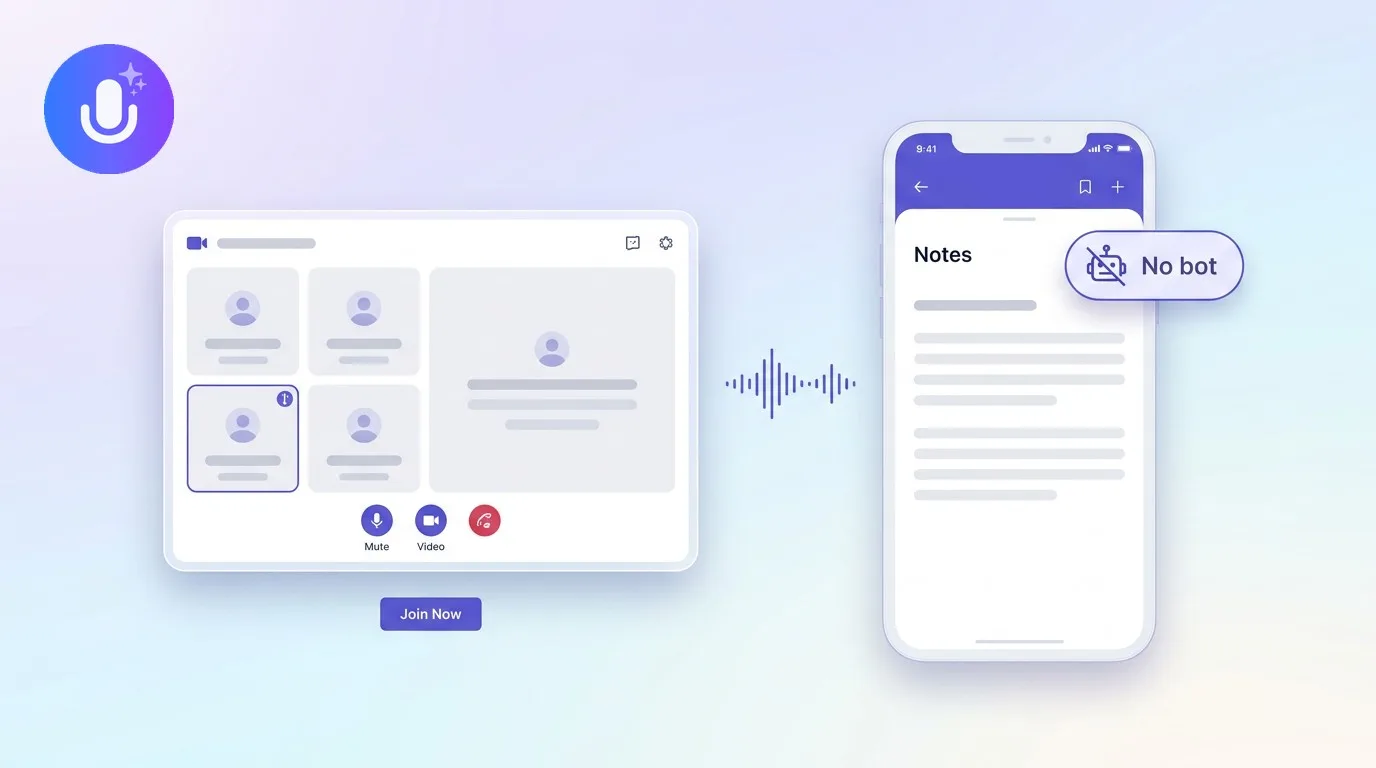
Short answer: For sales, the right AI note taker records calls without a bot getting in the way, pulls out the next steps and commitments, and keeps a searchable record so nothing slips between now and the next touchpoint. CraftNote does this bot-free on Mac and Chromium browsers or with an optional bot on any device, in 100+ languages. One honest note: CraftNote doesn't sync to CRMs automatically, you export your recap and add it where you track deals.
← Back to Blog
AI Note Taker for Sales: Capture Calls & Follow-Ups
The demo where you forgot what they said
You're forty minutes into a discovery call and the prospect casually mentions their contract with the incumbent vendor renews in March, which is exactly the kind of detail that should shape your entire follow-up timeline. You're also trying to listen for buying signals, answer a technical question about integrations, and keep the conversation moving, and typing notes at the same time means picking two out of three. By the time you're writing the follow-up email an hour later, "March" has turned into "sometime early next year," and the follow-up sequence you build around that vague memory is worse than the one you'd have built around the actual date.
The version of this call that works better isn't really about better note-taking skill. It's about not taking notes at all during the call, and instead getting an accurate transcript afterward that you can pull the renewal date from directly, in the prospect's own words, timestamped, not reconstructed from a fading memory forty minutes and one more call later.
What sales reps actually need
On a sales call you should be listening and responding, not typing. A good AI note taker captures the conversation, surfaces the action items and commitments, and gives you an accurate record of what the prospect actually said, so your follow-up is precise and nothing gets misremembered or softened in the retelling. Speaker labels matter more in sales than people expect: on a call with multiple stakeholders on the prospect's side, you want to know specifically who committed to what, because "the champion said they'd get budget approval" and "someone on the call mentioned budget" are very different things to build a forecast around.
How CraftNote fits a sales workflow
- Bot-free capture on Mac and Chromium browsers, so no bot joins the prospect's call and announces itself before you've even said hello, or an optional bot on mobile and other browsers when needed.
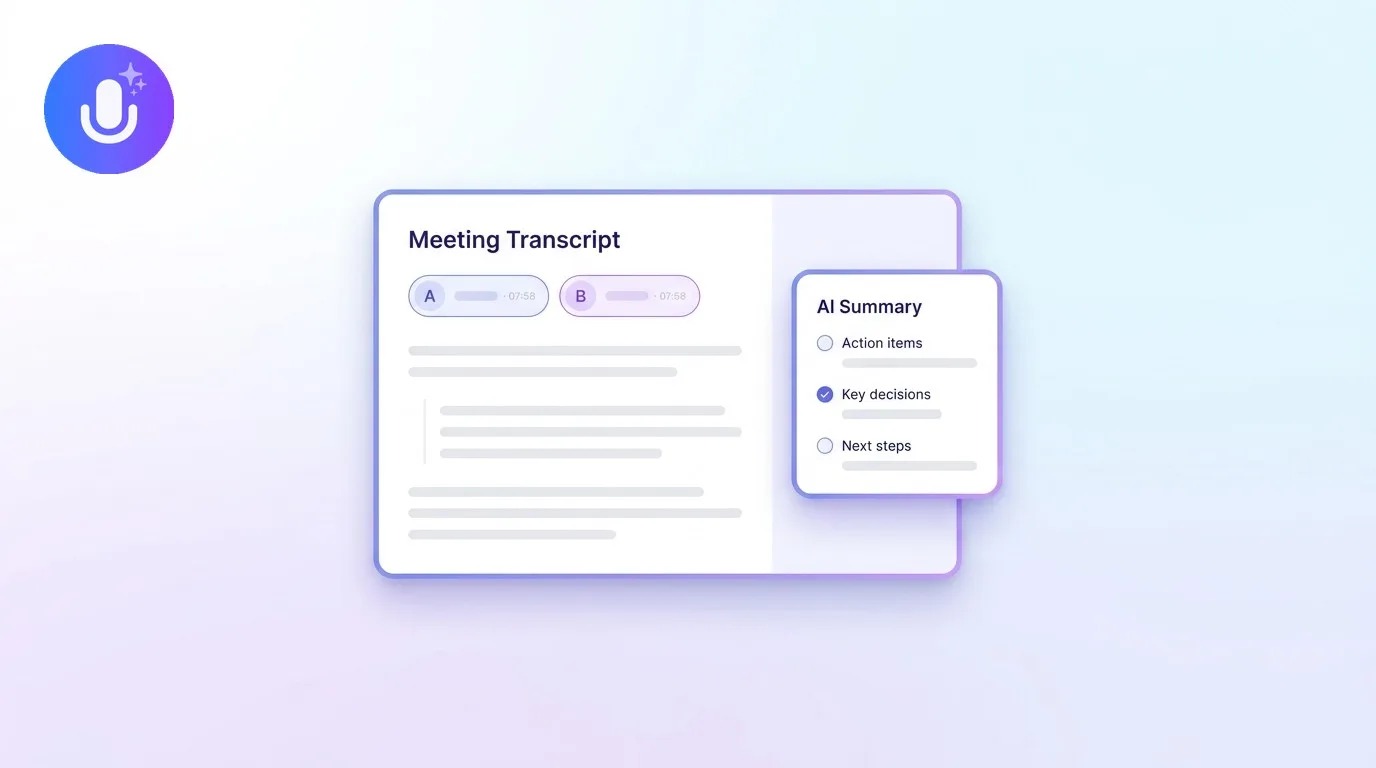
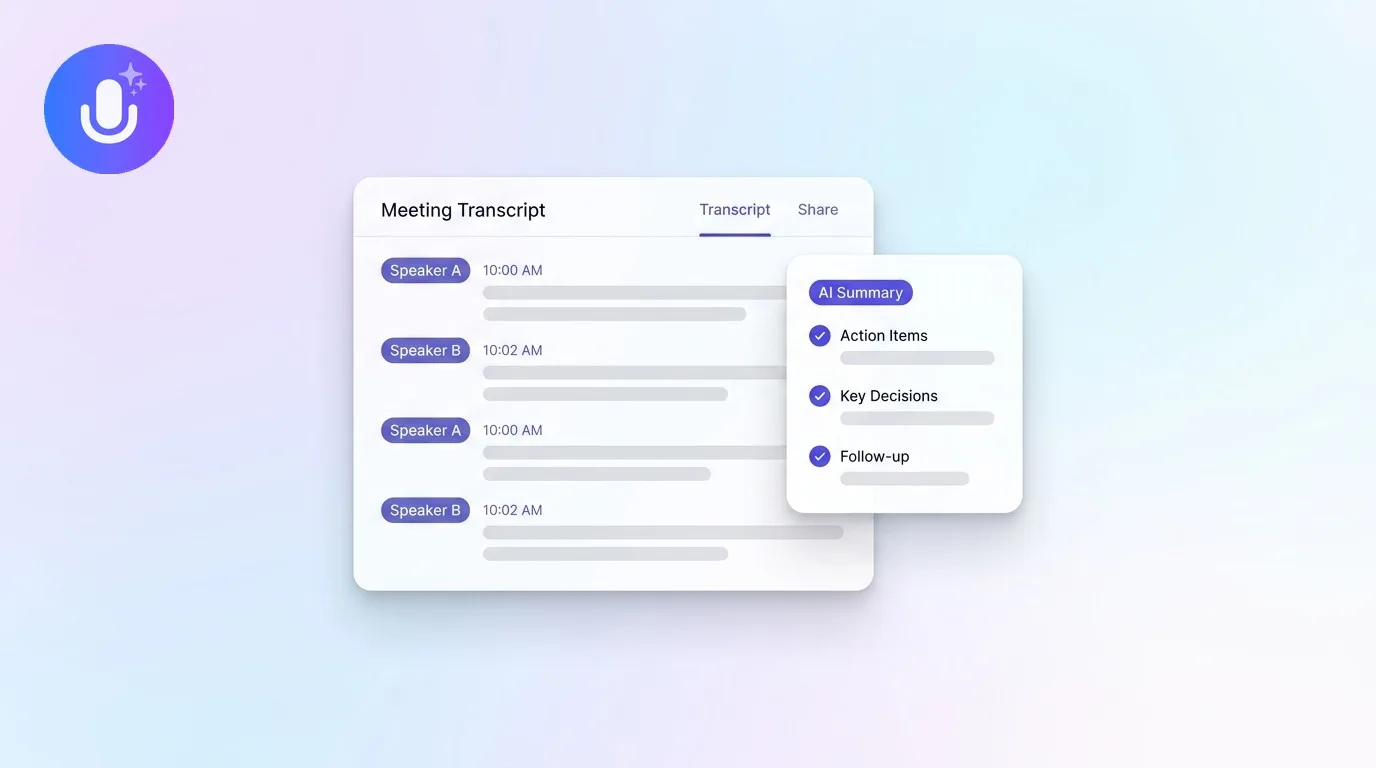
- Action items and decisions pulled into an interactive checklist you can actually work from, instead of a transcript you have to mine for commitments yourself.
- Speaker labels so you can attribute exactly what was said to which person on a multi-stakeholder call.
- A searchable archive of every call, so before the next touchpoint you can pull up exactly what was discussed instead of skimming a two-line note from three weeks ago.
- Ask AI to query a call directly: ask what objections came up, or what the prospect said about their current tooling, without re-listening to the recording.
The honest note on CRMs
CraftNote does not push notes into Salesforce, HubSpot, or other CRMs automatically, its integrations are calendar sync for meeting context, not CRM writes. In practice you export the recap as PDF, Word, or plain text, or copy the action items into your CRM by hand. If automatic CRM sync is a hard requirement for your stack, factor that in before you commit. If what you actually want is accurate, bot-free call capture and a clean recap you can trust enough to file yourself, CraftNote fits well, the manual step is copying a summary in, not reconstructing what was said from memory.
Where the recap actually saves time
The obvious use is the follow-up email, and it is genuinely faster to write when you're pulling exact commitments from a transcript instead of your notes app. But the bigger save shows up in forecast reviews and deal handoffs. When a manager asks what's blocking this deal, pulling up the actual language the prospect used about budget approval is a stronger answer than a paraphrase from memory, and when a deal changes hands, a rep goes on leave, an account moves to a different territory, the new owner can read the actual call history instead of getting a five-minute verbal handoff and hoping nothing important got left out. A consistent action items template makes that handoff faster still, since the next steps are already pulled out in a predictable format rather than buried differently in every rep's notes.
Objective notes vs. optimistic notes
Every sales org has a version of the same problem: reps write hopeful notes. "Strong interest, likely to close this quarter" shows up in the CRM after a call where the prospect actually said they'd "think about it and circle back after the budget cycle," not because the rep is lying, but because it's hard to separate what was said from what you're hoping happens next, especially on a deal you've been chasing for months. A transcript doesn't have that bias. It records the prospect's actual hedge, not the rep's optimistic summary of it, which makes the forecast built on top of it more honest, even when that's an uncomfortable thing to look at in a pipeline review.
What's free and what needs Pro
The free plan covers 10 uploads/imports and 2 hours of recording per week, which is enough to try CraftNote across a handful of calls. A rep with a full calendar of calls will want Pro ($9.99/month, or $8.33/month billed annually): unlimited recaps, recordings up to 4 hours, speaker labels, bot-free recording, and Ask AI. For a sales team, the Team plan ($15/user/month, or $12/user/month billed annually) shares call notes across the team with admin controls, so a manager can review calls without asking each rep to forward them individually.
Frequently Asked Questions
Does CraftNote sync sales calls to my CRM?
Not automatically. CraftNote captures and summarizes the call; you export the recap or copy the action items into your CRM. Its integrations cover calendar sync for meeting context, not CRM writes.
Can I record a sales call without a bot joining?
Yes, on Mac and Chromium browsers CraftNote records the call's audio directly. On mobile or other browsers you can send an optional bot instead.
Does it capture next steps and commitments?
Yes. CraftNote pulls action items and decisions into an interactive checklist, and labels speakers so you can see who committed to what, especially useful on calls with multiple stakeholders.
Can I search past calls before a follow-up?
Yes. Every call is stored in a searchable archive, so before a follow-up touchpoint you can pull up exactly what was discussed instead of relying on a short note written weeks earlier.
Does CraftNote work on calls with multiple people on the prospect's side?
Yes. Speaker diarization separates who said what, and you can rename generic labels to actual names, which matters when different stakeholders on the same call have different levels of buying authority.
Related reading
Turn this into action with CraftNote
Record meetings and lectures, then get AI transcripts, summaries, and action items.
Try CraftNote free