Short answer: On Android, the best AI note taker depends on what you need. CraftNote is a full native Android app: record in person or upload, and get a transcript plus a summary with action items in 100+ languages, synced with web and iOS. Otter and Notta also have solid Android apps for meeting transcription. Google Recorder is free and great for on-device voice-to-text on Pixel, but it's less focused on structured summaries and action items.
← Back to Blog
Best AI Note Taker for Android (2026)
A lot of "AI note takers" are really Zoom bots or Mac-first desktop tools, so Android users get a stripped-down companion, or nothing at all. Here are the ones that genuinely work as native Android apps in 2026, and what each is best at.
| App | Android app | How it captures | Best for |
|---|---|---|---|
| CraftNote | Native (+ iOS, web) | Bot, record (offline), or upload | Full AI note-taking on your phone |
| Otter | Yes | Record or bot; real-time | Live meeting transcription |
| Notta | Yes | Record or import files | Multilingual transcription |
| Google Recorder | Yes (Pixel) | On-device recording | Free raw voice-to-text |
| Granola | Limited (Mac-first) | Desktop-centric | Mac users, not Android-first |
What "Native Android" Actually Gets You
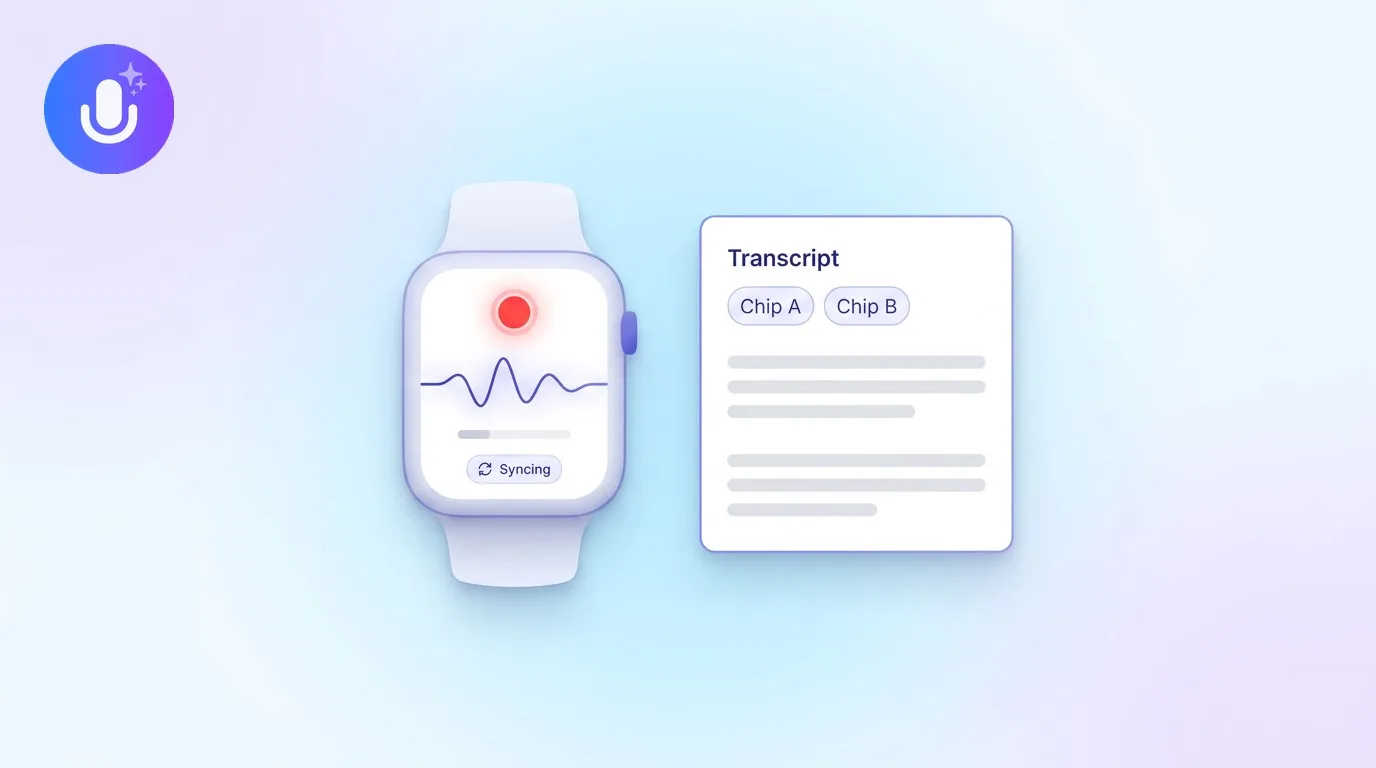
A true native app means you can record straight from your phone, even offline, share audio, video, or a PDF to it from almost any app, and never need a laptop to get a clean note back. With CraftNote, whatever you capture on Android syncs to the web and iOS, so you can start a recording in a meeting and finish reviewing the summary at your desk.
CraftNote on Android
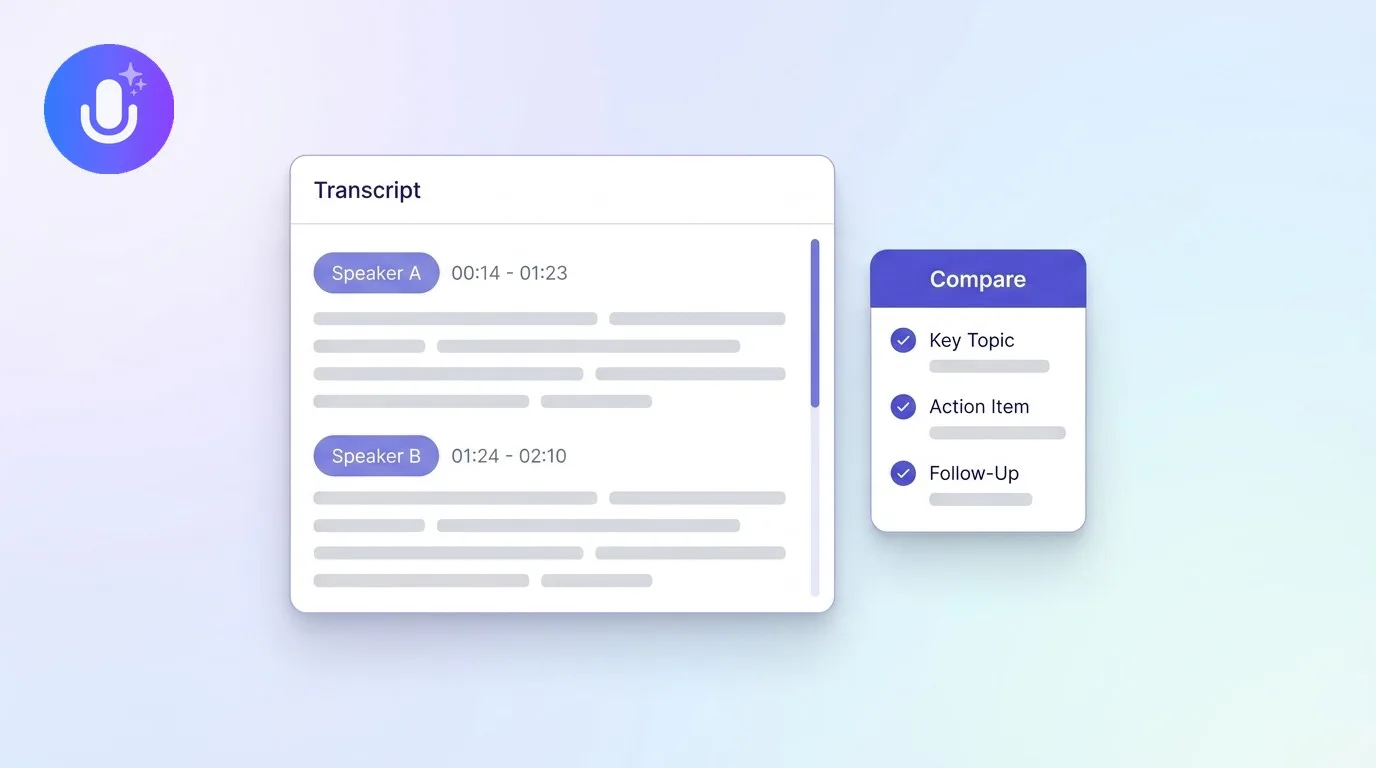
The loop is simple: record a meeting, lecture, or voice memo (or upload an existing file or a YouTube link), and CraftNote transcribes it with speaker labels and generates a summary with action items and decisions. You can translate the note into 100+ languages, ask it questions, and export to PDF or DOCX. There's a free tier (5 AI notes and 5 recording hours a month) to try it, and recordings are encrypted and kept out of AI training.
When Another App Fits Better
On a Pixel and you just want a fast, free transcript with no summary? Google Recorder is hard to beat. Every meeting on Zoom or Teams and you want deep CRM and workflow automation? Otter or Fireflies. Need a rare language transcribed? Notta's language support is strong. CraftNote is the pick when you want the full record-to-structured-notes flow living natively on your Android phone.
Common Questions
What is the best AI note taker app for Android?
For a full native experience, CraftNote is a strong pick: you record on your phone or upload a file and get a transcript plus a summary with action items, in 100+ languages, synced across web and iOS. Otter and Notta also have capable Android apps for transcription, while Google Recorder is best for simple, free on-device voice-to-text on Pixel.
Is there a free AI note taker for Android?
Yes. CraftNote has a free tier with 5 AI notes and 5 recording hours a month. Otter offers 300 free minutes a month, and Google Recorder is free on Pixel for recording and transcription. The free tiers differ in what you get: CraftNote's gives you structured summaries, not just a raw transcript.
Can I record and transcribe offline on Android?
Recording works offline in CraftNote, so you can capture audio without a connection. Transcription and AI summaries run once you're back online. If an upload fails, the recording is saved on your device and can be processed later. Google Recorder does on-device transcription on Pixel, so it can transcribe without a connection too.
Does CraftNote sync between Android and web?
Yes. CraftNote works across Android, iOS, and the web, and your notes sync across all three. You can record on your phone and then read, search, or ask questions about the note from a browser later, which is useful when you move from a meeting to your desk.
See plans on the pricing page, or check supported file types and features in the FAQ.
Related reading
Turn this into action with CraftNote
Record meetings and lectures, then get AI transcripts, summaries, and action items.
Try CraftNote free