Short answer: Otter.ai is the most established AI note taker on the market: mature live transcription, AI chat across your meeting history, and team features that have had years to bake. The fine print is where decisions get made: the free plan caps conversations at 30 minutes and allows just 3 file imports for life, Pro costs $16.99/month per seat, and the product remains built around meetings first. Great pick for established, meeting-heavy teams; less so for anyone who needs generous free limits, in-person capture, or one price that doesn't multiply per seat.
← Back to Blog
Otter.ai Review 2026: Strengths, Fine Print, and Who It's Really For
Before anything else, the disclosure: we build CraftNote, a competing AI note taker. This review is the one we'd want to read ourselves: Otter's real strengths stated plainly, every number pulled from Otter's own published pricing as of August 2026, and the limitations framed so you can decide, not so we win. Check Otter's site before you buy; prices move.
What Otter actually is in 2026
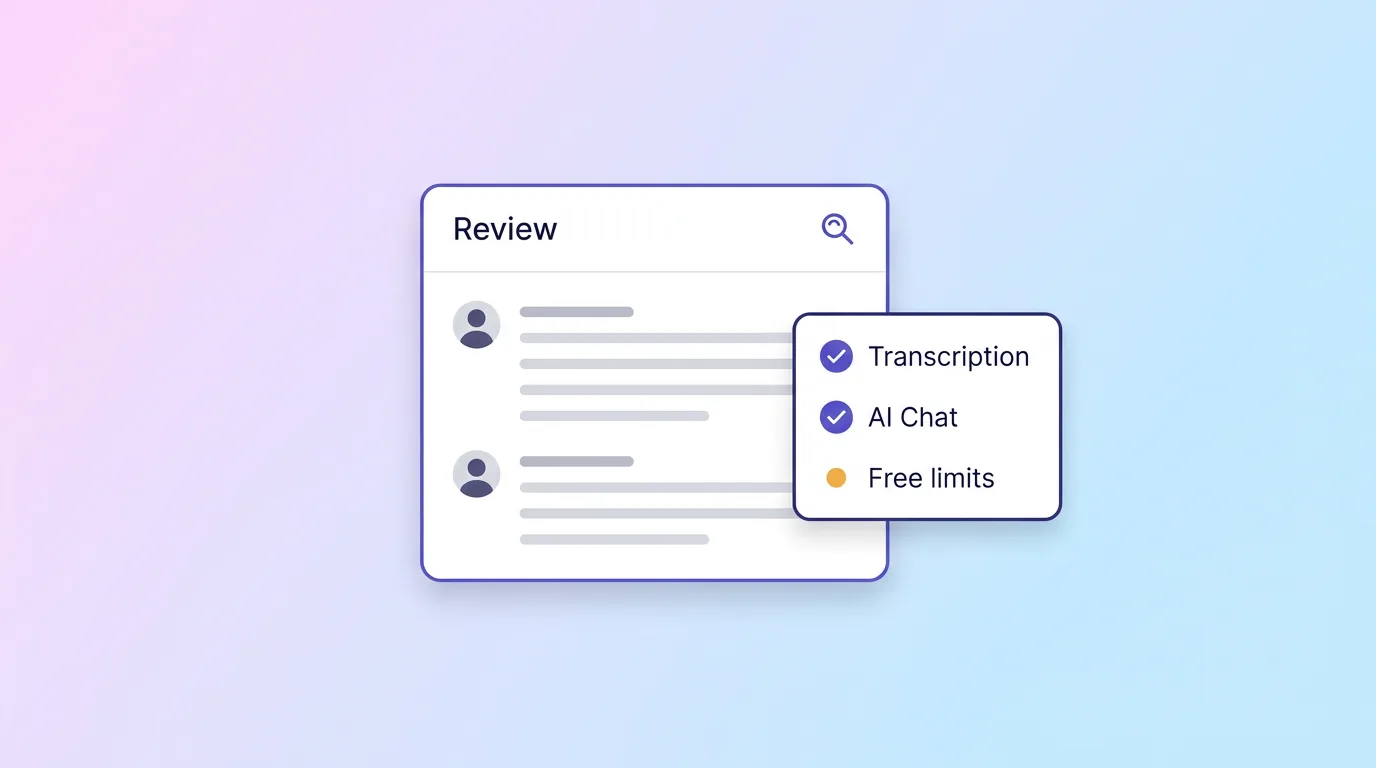
Otter has been transcribing meetings since before "AI note taker" was a category, and it shows, in good ways and occasionally in dated ones. The core loop: an AI meeting agent joins your Zoom, Google Meet, or Teams call, produces a live transcript with speaker recognition, then turns it into summaries, decisions, and action items. Around that loop Otter has built real workflow depth: channels that organize meetings by team or project, automatic action-item assignment, CRM handoffs for sales teams, and an AI chat that answers questions across your entire meeting history.
Two things have changed recently that most older reviews miss. First, Otter now offers a desktop app for bot-free recording on Mac and Windows, a clear response to the Granola-style wave, though the bot agent remains the default path. Second, live transcription now supports multiple languages, softening what used to be a firmly English-first product.
Pricing, from Otter's own page
| Plan | Price | Monthly minutes | Per conversation | File imports |
|---|---|---|---|---|
| Basic (Free) | $0 | 300 min | 30 min | 3 (lifetime) |
| Pro | $16.99/user/mo ($8.33 annual) | 1,200 min | 90 min | 10/month |
| Business | $30/user/mo ($19.99 annual) | 6,000 min | 4 hours | Unlimited |
| Enterprise | Custom | Custom | Custom | Unlimited |
Read that free-import number again: three audio or video file uploads, ever, not per month. If your workflow involves uploading recordings (voice memos, lecture files, interviews), the free plan effectively rules itself out after your first week. The 30-minute conversation cap means most real meetings get cut mid-sentence. Otter's free tier is a demo of the product, not a plan you can live on. That's a legitimate strategy, but worth knowing before you build habits around it.
Where Otter genuinely leads
Maturity. Years of transcribing millions of meetings show up as reliability: the live transcript is fast and stable, speaker recognition is solid, and the mobile + web + Chrome extension coverage is complete. AI Chat across meetings is quietly one of its best features: asking "what did we decide about the Q4 budget?" across months of meetings works, and works well. Team plumbing (channels, shared workspaces, CRM pushes, concurrent-meeting coverage on Business) is deeper than most younger rivals'. If your company already runs on scheduled video calls and wants one system of record for them, Otter is a safe, proven choice.
The fine print that changes decisions
Per-seat math. $16.99/user/month is reasonable alone and expensive at team scale: five people on Pro is ~$85/month, and the features teams actually want (4-hour meetings, unlimited imports) live on the $30/user Business tier.
The bot is still the default. The new desktop app is real progress, but the product's center of gravity remains the meeting agent that joins calls, visible to every participant, occasionally blocked by hosts, and the reason "remove Otter from my meeting" is a support-article genre. If your conversations happen in person, in a car, or at a kitchen table, a meeting-agent-first tool is the wrong shape.
Meetings first, everything else second. Otter is built around the scheduled call. Lectures, voice memos, uploaded interviews, phone conversations: all possible, all clearly second-class citizens (see: 3 lifetime imports on free, 10/month on Pro).
Who should pick Otter
Meeting-heavy teams on Zoom/Meet/Teams that want a mature, US-market-proven system of record; sales orgs that want transcripts flowing into a CRM; anyone whose week genuinely is back-to-back scheduled calls and who has budget for per-seat pricing.
Who should look elsewhere
If you record life, not just meetings (lectures, in-person client conversations, voice memos, uploaded files), or you want a free plan you can actually live on, the shape is wrong. CraftNote's free plan includes 2 hours of recording and 10 uploads per week (not per lifetime), records bot-free from your phone or desktop, and Pro is $9.99/month flat, about 40% less than Otter Pro per seat. For the direct matchup, see CraftNote vs Otter; for the whole field, our 2026 note-taker comparison.
Frequently Asked Questions
Is Otter.ai free?
There's a free Basic plan: 300 transcription minutes per month, a 30-minute cap per conversation, and 3 audio/video file imports for the lifetime of the account. It works as an extended demo; regular users outgrow it quickly.
How much does Otter.ai cost?
Pro is $16.99/user/month (or $8.33/user/month billed annually); Business is $30/user/month ($19.99 annual) with a 6,000-minute monthly allowance and 4-hour meetings; Enterprise is custom. All figures from Otter's published pricing as of August 2026.
Does Otter.ai join meetings as a bot?
By default, yes: an AI meeting agent joins your Zoom, Google Meet, or Teams call as a visible participant. Otter also now offers a desktop app for bot-free recording on Mac and Windows, though the agent remains the primary workflow.
What languages does Otter.ai support?
Otter now advertises live transcription with multi-language support, a change from its historically English-first positioning. If multilingual capture is central to your work, test your specific languages before committing, since coverage and quality vary by tool.
What's the best Otter.ai alternative?
Depends on what's missing for you: CraftNote for bot-free capture across phone and desktop with a livable free plan ($9.99/mo Pro), Granola for a Mac-native typed-notes workflow, Fathom for a generous meeting-bot free tier. Our comparison guide walks through all of them.
Related reading
Turn this into action with CraftNote
Record meetings and lectures, then get AI transcripts, summaries, and action items.
Try CraftNote free