Short answer: For consultants, the right AI note taker records client calls without disrupting them, turns each one into a clean recap with action items, and keeps a searchable record of billable conversations. CraftNote does this bot-free on Mac and Chromium browsers or with an optional bot on any device, transcribes in 100+ languages, and works offline, so a flight or a dead zone doesn't cost you a set of notes.
← Back to Blog
AI Note Taker for Consultants: Capture Every Client Call
Four calls, one afternoon, zero typing
A typical Tuesday for an independent consultant is three client calls and a status update, back to back, with maybe ten minutes between each to reset. On the second call, the client mentions a scope change almost in passing, "actually, let's also cover the vendor migration," and if you're the one taking notes while also asking the follow-up questions that a good consultant should be asking, that detail is exactly the kind of thing that gets missed. Then the call ends and you're expected to move straight into the next one, with no real gap to write anything up while it's fresh.
The version of this day that works better: the calls get recorded in the background, and between the second and third call you glance at a generated recap that already has the scope change flagged as an action item. You forward it to the client before the third call even starts. Nothing got lost in the gap between the client saying it and someone writing it down, because there wasn't a gap.
What consultants actually need
Consulting runs on client conversations, and the notes from those calls become deliverables, follow-ups, and the record of what was agreed, often the only record, since consulting relationships rarely come with the kind of formal minute-taking a board meeting gets. A good AI note taker lets you stay present on the call instead of typing, then hands you a recap you can send within minutes, with the decisions and next steps already pulled out rather than buried in a transcript. Discretion matters too: on a call with a client's leadership team, having a visibly named bot join the meeting can read as unprofessional in a way that a recruiter or salesperson's tool choice usually doesn't. Consultants are often the outside expert in the room, and the optics of the tools they use are part of the impression they leave.
How CraftNote fits a consulting workflow
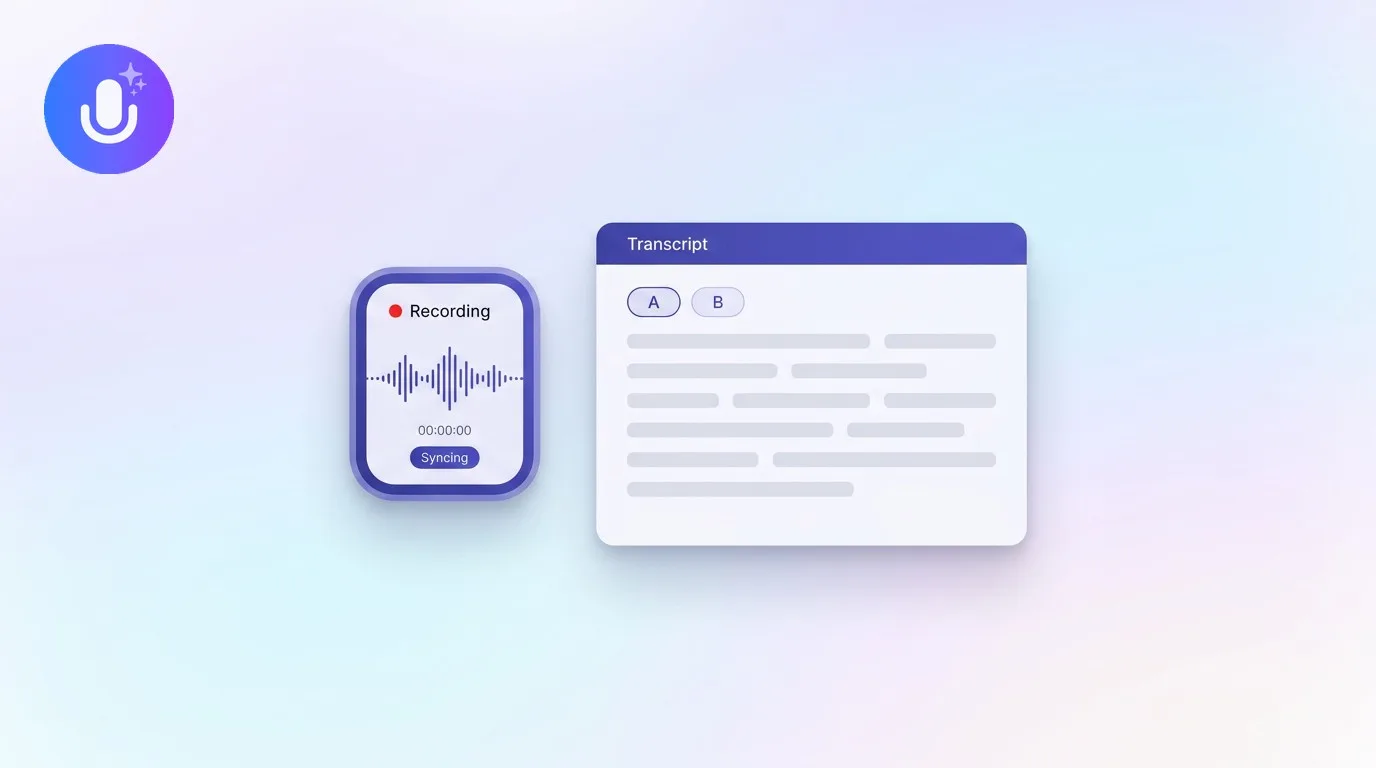
- Bot-free capture on Mac and Chromium browsers, so nothing joins the client call as a visible participant, or an optional bot when you're on mobile or can't personally attend.
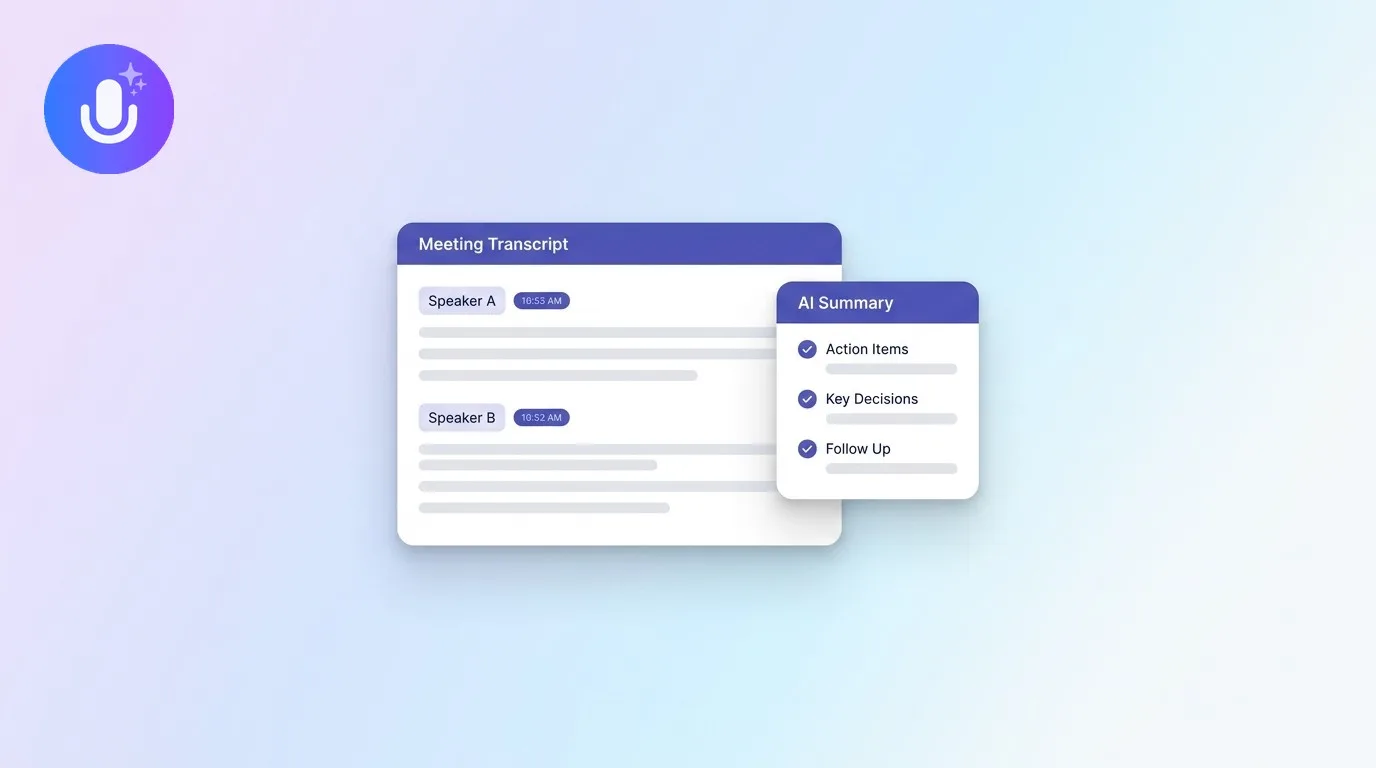
- Clean recaps: a structured summary with key points and an action-item checklist, ready to send rather than requiring you to write one from a transcript.
- Multilingual: transcribes and, on the Pro plan, translates in 100+ and 80+ languages respectively, for engagements with international clients or subsidiaries.
- Offline recording, so a call taken from an airport lounge or a client site with bad signal still gets captured, syncing once you're back online.
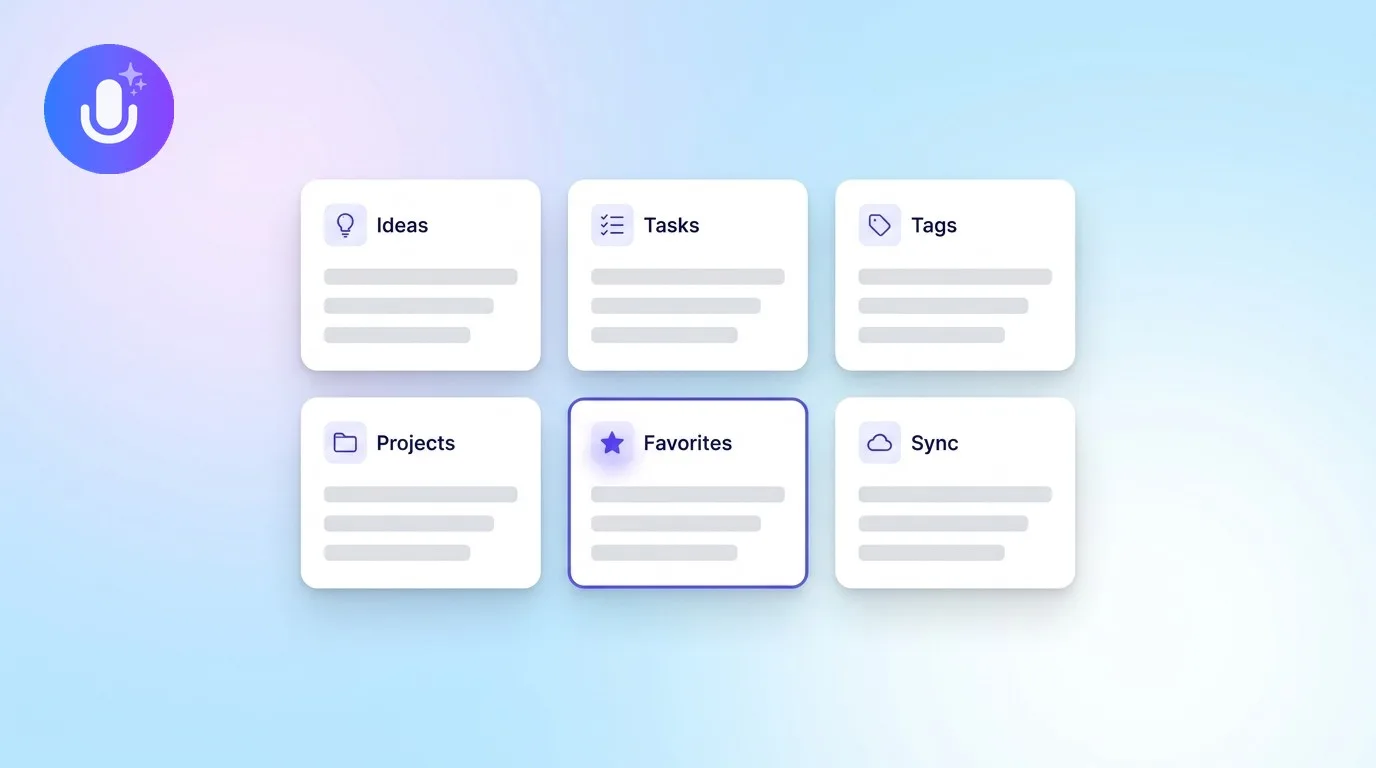
- A searchable archive across every engagement, so if a client asks six months later whether you already discussed this in March, you can actually check.
- Ask AI to query your own call history: pull every mention of a specific risk the client raised, or get a quick refresher before a follow-up call without re-reading the whole transcript.
Turning a recap into a deliverable
The value of the recap is what happens after the call. Export it to PDF or Word and it becomes something you can attach directly to a project status doc or a client-facing update, instead of retyping the same decisions into a separate deliverable. Over the course of a longer engagement, that turns into a running record you can hand off cleanly, useful if a second consultant joins the account partway through, or if the client's point of contact changes and the new person needs to get up to speed on six months of decisions without a two-hour catch-up call. A consistent meeting notes template and a running action items template give the recap somewhere structured to land instead of a loose pile of PDFs.
When scope creep needs a paper trail
Scope disputes are one of the most common friction points in consulting, and they're almost always a "he said, she said" problem by the time they surface: the client remembers agreeing to something narrower than what actually got discussed, or the consultant remembers a verbal green light that was never written down. A timestamped transcript settles that argument before it becomes one. If a client pushes back on an invoice line item three weeks later, being able to point to the exact call where the additional work was requested, in their own words, not a paraphrase, turns a defensive conversation into a five-minute clarification. It's a small thing until the one time it isn't, and then it's the difference between an awkward invoice dispute and a quick email with a quote attached.
Keeping it professional
Client conversations often include information the client would not want repeated: strategy, org changes, numbers that aren't public yet. CraftNote stores data on EU servers, encrypts it, and doesn't use call content to train AI models, and notes are private by default. That's a reasonable baseline for day-to-day client work, though for engagements under a specific NDA or client security requirement, it's worth checking that requirement directly rather than assuming any tool satisfies it automatically.
What's free and what needs Pro
The free plan (10 uploads/imports and 2 hours of recording per week, calendar sync, 100+ language transcription) is enough to trial CraftNote on a couple of client calls. A consultant running multiple calls a day will want Pro ($9.99/month, or $8.33/month billed annually): unlimited recaps, recordings up to 4 hours for longer workshops, bot-free recording, translation into 80+ languages, and Ask AI. If you're part of a small consultancy, the Team plan ($15/user/month, or $12/user/month billed annually) shares notes across the firm so a partner can review an associate's client call without a separate handoff meeting.
Frequently Asked Questions
Can I record a client call without a bot joining?
Yes, on Mac and Chromium browsers CraftNote records the call's audio directly, so nothing joins the meeting as a visible participant. On mobile or other browsers you can send an optional bot instead.
Does it work for calls in other languages?
Yes. CraftNote transcribes in 100+ languages with automatic detection, and Pro subscribers can translate notes and transcripts into 80+ languages, so international client calls can be summarized in the language you prefer.
Can I send a recap right after the call?
Yes. When the call ends, CraftNote generates a structured summary with action items that you can export to PDF or Word and send within minutes, rather than writing a recap up from scratch.
Can I search across past client engagements?
Yes. Every recorded call is stored in a searchable archive, so you can look up what a specific client said months ago instead of digging through old email threads or a shared drive.
Does CraftNote work offline?
Yes. It records locally when you don't have a connection, on a flight, or at a client site with poor signal, and transcribes and syncs once you're back online.
Related reading
Turn this into action with CraftNote
Record meetings and lectures, then get AI transcripts, summaries, and action items.
Try CraftNote free