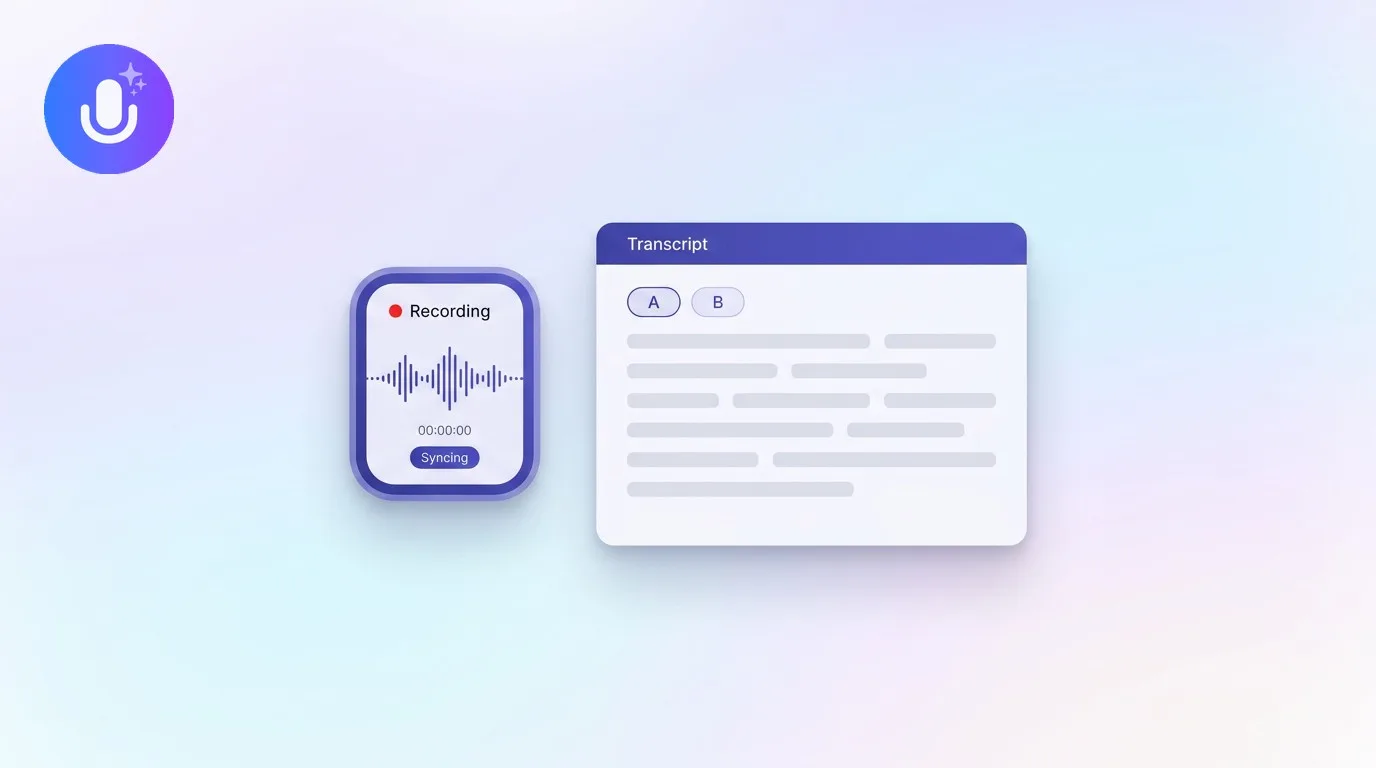
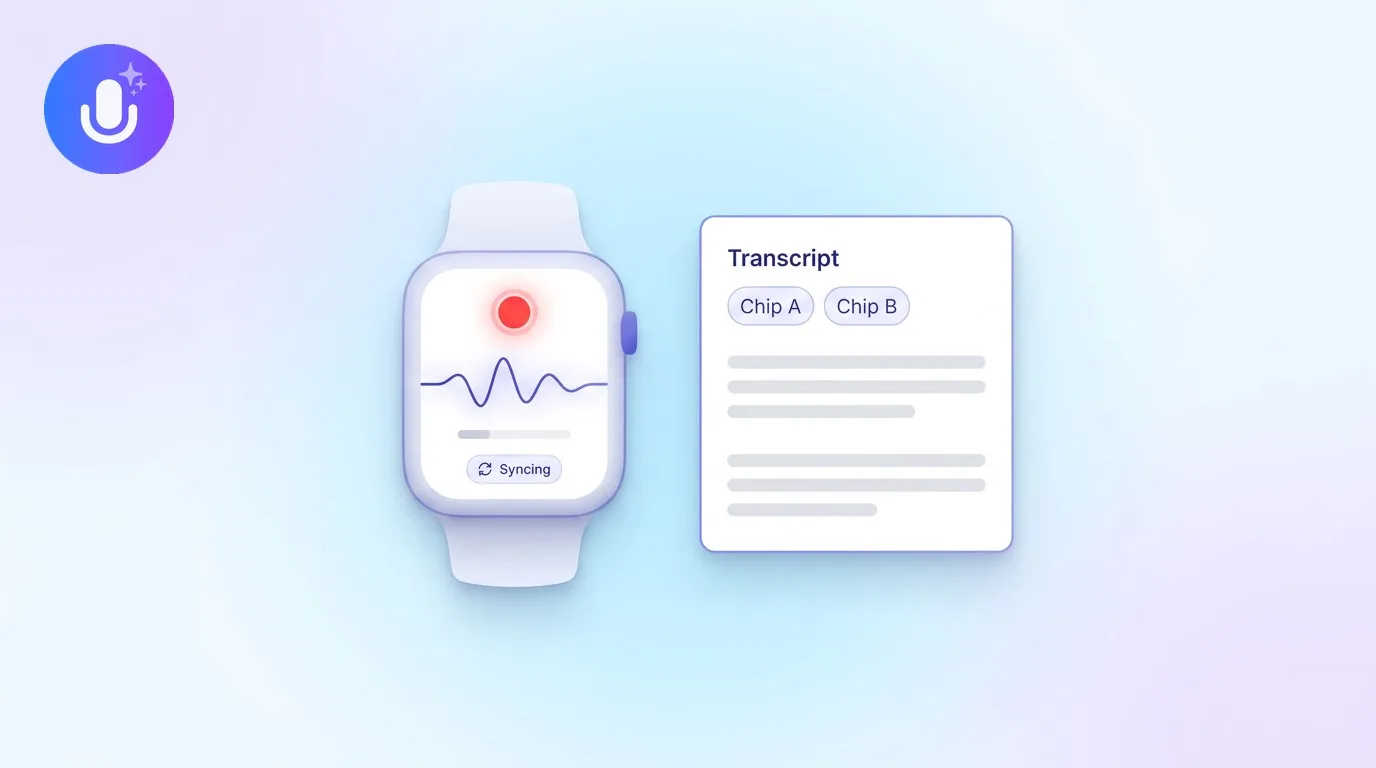
Short answer: For recruiters, the right AI note taker records interviews accurately, labels who said what, and turns each conversation into structured notes you can compare across candidates later. CraftNote does this bot-free on Mac and Chromium browsers or with an optional bot on any device, transcribes in 100+ languages, and keeps a searchable archive so you're comparing what candidates actually said, not what you remember them saying.
← Back to Blog
AI Note Taker for Recruiters: Capture Interviews Accurately
Six interviews, one afternoon
A panel day is six back-to-back 45-minute interviews, and by the fourth one, candidate two and candidate four start to blur together in your head. You're trying to run a consistent process, ask the same behavioral questions, listen for how each answer actually lands, and take notes good enough to defend a hiring decision in a debrief, all while the next candidate is already in the waiting room. Something has to give, and it's usually the notes: a few bullet points, a gut-feel rating, and a vague memory of "the one with the good storytelling example," which isn't much to build a fair comparison on a week later when the hiring manager asks you to justify the ranking.
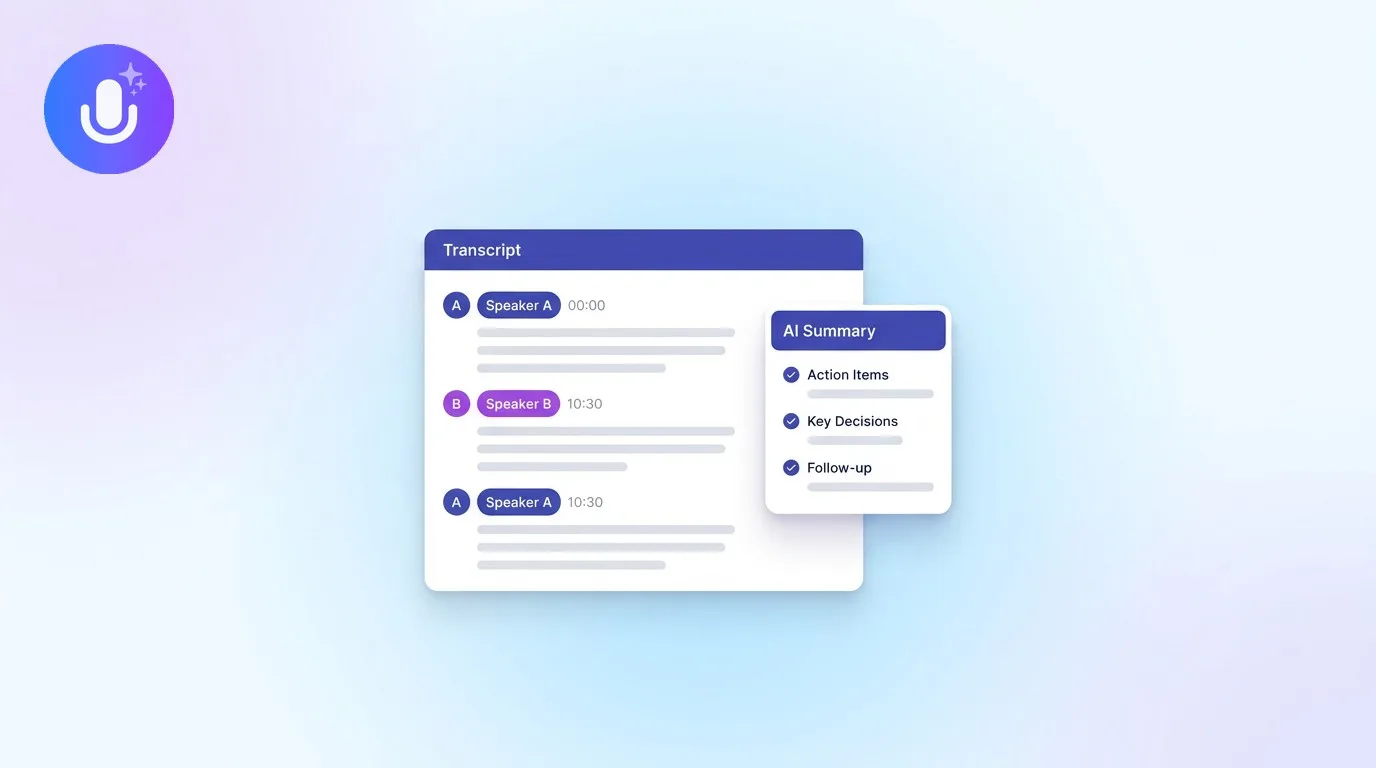
Recording the interview and getting it back as a transcript with speakers separated changes what a debrief looks like. Instead of reconstructing an answer from memory, you can pull up exactly what the candidate said about the failed project, word for word, and compare it directly against what candidate two said to the same competency question. That's a different, more defensible kind of hiring decision than "I think candidate four was stronger."
What recruiters need from a tool like this
Interviews are hard to run and take detailed notes in at the same time, and the notes matter because you compare candidates on them later, sometimes weeks after the actual conversation. A good AI note taker captures the interview so you can stay present with the candidate, gives you an accurate transcript with speakers labeled so you know who said what, and turns it into structured notes rather than a wall of raw text. Being able to search across every interview you've run this quarter, not just the one open on your screen, is what makes comparisons fair instead of impressionistic.
How CraftNote fits a recruiting workflow
- Accurate transcripts with speakers separated, so you can attribute answers correctly instead of guessing which candidate said what days later.
- Bot-free capture on Mac and Chromium browsers, so nothing visibly joins a remote interview, or an optional bot for interviews on other devices and browsers.
- Structured notes with key points and action items pulled from each interview, rather than a raw transcript you have to read end to end.
- A searchable archive across every interview, so a debrief a week later is a search, not a memory exercise.
- Ask AI to interrogate a transcript directly: ask how a candidate answered the systems-design question, or pull every answer that touched on team conflict, without rereading the whole conversation.
- 100+ languages for interviews with international candidates, so language isn't a barrier to an accurate record.
Turning a transcript into a scorecard
The transcript by itself isn't the deliverable, the comparison is. In practice that means exporting the recap to PDF or Word and dropping candidate quotes directly into a scorecard next to the competency they're meant to demonstrate, instead of paraphrasing from memory during the debrief. It also means being able to go back to a candidate's exact phrasing when a hiring manager pushes back on a rating: "here's what they actually said about the outage" is a stronger answer than "I remember it being pretty good." For structured formats, a scorecard template or a transcript template gives the recording somewhere consistent to land, and a behavioral question library helps keep the questions themselves consistent across candidates, which is half of what makes a comparison fair in the first place.
The same searchable archive helps outside the interview itself. A recruiter intake call with the hiring manager, where you're pinning down the actual requirements, the must-haves versus nice-to-haves, the salary band, is easy to under-document because it doesn't feel like the "real" interview. But those requirements are exactly what you'll be checking every candidate against for weeks afterward, and a recording means you're not relying on a half-remembered Slack summary from three weeks into the search. The same goes for reference checks and exit interviews: conversations that happen once, get taken from memory, and then get relied on for a decision. A recorded, searchable version of each one holds up better than notes taken while also trying to keep the conversation flowing.
Keeping candidate data protected
Interview data is sensitive by nature, it's personal information from people who haven't agreed to work with you yet. CraftNote stores data on EU servers, encrypts it, and doesn't use meeting content to train AI models, with notes private by default and any share link revocable. That matters when the folder you're building is full of other people's career histories, salary expectations, and reasons for leaving their last job. It's still worth applying your own judgment about what you record and how long you keep it, in line with your company's hiring data retention policy.
What's free and what needs Pro
The free plan covers 10 uploads/imports and 2 hours of recording per week, calendar sync, AI meeting notes and transcripts, and 100+ language transcription, workable if you're running the occasional interview. A recruiter doing several interviews a day will want Pro ($9.99/month, or $8.33/month billed annually): unlimited transcripts, recordings up to 4 hours for longer panel loops, speaker labels, Ask AI, translation into 80+ languages, and bot-free recording. For a hiring team, the Team plan ($15/user/month, or $12/user/month billed annually) adds shared notes across the team and an admin-controlled workspace, so a hiring manager can review an interview transcript without needing the recruiter to forward anything.
Frequently Asked Questions
Does CraftNote label who is speaking in an interview?
Yes. CraftNote supports speaker diarization, separating speakers automatically in the transcript, and you can rename generic labels like "Speaker 1" to the candidate's actual name to make the record easier to read. Speaker labels may not always be perfectly accurate, especially with similar-sounding voices or overlapping speech.
Can I record both in-person and remote interviews?
Yes. Record in-person interviews through the microphone, capture remote interviews bot-free on Mac and Chromium browsers, or send an optional bot to a remote call on any other device or browser.
Is candidate data protected?
Data is stored on EU servers, encrypted in transit and at rest, and never used to train AI models. Notes are private by default and any share link can be revoked.
Can I compare candidates across multiple interviews?
Yes. Every interview is stored in a searchable archive, so you can pull up a specific answer, compare phrasing across candidates, or use Ask AI to find every response to a particular competency question without rereading full transcripts.
Does CraftNote work with structured interview formats like scorecards?
CraftNote doesn't generate a scorecard automatically, but you can export a transcript or recap to PDF or Word and drop candidate quotes directly into your own scorecard or competency framework.
Related reading
Turn this into action with CraftNote
Record meetings and lectures, then get AI transcripts, summaries, and action items.
Try CraftNote free