Short answer: For lawyers, the right AI note taker captures client calls and case meetings accurately, labels who said what, and keeps that sensitive record protected: encrypted, on servers you're comfortable with, and never used to train AI models. CraftNote does this with bot-free recording, 100+ languages, speaker labels, and EU data storage. As with any tool, whether a transcript can serve as an official record, evidence, or a privileged document is a legal judgment your firm makes, not something a note-taking app determines for you.
← Back to Blog
AI Note Taker for Lawyers: Secure Meeting & Client-Call Notes
A deposition prep call, a client intake, and a status meeting
Take a fairly ordinary day for a litigation associate: a prep call with a witness ahead of a deposition, a new client intake where the facts of the matter are being laid out for the first time, and a status meeting with opposing counsel where a specific concession gets made almost in passing. In each of those, exactly what was said, and who said it, matters more than it does in most professional conversations. A paraphrase in your own notes, written while you were also asking questions and thinking two steps ahead, is a weaker record than the client's or witness's actual words, and six months later when you're preparing for trial, "I believe they said something like..." is a much worse starting point than a timestamped transcript you can quote directly.
An AI note taker doesn't change what you can do with that record legally, that's still a question for you and your firm. What it changes is whether the record exists at all in a form more reliable than memory and handwritten notes, and whether you can find the exact moment it was said months later without re-listening to hours of audio.
What lawyers need from a tool like this
- Accurate attribution: in legal conversations it matters exactly who said what, so speaker labels turn a transcript into something you can attribute a statement to, not just a wall of undifferentiated text.
- Confidentiality: client matters demand encryption, controlled access, and assurance the data isn't being used to train AI models somewhere you didn't agree to.
- Discretion: a bot visibly joining a client call or a deposition prep session can be awkward, or in some settings simply inappropriate. Bot-free capture avoids putting a third-party name in the participant list.
- Searchable records: being able to find exactly what was said, and when, across many matters, months or years later, without relying on a paralegal's memory of which recording it was in.
How CraftNote fits a legal workflow
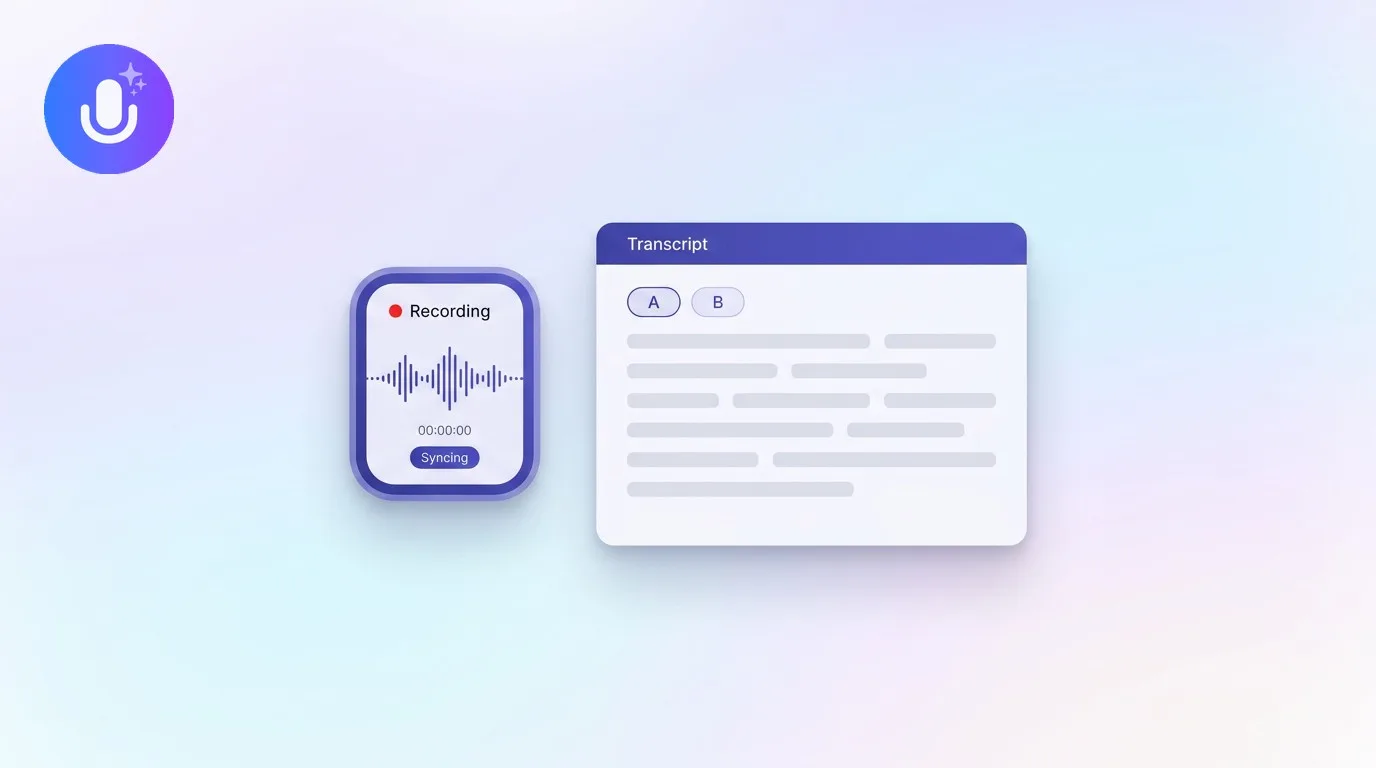
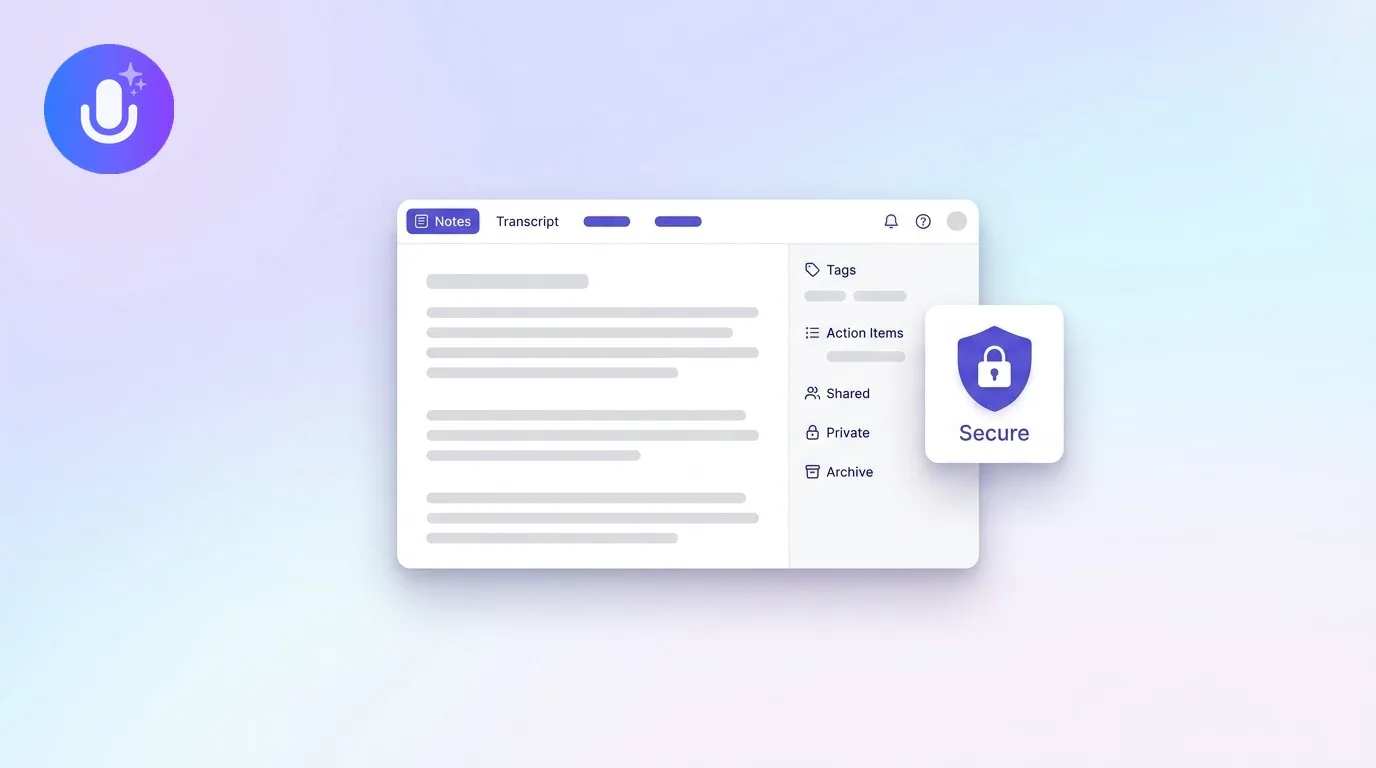
CraftNote records client calls and case meetings bot-free on Mac and Chromium browsers, so nothing joins the call as a visible participant, or with an optional bot when a call is on mobile or a browser that doesn't support direct capture. It transcribes in 100+ languages, separates speakers, and produces a structured summary with action items, so a client intake call turns into organized notes rather than a raw recording someone has to sit through later. Data is stored on EU servers in Frankfurt, encrypted with AES-256 in transit and at rest, raw audio is automatically deleted after 60 days, and meeting content is never used to train AI models. Notes are private by default, and any share link can be revoked at any time, useful when a document needs to go to co-counsel temporarily but shouldn't stay accessible indefinitely.
Where this actually saves time
The clearest win is deposition and witness-prep transcripts: being able to pull an exact quote instead of reconstructing what a witness said from memory during the actual deposition weeks later. Client meeting notes are the second: a client explaining the facts of their case for the first time is giving you information you'll refer back to for the life of the matter, and a searchable transcript means you're not relying on the three bullet points you managed to jot down while also asking clarifying questions. And a timestamped quote, the exact sentence, at the exact minute of the call, is simply a stronger thing to reference in a follow-up email or internal memo than "the client mentioned something about a prior agreement." None of that requires the transcript to be a legal record of any particular status; it's useful as your own working documentation regardless.
An honest note on compliance
CraftNote gives you a secure capture, transcription, and export layer, but it is not a substitute for your firm's judgment, and it makes no claims about meeting any specific legal-compliance or privilege standard. Whether a transcript can serve as evidence, an official record, or falls within attorney-client privilege depends on your jurisdiction, your firm's policies, and the specific facts of the matter, none of which a note-taking tool can determine. High-stakes summaries should be reviewed by a named person before anyone relies on them, and if your practice has specific data-handling or retention requirements, verify directly that CraftNote's setup meets them rather than assuming it does. For a fuller treatment of this question, see using AI meeting summaries in legal and regulated meetings.
What's free and what needs Pro
The free plan (10 uploads/imports and 2 hours of recording per week, calendar sync, 100+ language transcription) is enough to test CraftNote on a couple of client calls before committing. An attorney with a full day of client and case meetings will want Pro ($9.99/month, or $8.33/month billed annually): unlimited transcripts, recordings up to 4 hours for longer depositions or hearings, speaker labels, bot-free recording, and translation into 80+ languages for multilingual clients or witnesses. For a firm, the Team plan ($15/user/month, or $12/user/month billed annually) shares notes across associates and partners with admin-controlled access, so a matter's call history isn't locked to whoever happened to take the call.
Frequently Asked Questions
Is CraftNote secure enough for client calls?
Data is stored on EU servers in Frankfurt, encrypted with AES-256 in transit and at rest, raw audio is auto-deleted after 60 days, and nothing is used to train AI models. Whether that meets your firm's specific security or compliance requirements is a decision your firm makes, not a claim CraftNote makes on your behalf.
Can CraftNote transcripts be used as legal evidence?
Transcripts are best treated as internal documentation. Whether one can serve as evidence or official minutes depends on your jurisdiction and applicable standards, consult counsel before relying on any transcript as an official record.
Does a bot join the client call?
Not on Mac or Chromium browsers, where CraftNote records the call's audio directly. On mobile, Safari, or Firefox, an optional bot joins the call as a named participant instead.
Does CraftNote label who said what in a deposition prep or client call?
Yes, CraftNote supports speaker diarization and separates speakers automatically, with the option to rename generic labels to actual names. Speaker labels may not always be perfectly accurate, especially with overlapping speech, so review before relying on attribution in anything high-stakes.
Is CraftNote HIPAA or SOC 2 certified?
CraftNote does not currently claim specific compliance certifications, and this article makes no compliance guarantees. If a specific certification or standard is a requirement for your practice, verify it directly rather than assuming any general-purpose note-taking tool meets it.
Related reading
Turn this into action with CraftNote
Record meetings and lectures, then get AI transcripts, summaries, and action items.
Try CraftNote free